LB 9507 Chapter 4: Structure and Operation of Software
4-3
4.2.1 <MEASURE> Menu
The <MEASURE> menu offers various options for running a
measurement:
READY
MEASURE PROTOCOL -OTHERS-
SELECT TYPE OF MEASUREMENT ?
PROTOCOLS DIRECT ENTRY RATEMETER
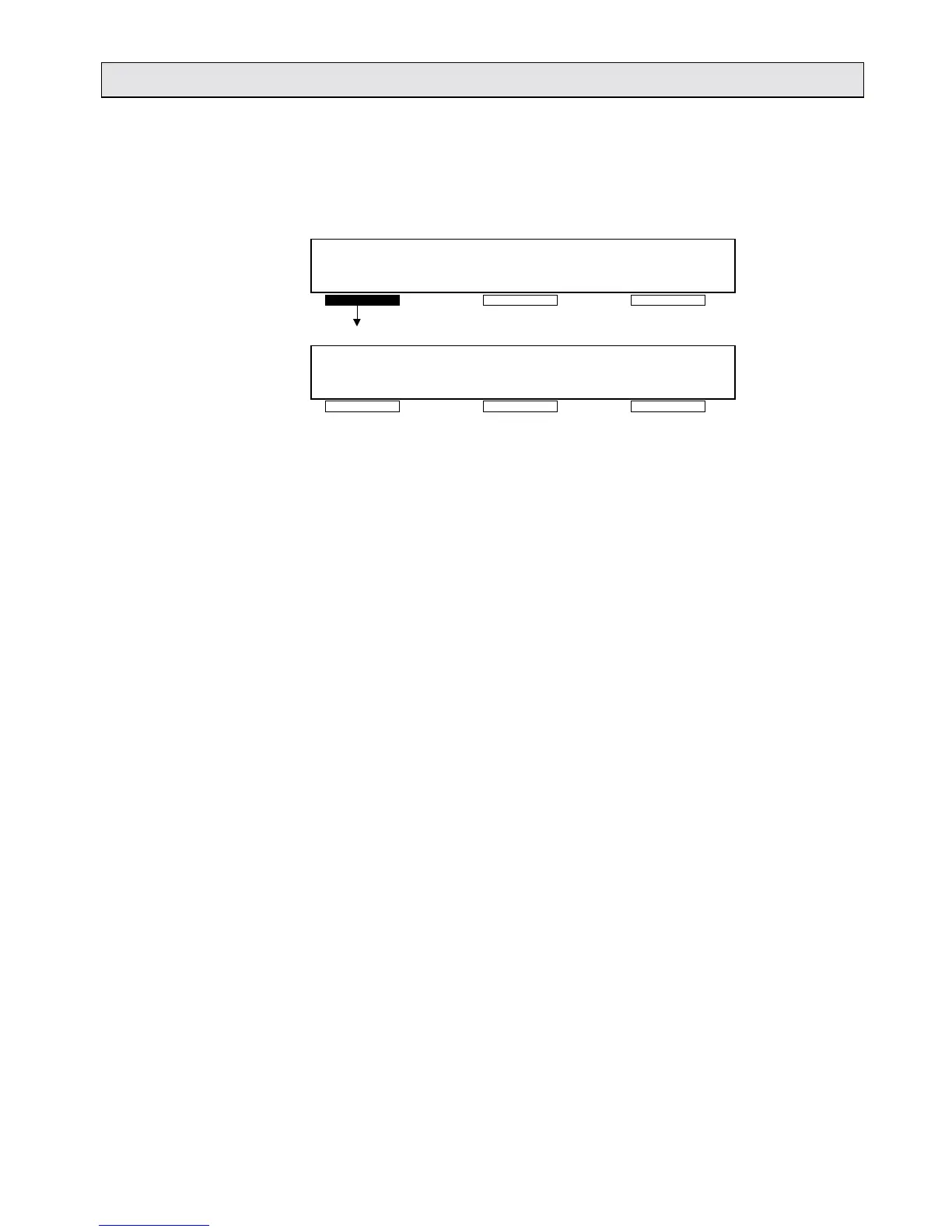
Fig. 4-2: Measurement options
<PROTOCOLS> This calls up a stored protocol which defines
the measurement mode (raw data
measurement, LIA, Cut-off, TUP/FTI, etc.) and
the parameters for the following measurement,
and starts the measurement. Depending on
the selected protocol you will be given
instructions on how to operate Lumat.
<DIRECT ENTRY>Here you can enter parameters for a raw data
measurement and then start the measurement
directly. The most recently entered parameter
set remains stored.
<RATEMETER> You can perform a continuous measurement
of any length you choose, and the
measurement intervals can be selected as
required. During the measurement, any
number of injections can be performed using
both injectors.



 To Next Page