Chapter 4: Structure and Operartion of Software LB 9507
4-2
4.2 The Six Functions of the Main Menu
You can select various functions of the main menu from the
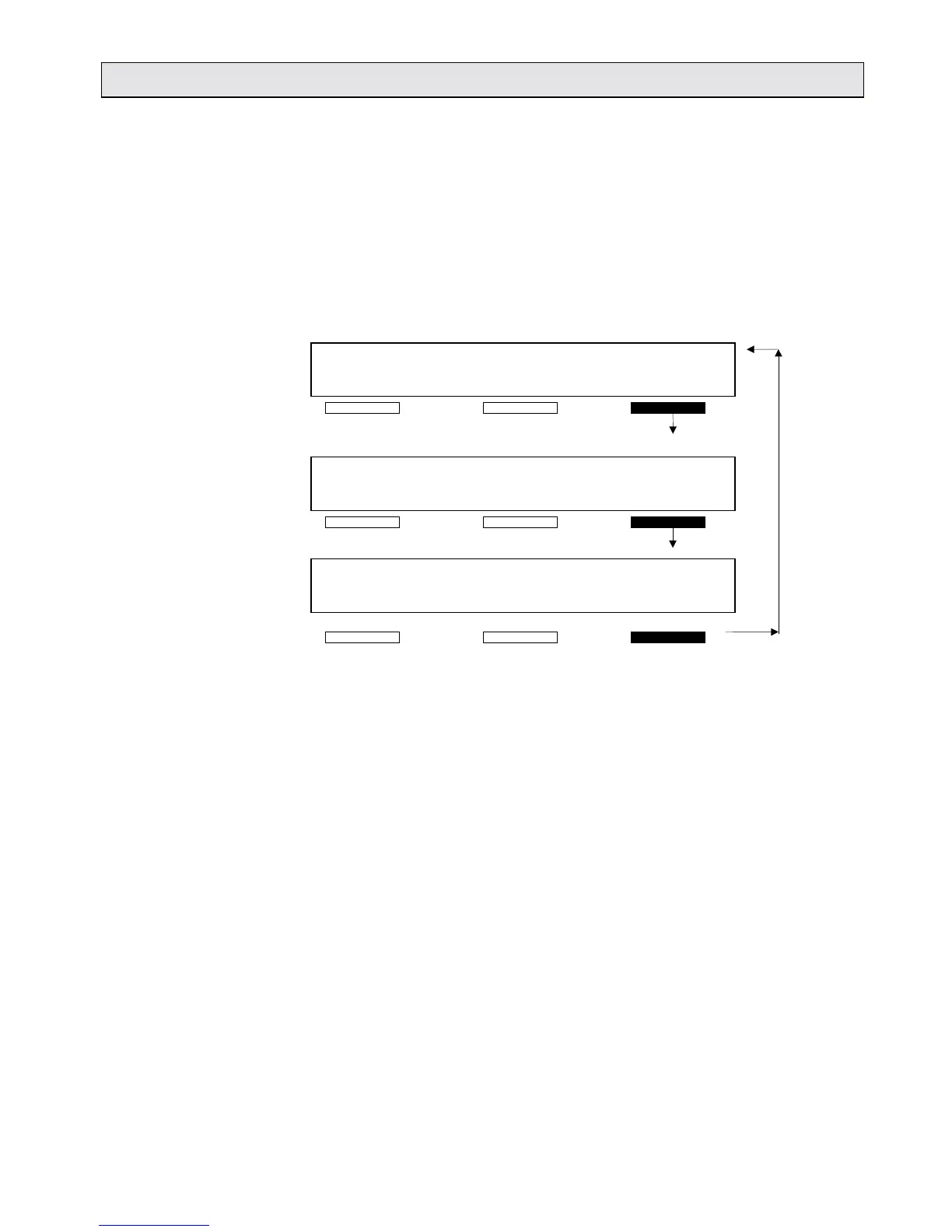
READY screen on the Lumat LB 9507. By pressing the softkey
<OTHERS> you can switch through a loop containing the various
menu displays. If no entry follows in 10 seconds, the program
automatically returns to the READY display with the
<MEASUREMENT> and <PROTOCOL> menus.
READY <DATE> <TIME>
MEASURE PROTOCOL -OTHERS-
<DATE> <TIME>
OPER. FUNCT. TURN ONCE -OTHERS-
<DATE> <TIME>
SYST. CONFIG. INSTR. PARAM. -OTHERS-
Fig. 4-2: Main menu options
Pressing the other softkeys opens the associated menus and
leads you to the options involved. The following sections provide
an overview.



 To Next Page