3-59
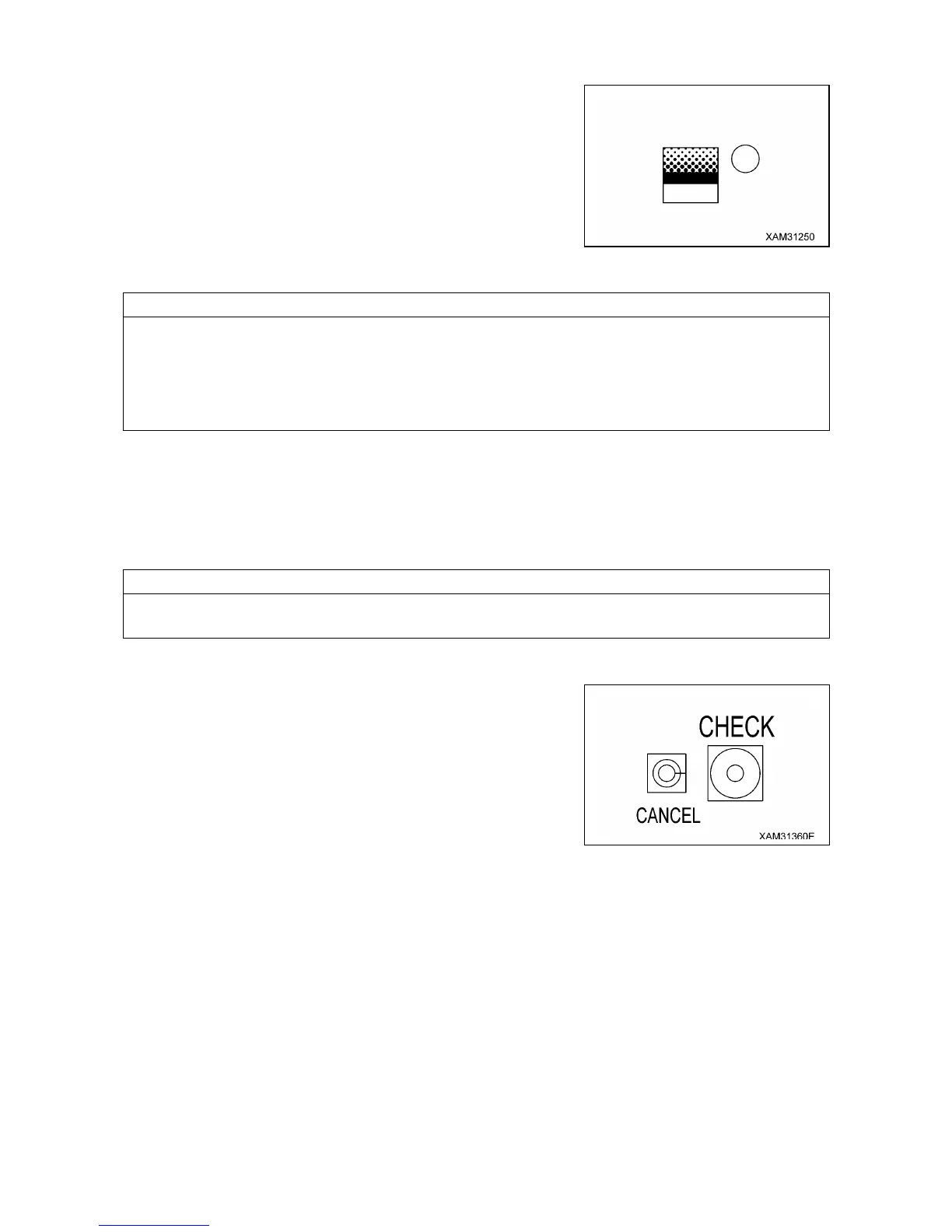
5. LIFTING HEIGHT UPPER LIMIT SWITCH AND LED (GREEN)
Use this switch to set or cancel the lifting height upper limit.
While the lifting height is restricted by detecting the height of the tip
of the boom, the lifting height on the display panel shows the lifting
height when the hook was raised to the over hoist detection status.
[SETUP]
With no upper limit value being set, set the boom to the lifting
height you would like, and press the switch for 3 seconds or more.
The lifting height at this point is set as the upper limit.
At the same time, the LED flashes indicating that the upper limit value was set.
• Be sure to verify that the boom automatically stops at the set lifting height before performing the actual
operation. If the boom does not stop automatically, re-set the lifting height using the procedure above.
• Whilst the boom is within the pre-warning zone or at the lower limit, the warning buzzer sounds
intermittently, only when the boom lowering operation is attempted.
• The limit value being set is retained in the memory even when the starter switch is turned to "OFF"
(cut).
When the boom reaches the pre-warning zone or stops at the upper limit with the lifting height upper limit
set, the lifting height upper limit LED flashes.
[CANCEL]
With the upper limit value being set (LED ON), press the switch for 3 seconds.
The current upper limit value setting will be cleared. At the same time, the LED goes off indicating that the
upper limit value setting is cleared.
The setting and canceling will not repeat even if you keep the switch pressed for more than 3 seconds or
more. Let your hand go off the switch and press the switch again.
6. CANCEL SWITCH
Use this switch to cancel the all setting sets in the section 2 to 5
above.
• Press this switch and “CHECK” switch at the same time for 5
seconds or more.
All values set in the section 2 to 5 above will be canceled.


 To Next Page