3-66
2.4.6 MOMENT LIMITER STARTING STATUS
The moment limiter checks it‟s function for approx. 3 seconds when the starter switch is turned to the ON
position.
Meanwhile,
• All the working status lamps light up.
• All the LEDs light up.
Then, if the moment limiter and the sensors are normal upon the completion of the functional check of the
moment limiter, the red and yellow of the working status lamp goes off and green of the working status
lamp lights up indicating that the machine is ready for use.
If the red of the working status lamp does not go off after completing the functional check of the
moment limiter, be sure to contact us or our sales service agency.
2.4.7 MOMENT LIMITER WORKING ENVELOPE SETTING
• The boom may go beyond the set value when operated at high speed even if the working
envelope was restricted by the moment limiter. Be sure to set the working envelope with safe
distance from obstacles. Operate the crane at low speed.
• Be sure to verify that the boom stops at the set position after setting the boom working
envelope.
If the boom working envelope is limited due to working space issue, you can set the boom working
envelope to the desired value.
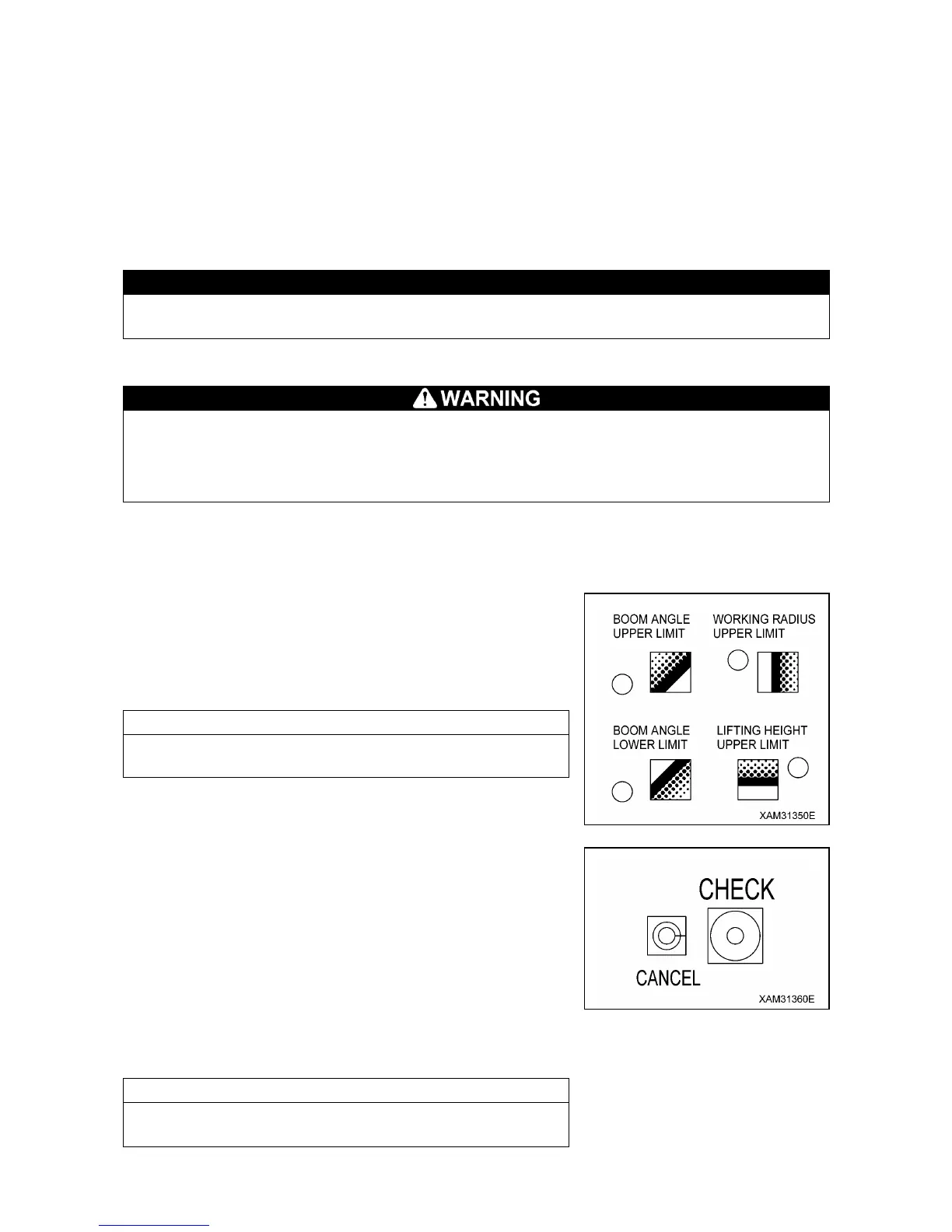
[1] SETTING WORKING ENVELOPE
Operate the boom to the limit of the working envelope you would
like to restrict, and press the appropriate SETUP/CANCEL switch
for 3 seconds or more.
You can set that limit value.
At the same time, the LED above the appropriate switch lights up.
The last status of the set value has been held in memory even if
the starter switch is turned to the “OFF” position.
[2] CANCELING WORKING ENVELOPE SETTING
• Press and hold the CANCEL switch and CHECK switch at the
same time for 5 seconds or more.
All the set working envelope restrictions are canceled.
At the same time, the LED above all the working envelope limit
switches goes off to complete the cancellation of the settings.
• Press the SETUP/CANCEL switch of the item which restriction
you would like to cancel for 3 seconds or more.
The set value of only the selected item can be canceled.
At the same time, the LED above the switch goes off to complete
the cancellation of the setting.
See “Operation 2.4.4 [1] Descriptions of Switches on Moment
Limiter Display Unit” for how to set limit on the working envelope.



 To Next Page