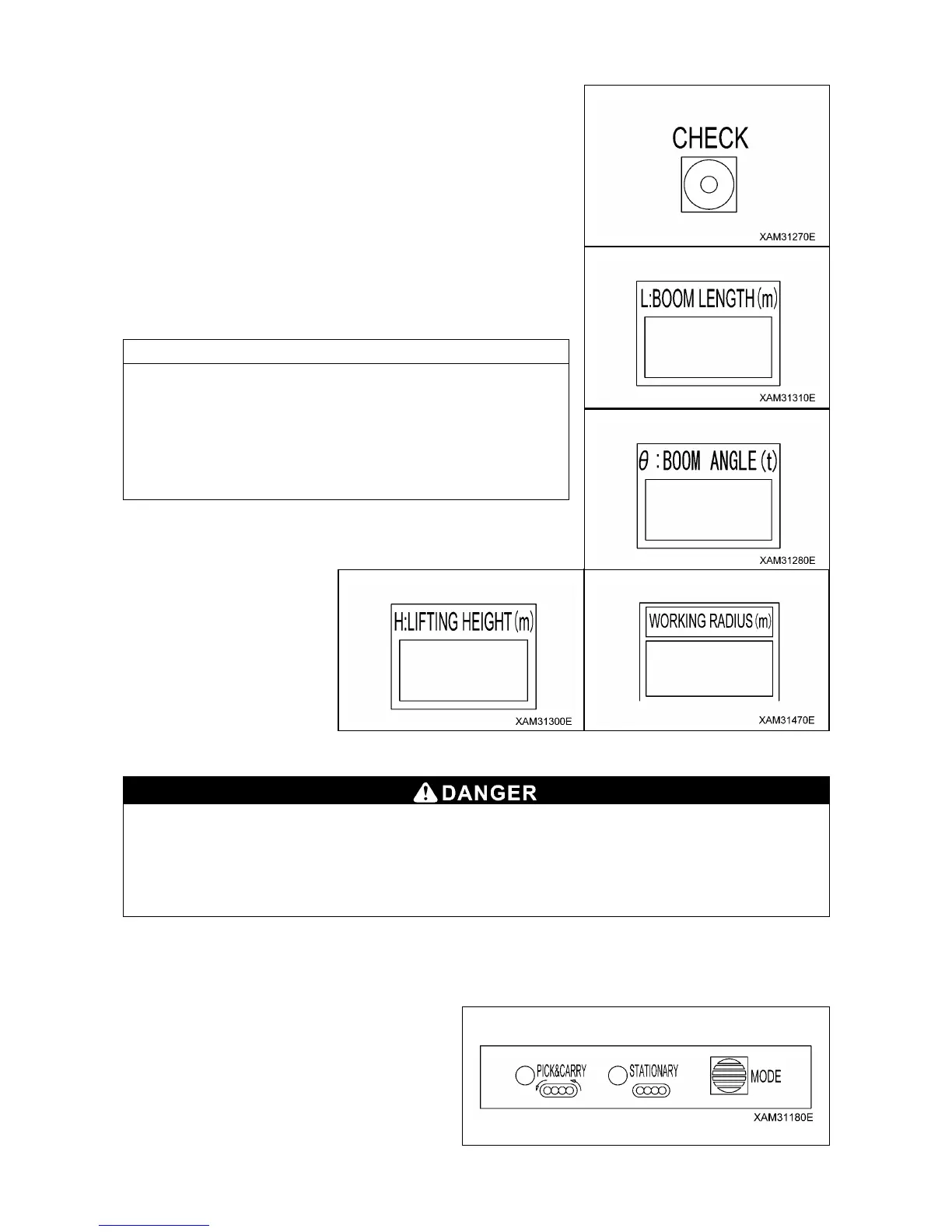
3-60
7. CHECK SWITCH
Use this switch to verify the values set in the section 2 to 5 above.
Keep pressing the switch for 3 seconds or more; then each value
being set will flash for 5 seconds in the respective display section.
(1) “Boom angle upper limit value” is displayed at the boom
length display section.
(2) “Boom angle lower limit value” is displayed at the boom angle
display section.
(3) “Working radius upper limit value” is displayed at the working
radius display section.
(4) “Lifting height upper limit value” is displayed at the lifting
height display section.
• When a set value is displayed, the LED for it‟s setting switch
section flashes at the same time.
• After 5 seconds of flashing the set value, displays will return to
the original indication.
• "0.0" is shown in a display for which a specific value is not
given.
• Displays other than those being set will not change.
8. PICK & CARRY/STAITIONARY MODE SELECT SWITCH AND PICK & CARRY LED (RED),
STAITIONARY LED (ORANGE)
Pick and carry operation is a very unstable and dangerous practice; it is prohibited, in genreal.
Where such an operation is un-avoidable, refer to "Operation 3.25 Pick & Carry Operation" and
strictly observe rated total laod for pick and carry operation, correct practices and traveling
posture.
Such safety precautions for pick and carry must be strictly adhered, otherwise an accident with
serious injury may result.
This switch is used to switch to traveling mode from stationary mode for pick and carry operation.
• Keep pressing the switch for 3 seconds or more. The setting of the rated load changes to "Pick and Carry
Mode" and "PICK & CARRY" LED lights. At the same time, red of the working status lamp lights up.
• Keep pressing the switch again for 3 seconds
or more. The setting of the rated load changes
to "Stationary Mode" and "STATIONARY" LED
lights.


 To Next Page