3-76
[3] MANUAL OPERATION
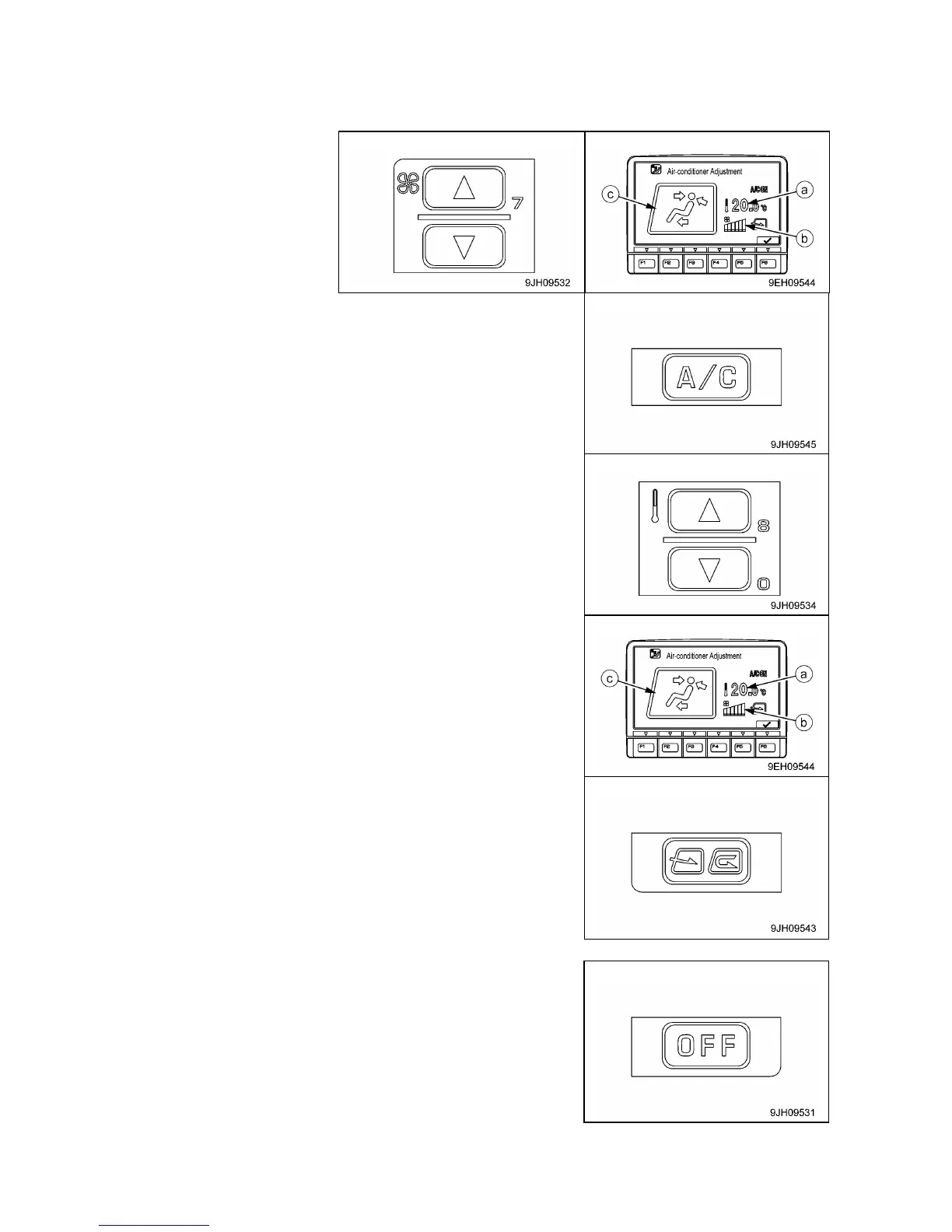
1. Press fan switch (2) and adjust the air flow. When doing this, check that temperature setting (a) and
airflow (b) are displayed on monitor (7)
2. Turn air conditioner switch (8) ON.
3. Press temperature control switch (3) and adjusts temperature
inside the cab.
4. Press vent selector switch (4) and selects the desired vents.
When this done, the display for vent (c) of the display monitor
changes according to the selection.
5. Press FRESH/RECIRC selector switch (6) and select
recirculation of the air inside the cab (RECIRC) or intake of fresh
air from outside (FRESH).
[4] STOPPING MANUAL OPERATION
Presses OFF switch (1). Operation stops.



 To Next Page