3-77
[5] OPERATION WITH COLD AIR TO FACE AND WARM AIR TO FEET
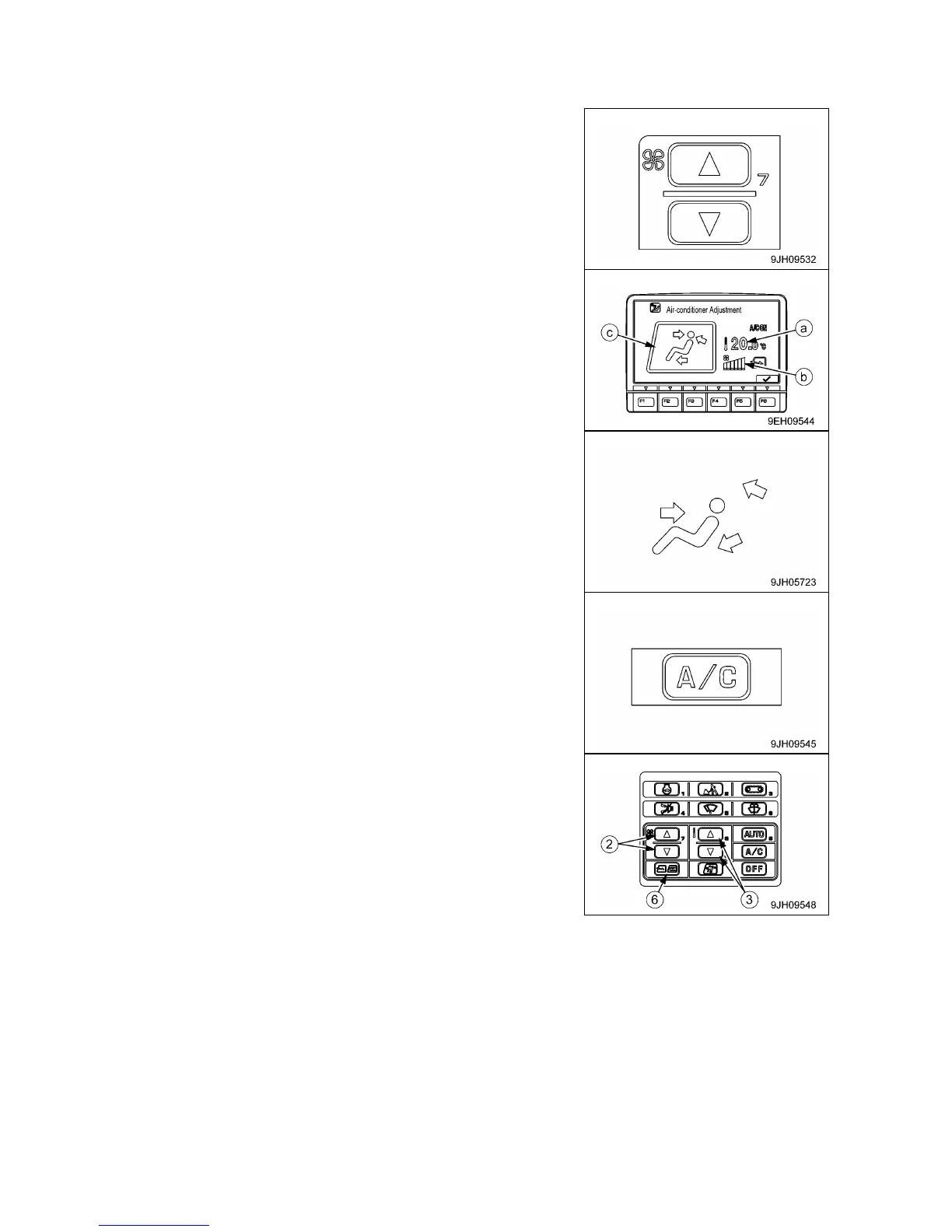
To operate with cold air blowing to the face and warm air blowing to the feet, set as follows.
1. Press fan switch (2) and adjust the air flow. When doing this,
check that temperature setting (a) and air flow (b) are displayed
on monitor (7).
2. Press vent selector switch (4) and set the vent display on the
display monitor to the display shown in the diagram on the right.
3. Turn air conditioner switch (8) ON.
4. Adjust fan switch (2), temperature control switch (3), and
FRESH/RECIRC selector switch (6) to the desired positions.



 To Next Page