3-78
[6] DEFROSTER OPERATION
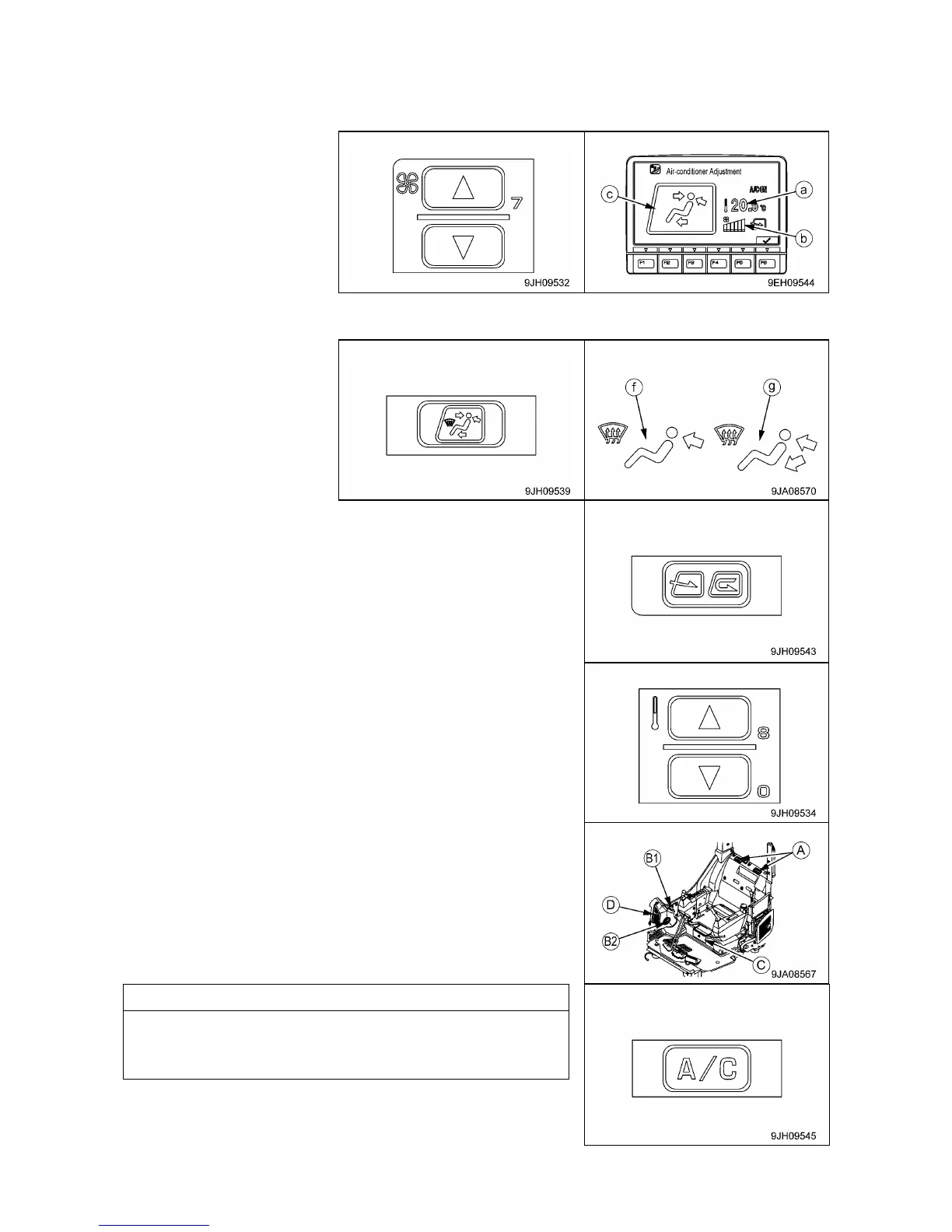
1. Press fan switch (2) and adjust the air flow. When doing this, check that temperature setting (a) and
airflow (b) are displayed on monitor (7).
2. Press vent selector switch (4) and set vent display on the display monitor to (f) or (g) as shown in
diagram on the below.
3. Press FRESH/RECIRC selector switch (6) and set it to take in
fresh air.
4. Press temperature control switch (3) and set temperature on the
display (7) monitor to maximum heating.
5. Adjust vents (A), (B1), and (B2) so that the air blows onto the
window glass.
(Vents (C) and (D) are fixed and cannot be adjusted.)
When operating in the rainy season or when it is desired to
remove the mist from the window glass or to dehumidify the air,
turn air conditioner switch (8) ON.



 To Next Page