3-17
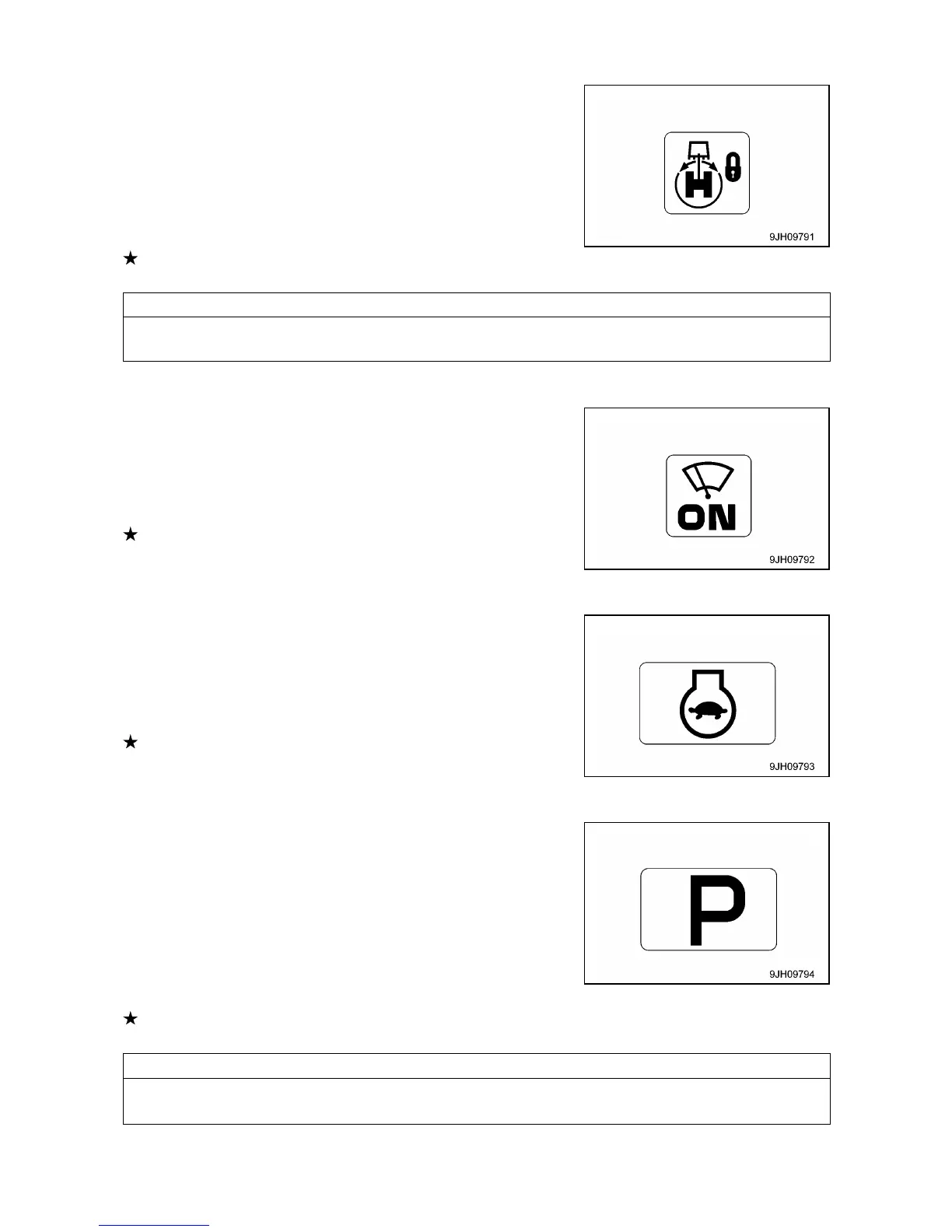
[2] SWING LOCK MONITOR
This monitor (2) informs the operator that the swing lock is being
actuated.
Actuated: Lights up
When the swing lock switch is turned ON (Actuated), the monitor
lights up.
When the swing parking brake release switch is set to the FREE
position, the monitor flashes.
For detail of positions of the swing parking brake release switch,
see “Operation 1.2 Operator`s Compartment Equipment”.
[3] WIPER MONITOR
This monitor (3) indicates operating status of the wiper.
The monitor display when wiper switch is operated, as follows.
• Monitor ON lights up: Wiper moves continuously
• Monitor INT Lights up: Wiper moves intermittently
• Monitor OFF: Wiper stops.
For detail of positions of the wiper switch, see “Operation 1.2
Operator`s Compartment Equipment”.
[4] AUTO-DECELERATION MONITOR
This monitor (4) shows if the auto-deceleration is being actuated.
The monitor display when auto-deceleration switch is operated, as
follows.
• Monitor ON: Auto-deceleration actuated
• Monitor OFF: Auto-deceleration canceled
For detail of positions of the auto-deceleration switch, see
“Operation 1.2 Operator`s Compartment Equipment”.
[5] WORKING MODE MONITOR
This monitor (5) displays the setting of the working mode.
The monitor display is as follows according to the operation of the
working mode switch.
• P mode: For heavy-load operations
• E mode: For operations with emphasis on fuel consumption
• L mode: For fine control operations
• B mode: Not available for this machine
• ATT mode: Not available for this machine
For detail of positions of the working mode switch, see “Operation 1.2 Operator`s Compartment
Equipment”.



 To Next Page