3-18
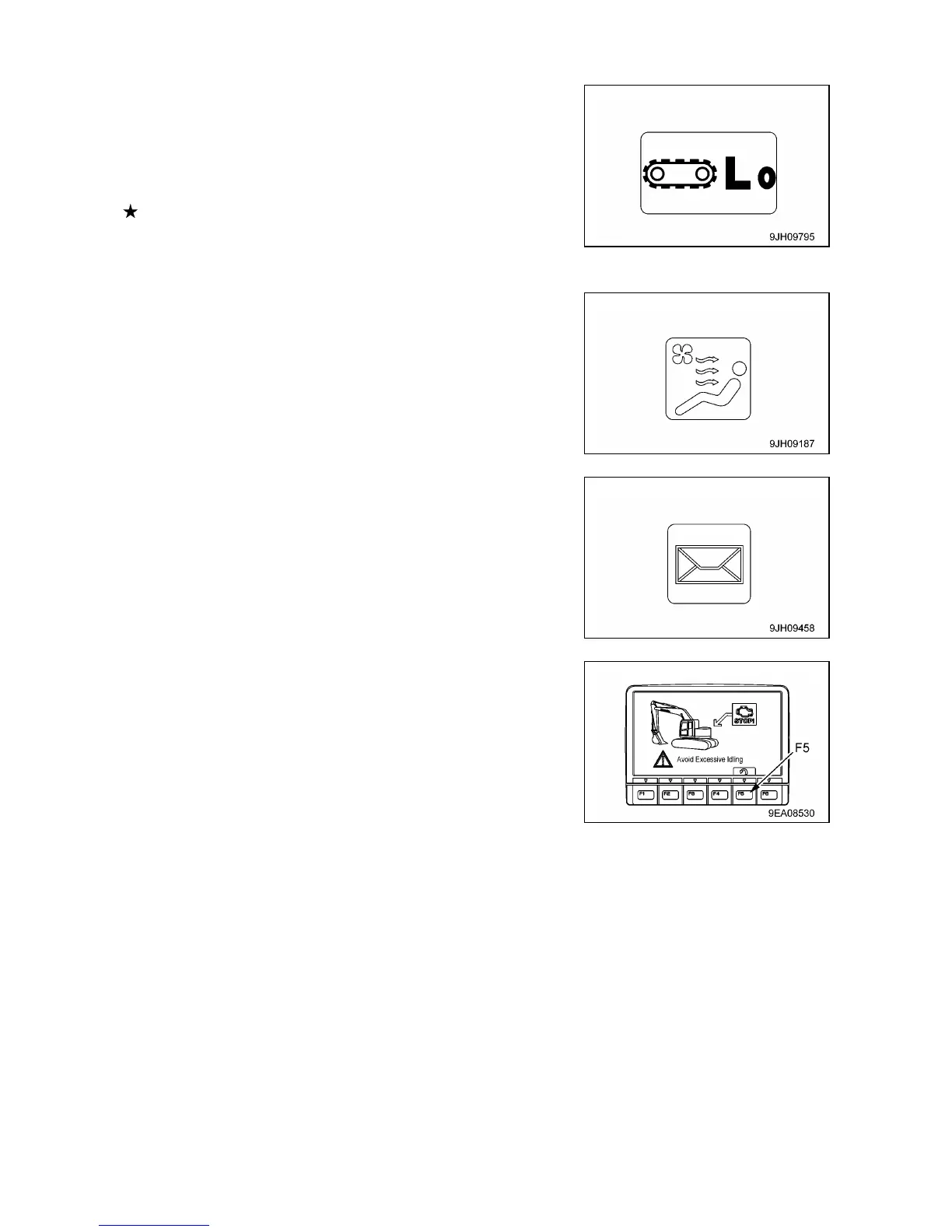
[6] TRAVEL SPEED MONITOR
This monitor (6) shows the setting for the travel speed.
The monitor display is as follows according to the operation of the
travel speed selector switch.
• Monitor Lo: Low-speed travel
• Monitor Hi: High-speed travel
For detail of positions of the travel speed selector switch, see
“Operation 1.2 Operator`s Compartment Equipment”.
[7] AIR CONDITIONER MONITOR
This monitor (7) displays the working status of the air conditioner.
• Monitor lit up: Air conditioner ON
• Monitor off: Air conditioner OFF
[8]MESSAGE MONITOR
The message monitor is not available for this machine.
This monitor (8) remains lit throughout operation.
[9] IDLE STOP GUIDANCE
If the levers are not operated for more than 5 minutes, and the
engine is idling, the idling stop message is displayed on the
monitor. When waiting for work or stopping work for short periods,
stop the engine to reduce unnecessary fuel consumption.
The idling stop message screen returns to the standard screen if
any lever is operated again or when function switch (F5) (Back) is
pressed.



 To Next Page