42
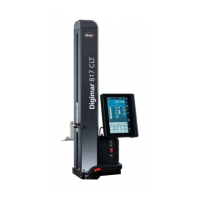
Mahr GmbH • Digimar 817 CLM
4.2.3 Workpiece zero point 02
Workpiece zero point 02 can only be set when workpiece zero point 01
has already been set and the characteristics for workpiece zero point
02 are the set after zero point 01.
– Contact a plane
– Press the „Zero point“ key
– Press the function key „Workpiece zero point 02“
– Use the arrow keys to make a selection
Note: The characteristic 02 must follow 01
– Confirm by pressing the A key
– Workpiece zero point 02 is set
The previous zero points will be deleted (03, Preset)
Description / Sequence Symbols / Pictures
A
0
02
02

 To Next Page
 Loading...