60
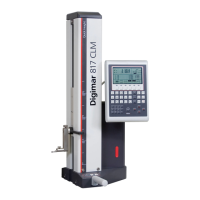
Mahr GmbH • Digimar 817 CLM
– Press „CE“ to delete all data
– Press the 2D key
Select:
- Manually enter the tilting angle
- Calculate tilting angle
- Active 2D
– Or manually enter the tilting angle (standard is 90°), see 4.5.1
– Active 2D ON
– Measure the bore holes1-2 in the Z-axis
– Tilt the workpiece
(The workpiece will be arithmetically aligned at 90°)
– Measure the bore holes 1-2 in exactly the same procedure in the
X-axis
– Tilt the workpiece back into its original position
– Active the „distance and angle between 2 elements “ function
Description / Sequence Symbols / Pictures
4.5.3 Determine the distance and angle of 2
elements
The distance and angle between 2 elements (e.g. bores/shafts) that are
not located one above the other can be calculated. The operator can
select between the internal and the external angles.
CE
2D
z
x
a
a
z
x
2D
ON
a
2D
ON
z
x
a
or
x
a
2
1
b

 To Next Page
 Loading...