43
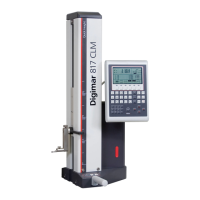
Mahr GmbH • Digimar 817 CLM
Description / Sequence Symbols / Pictures
4.2.4 Workpiece zero point 03
– Follow the same procedure as setting „workpiece zero point 02“.
4.2.5 Switching between the zero points
– By pressing the 01/02 key, you can change between the set zero
points.
– In the display the characteristics for the particular zero point will
be shown
03
02
01

 To Next Page
 Loading...