Operation
139
5
STEP 4
DP96N112
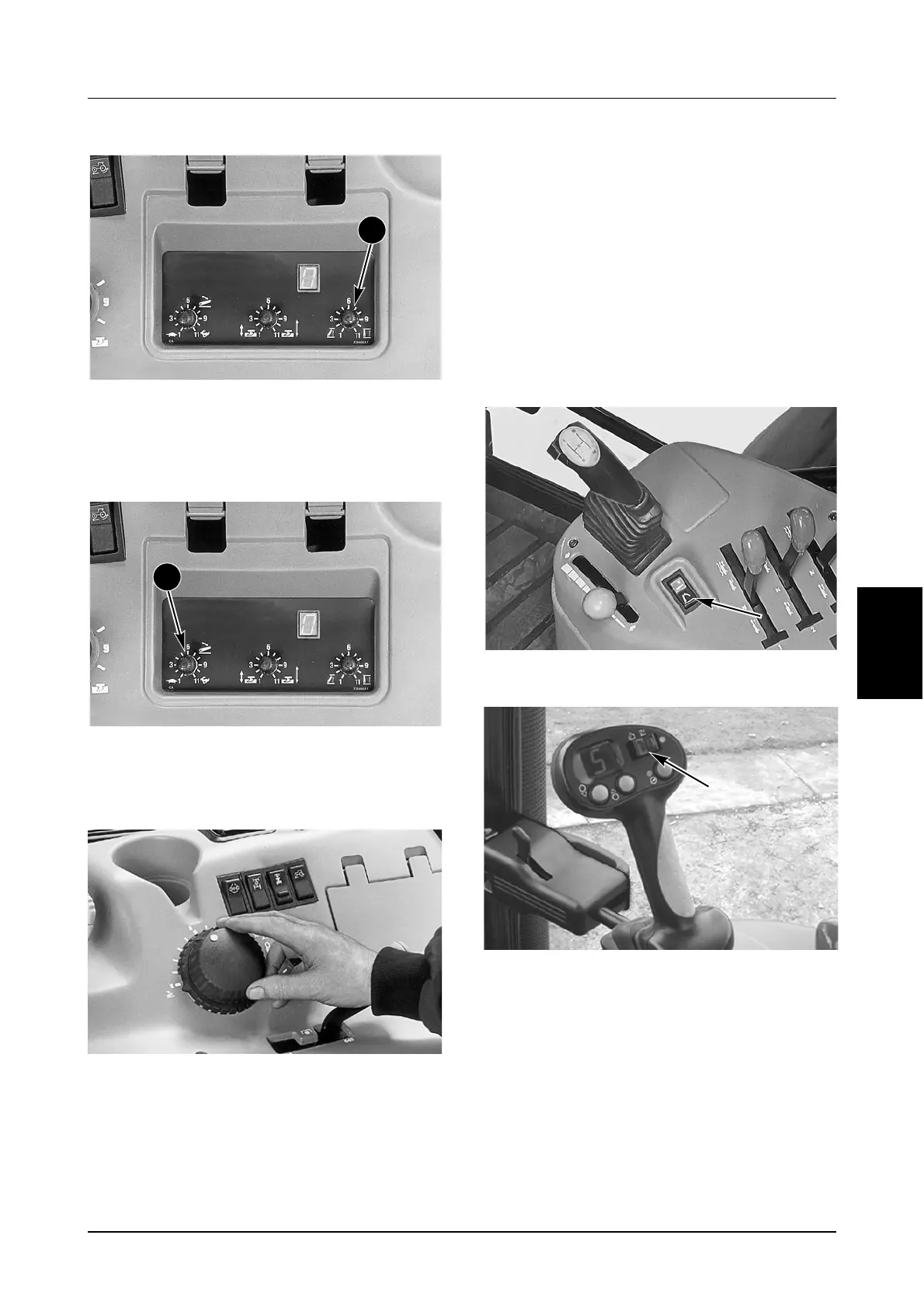
Adjust the UPPER LIMIT CONTROL (2) to set the
desired hitch raised position. A setting of “11”
corresponds to the hitch being fully up.
STEP 5
DP96N112
Adjust the DROP SPEED CONTROL (1) until the
implement lowers at the speed desired.
STEP 6
DP96J41
Operate the tractor and implement in the field.
Set the implement depth with the POSITION
CONTROL KNOB. The rate of hitch movement is
determined by the amount the knob is moved. If
the knob is moved slowly a precision control
mode is provided to move the hitch slowly to
match the knob.
IMPORTANT: Turn the LOAD CONTROL knob
fully clockwise to the (0) OFF position, this will
prevent unwanted hitch movement when the
tractor is moving at more than 0.8 km/h (0.5
mph).
If the position control knob is moved quickly the
hitch will lower at the set drop rate. Move the
outer ring to set “Bottom“ or lowest hitch position
desired. This will provide a reference point for
returning the knob to the original implement
height position each time the knob is moved and
also to maintain the same height.
STEP 7
DP96H299
TRACTOR EQUIPPED WITH POWERSHIFT TRANSMISSION
MD05M023B
TRACTOR EQUIPPED WITH AUTO SPEED TRANSMISSION
Use the UP position to temporarily raise the
implement without changing any of the hitch
position adjustments.
Use the DOWN position to return the implement
to its original position.
IMPORTANT: Always use the Hitch position control
knob to raise the hitch for road transport with three
point linkage mounted equipment. Put the control
knob in the transport lock position and the up/down
switch in the up position.
2
1



 To Next Page