Instruments and Programming
77
4
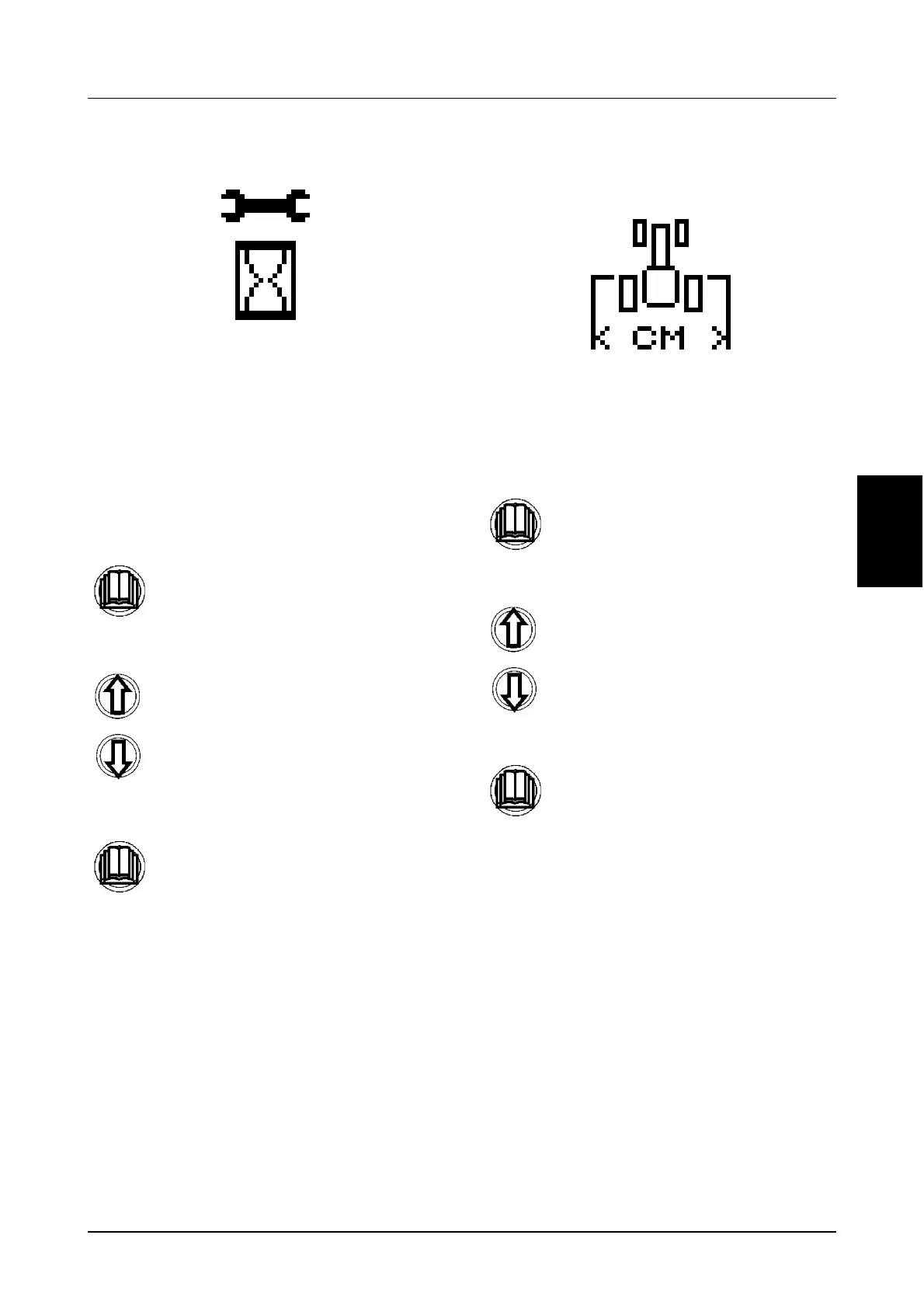
Service Reminders (Menu 4)
This menu displays the total number of hours
remaining before a service is due for each of the
pre programmed service intervals, (as per the
previous menu).
As each service interval has elapsed the service
indicator symbol (Spanner/Wrench) will
illuminate.
STEP 1
STEP 2
STEP 3
Programming Implement Width
(Menu 5)
To calculate an accurate Area Worked it is
necessary to programme the correct implement
width into the cluster.
STEP 1
STEP 2
STEP 3
Momentarily press the menu button.
Press either the UP and Down
buttons to display the relevant service
icon and the hours remaining before
the next service is required.
Momentarily press the menu button to
return to the main menu.
Momentarily press the menu button.
Use the UP and Down buttons to
change the implement width
accordingly.
Momentarily press the menu button to
store the new implement width and
return to the main menu.



 To Next Page