62
Opening the menu
16. Special Functions
JPEG Photograph Display
Starting the zoom function
2)
:
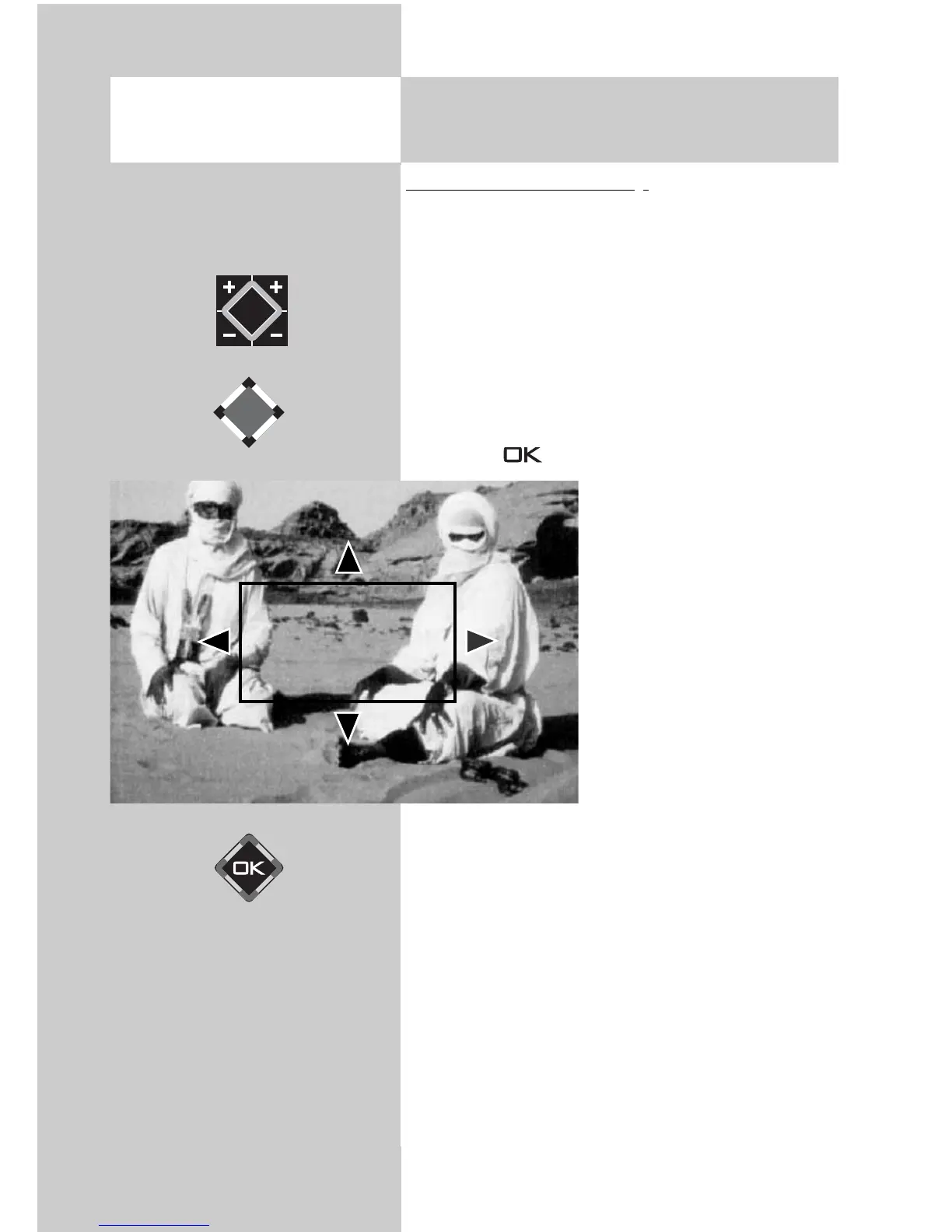
• When an image is displayed, the zoom function
can be activated with the + key.
A red outlined quadrangle appears in the
image.
• Use the V-/V+ key to select the zoom factor (x2,
x4, x8).
• Use the cursor control keys to move
the red zoom quadrangle in the image in order
to determine the image section to be magnified.
• Press the key for a magnified display of
the selected image section.
• Use the cursor control keys
to scroll the mag-
nified image section.
• To return to the full screen,
press the – key repeatedly
until the “zoom“ message
disappears.
Zoom x4



 To Next Page