63
16. Special Functions
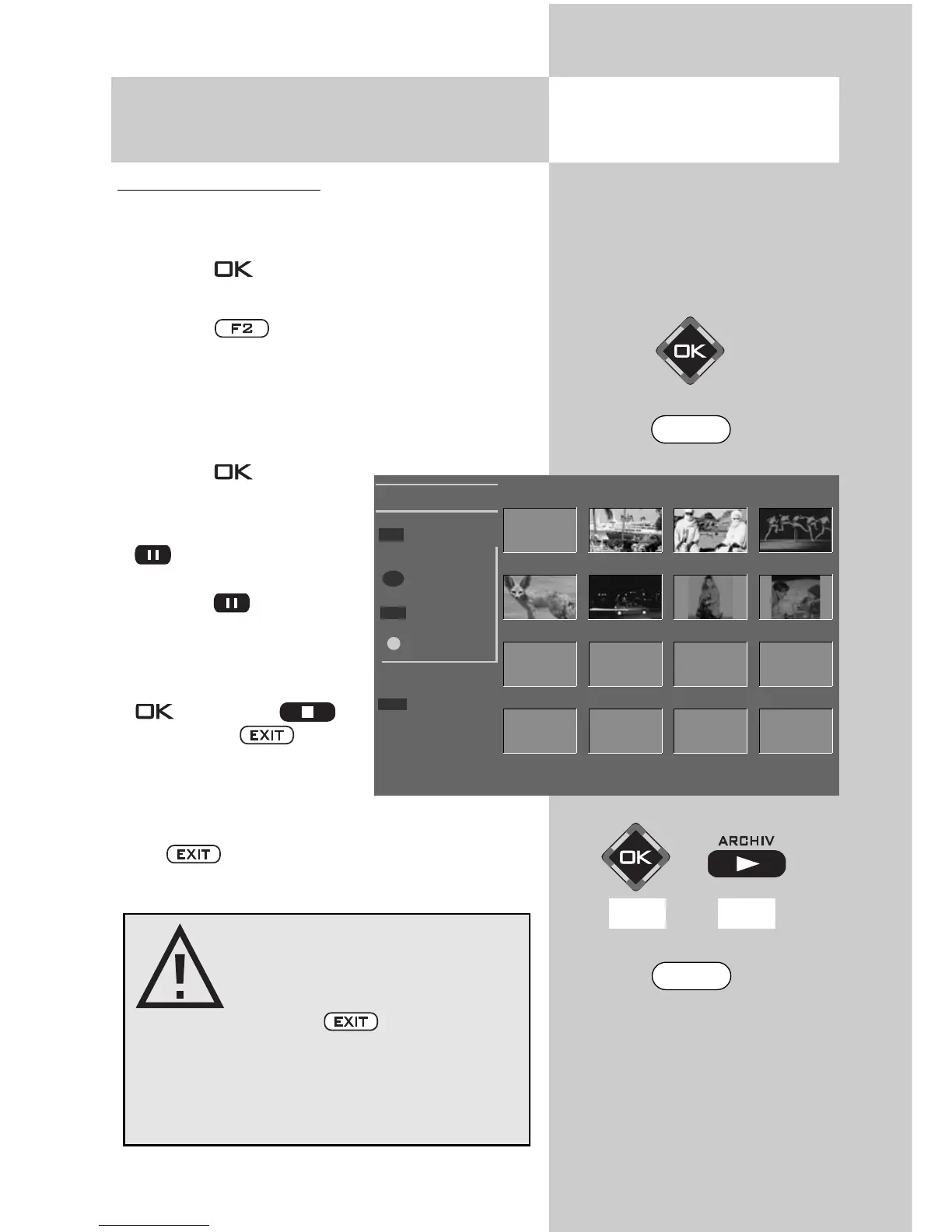
JPEG Photograph Display
Opening the menu
Starting the slide show:
• Use the cursor control keys to select
the desired image folder.
• Press the key to open the selected image
folder.
• Press the key and select the “Slide Show“
function.
• The display of the individual images (display
time 3 - 60 seconds) can be adjusted with the
V-/V+ key.
• Press the key to start
the slide show.
• During the slide show, the
key has the “Pause“
function.
Press the key to resu-
me the slide show.
• When the slide show is
finished or stopped with
(RM 16) or
(RM 17) or , the
photograph viewer appe-
ars again.
Press to return to the TV picture.
Slide Show
Photo Viewer
Start
Stop
Pause II
Endless
Time 3s
Pictures
W-Fuchs
Aida
Nacht
Beduinen
Claudia
Strobo
Schlitten
®
– +
F2
OK
II
Prior to unplugging the
USB memory stick, be sure
to exit the photo display
with the key!
There is otherwise a risk of
losing data on the memory
stick.
F2
EXIT
RM16 RM17



 To Next Page