Installing the Printer and the intelligent Paper Stacker
1-7
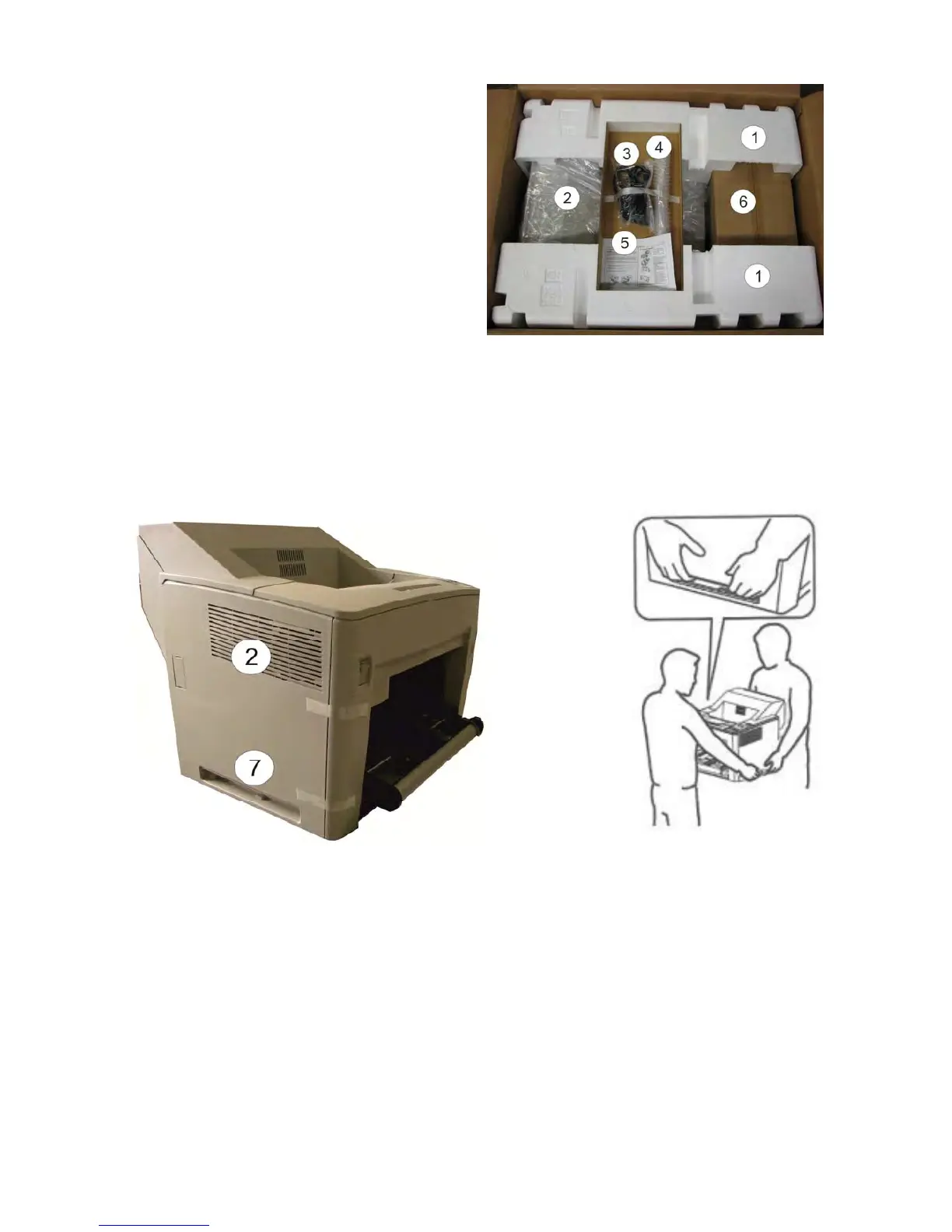
1.4.2 Unpacking the Printer S
OLID F44
– Remove the foam (1) by lifting off
– Remove the box incl. positioning (3),
(4) and (5)
– Remove Image Cartridge (6)
After removing the
plastic foil lift the printer (2) with two persons using the transport
grips (7) on the left and right side of the printer (2) and put it onto a table or onto the
iPS F44.
Note: the printer does not hold at other positions for transporting!



 To Next Page