Printer Operation
2-2
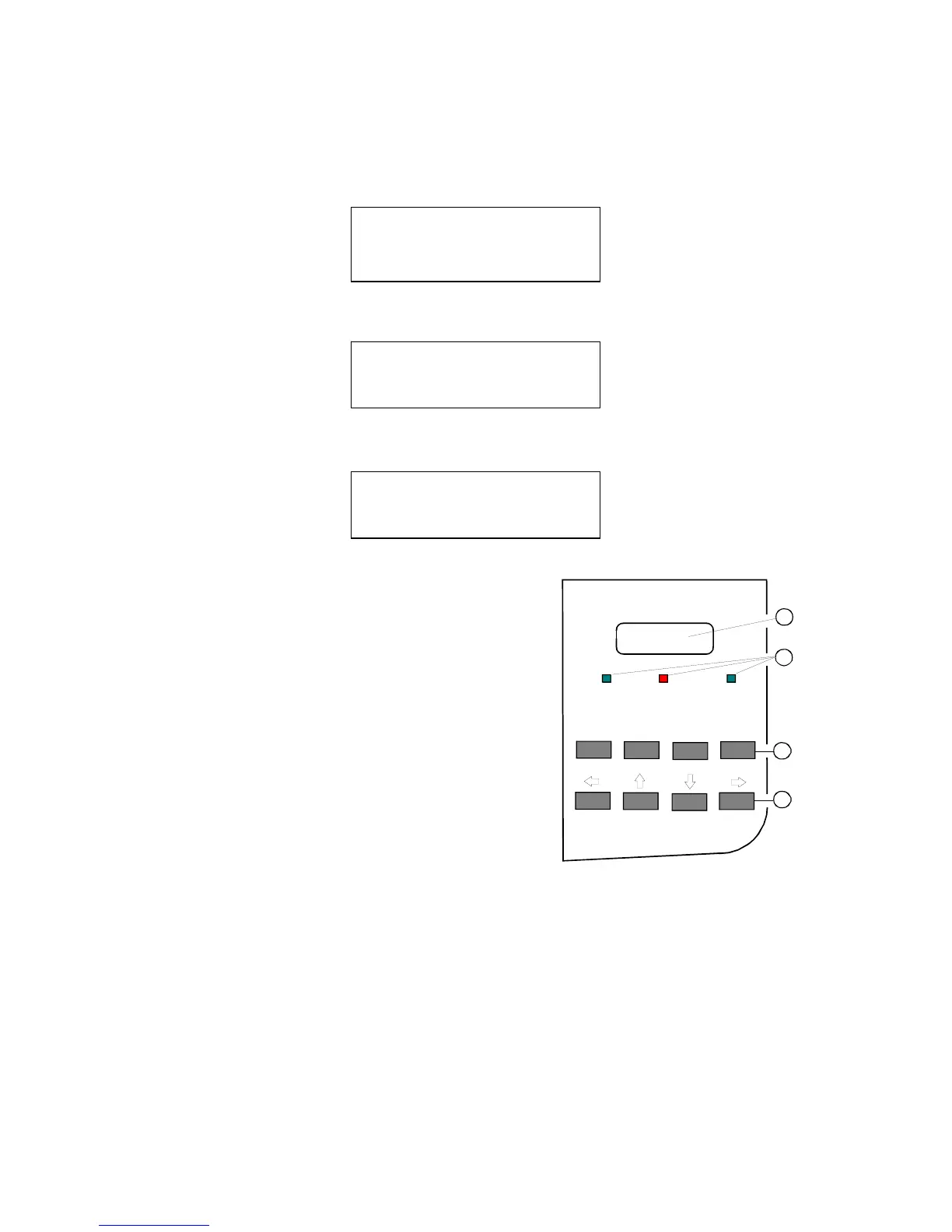
If the printer is in the OFFLINE mode status information, error messages, or menu
messages are displayed.
− The structure of the display of status and error messages is:
OFFLINE ( 1 )
Messages
Example: The printer is warming up:
OFFLINE ( 1 )
WARMING UP
Example: Display after pressing ONLINE (3) and then the MENU (3) button:
M E N U E ( 1 )
TEAR OFF FORM
2.2 Function Keys (3)
The function of the four keys (3) depends on the
printer operating state.
2.2.1 Short Description of Keys in the ONLINE
mode
Key Display
− Function
[ONLINE] OFFLINE
− Changing to OFFLINE-Mode
− Stops data transfer
− Stops printing
Note: In the ONLINE mode all other keys (3) and (4) have no function!
ONLINE
FORM FEED
MENU CANCEL
READY
ERROR DATA
1
3
2
4



 To Next Page