Installing the Printer and the intelligent Paper Stacker
1-10
1.6 Mounting the Tear off bar
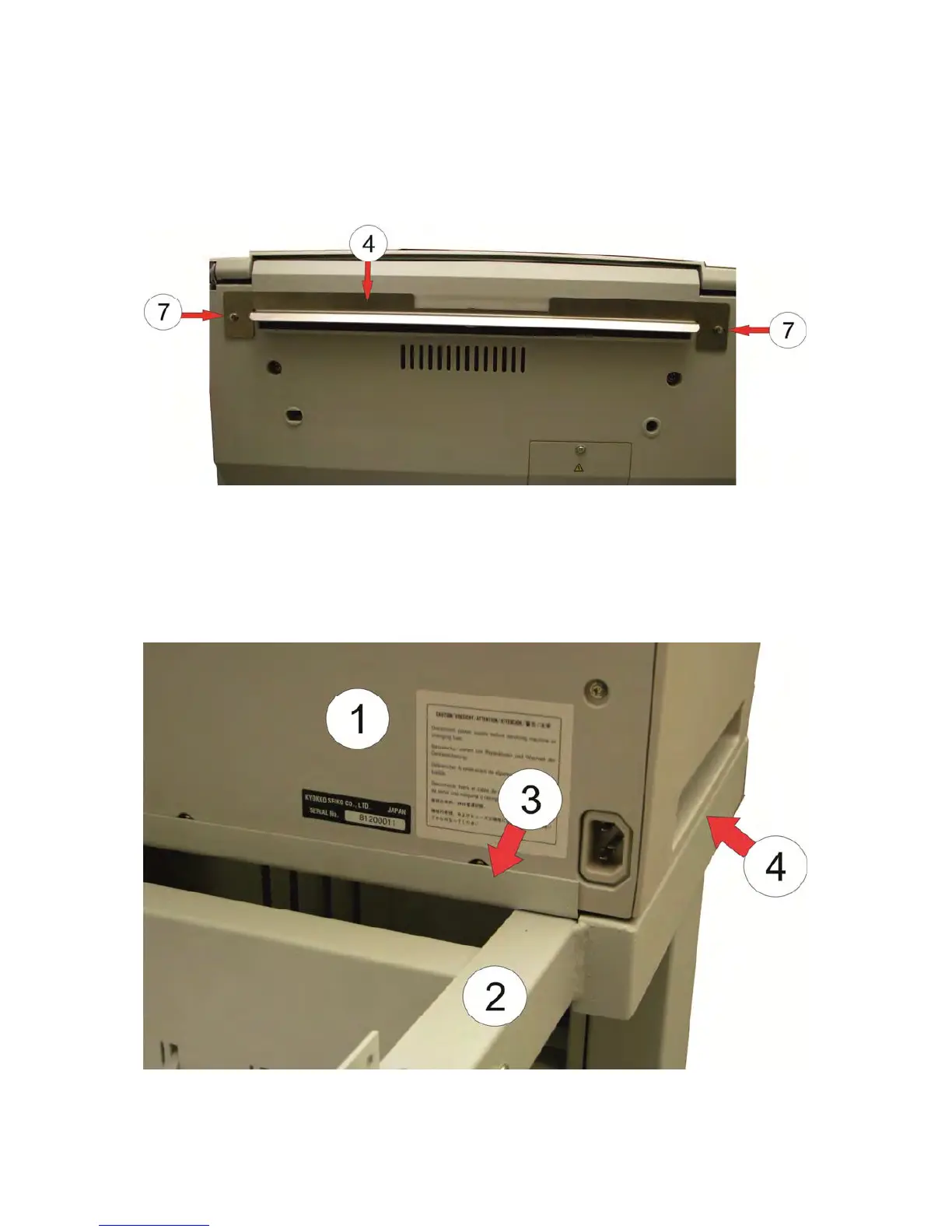
– Remove the two screws (7) on the back side of the printer
– Position the tear off bar (4) as shown on the photo below and fix it with the
included longer screws.
1.7 Align the Printer on the iPS
M
ove the Printer SOLID F44 (1) until to the edge (3) of the iPS F44 (2). The right
and left side (4) of the Printer must be flush with the iPS.



 To Next Page