Installing the Printer and the intelligent Paper Stacker
1-4
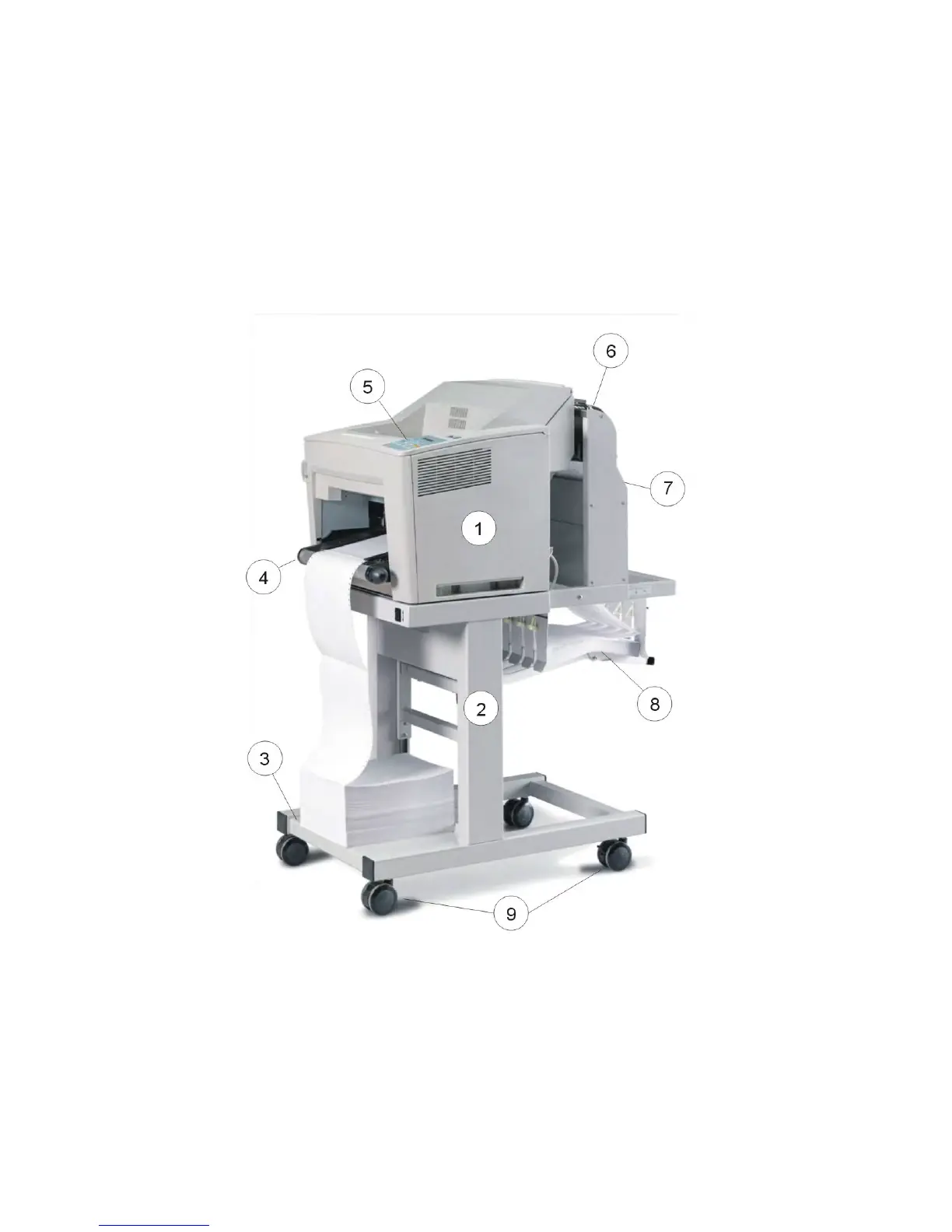
1.2 A First Look at the devices
1 Laser Printer 2 intelligent Paper Stacker (iPS)
3 Paper shelf 4 Tractor (Paper input)
5 Control panel 6 Paper exit
7 Pendulum 8 Paper exit tray
9 Castors
Note: The intelligent Paper Stacker (2) – also called iPS
F44 - is a special option.



 To Next Page