Installing the Printer and the intelligent Paper Stacker
1-9
1.5 Installing the Image Cartridge
– Open the top cover.
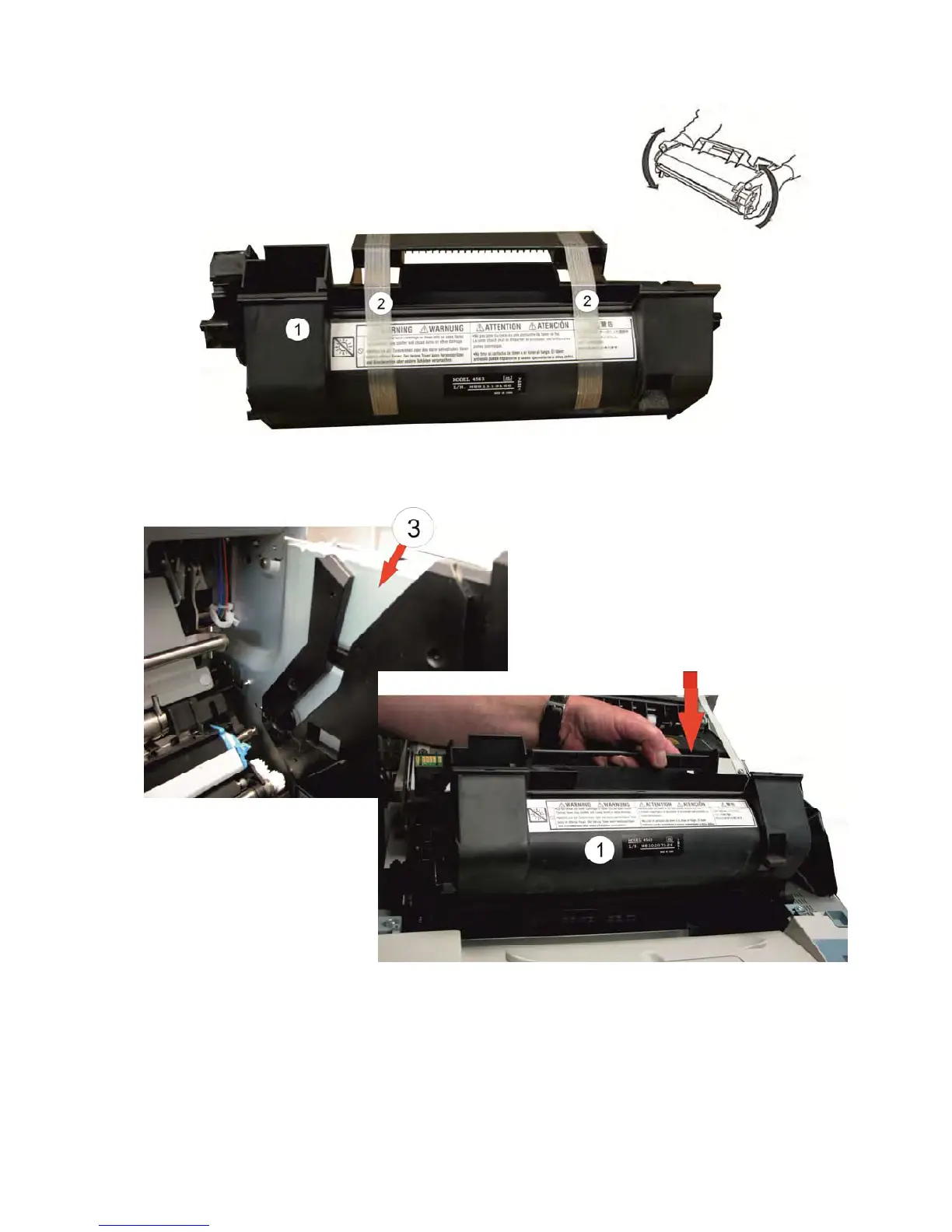
– Unpack the Image Cartridge (1) and shake it slowly
– Remove both lock strips (2) of the Image Cartridge
– Put the Image Cartridge (1) into the left and right guiding (3) and slide it to the
bottom.
Note: The Image Cartridge (1) is very light sensitive. Do not expose the Image
Cartridge to room lighting or sunlight any longer than necessary.
– Close the top cover.



 To Next Page