Maintenance
5-2
5.2 Processing of Paper Jam
5.2.1 How to use this section
Find out the category in which the problem occurs. The problem categories are:
– Jam near tractor
– Jam near Image Cartridge
– Jam near fuser
–
J
am in the iPS F44 (Stacker)
5.2.2 Jam near tractor
– Open all tractor covers
– Remove the fanfold paper
– Tear off the two front pages
– Insert the fanfold paper again and follow the step in chapter 1.13 Inserting
Fanfold Paper
5.2.3 Jam near Image Cartridge
Jam near Fuser
– Power the printer OFF
– Open the top cover
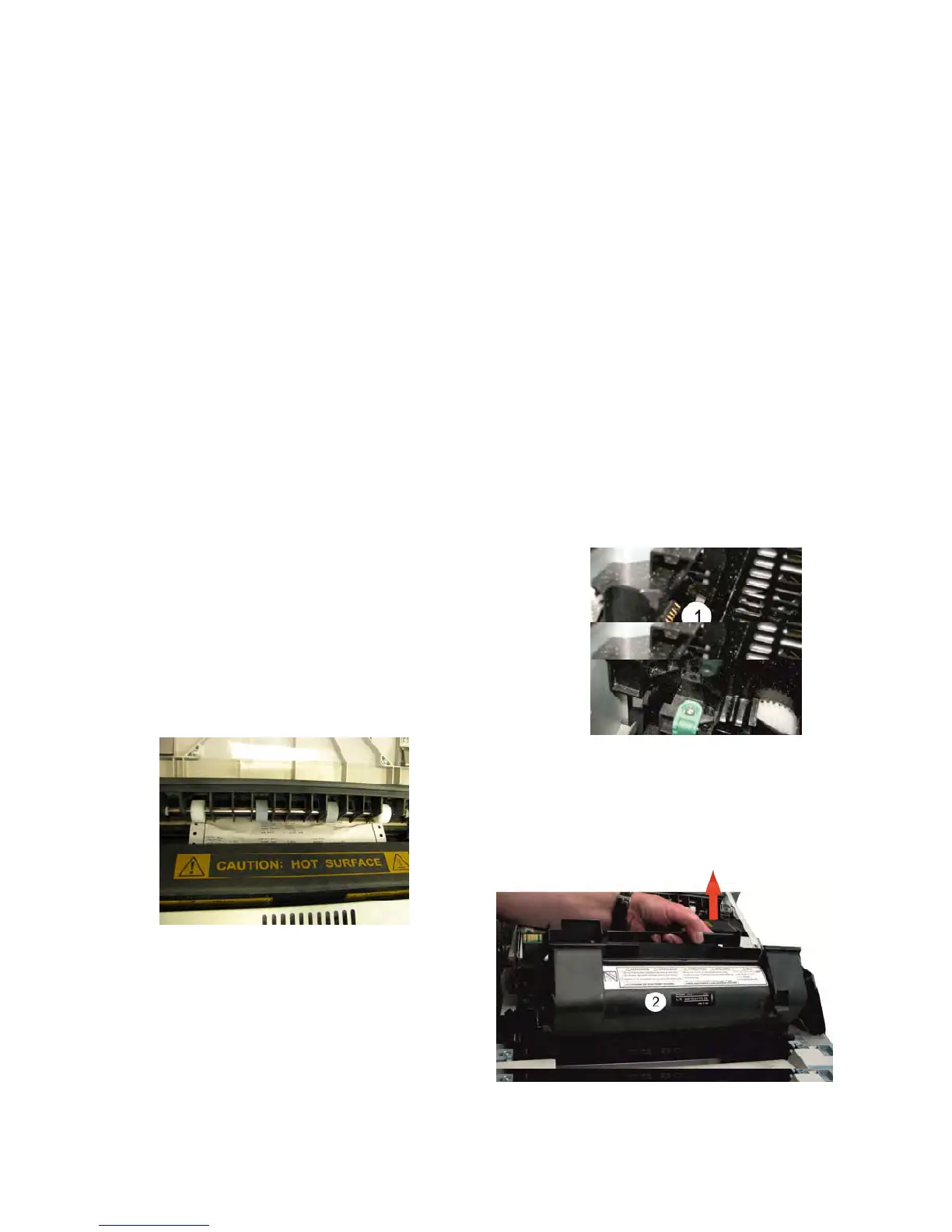
Caution: Never touch the copper or brass electrodes
(1) or electrical parts that are located inside
the top cover and underneath the Image
Cartridge, as a printer malfunction can
results.
Be careful, the surface of Fusers is very hot!
– Remove the Imaging Cartridge (2)
and store it in a light-free protective
bag.



 To Next Page