Maintenance
5-6
5.3.2 Install TRU
Note: By careful, don´t press onto the black foam roller of the TRU. This can result
impairment of the print image.
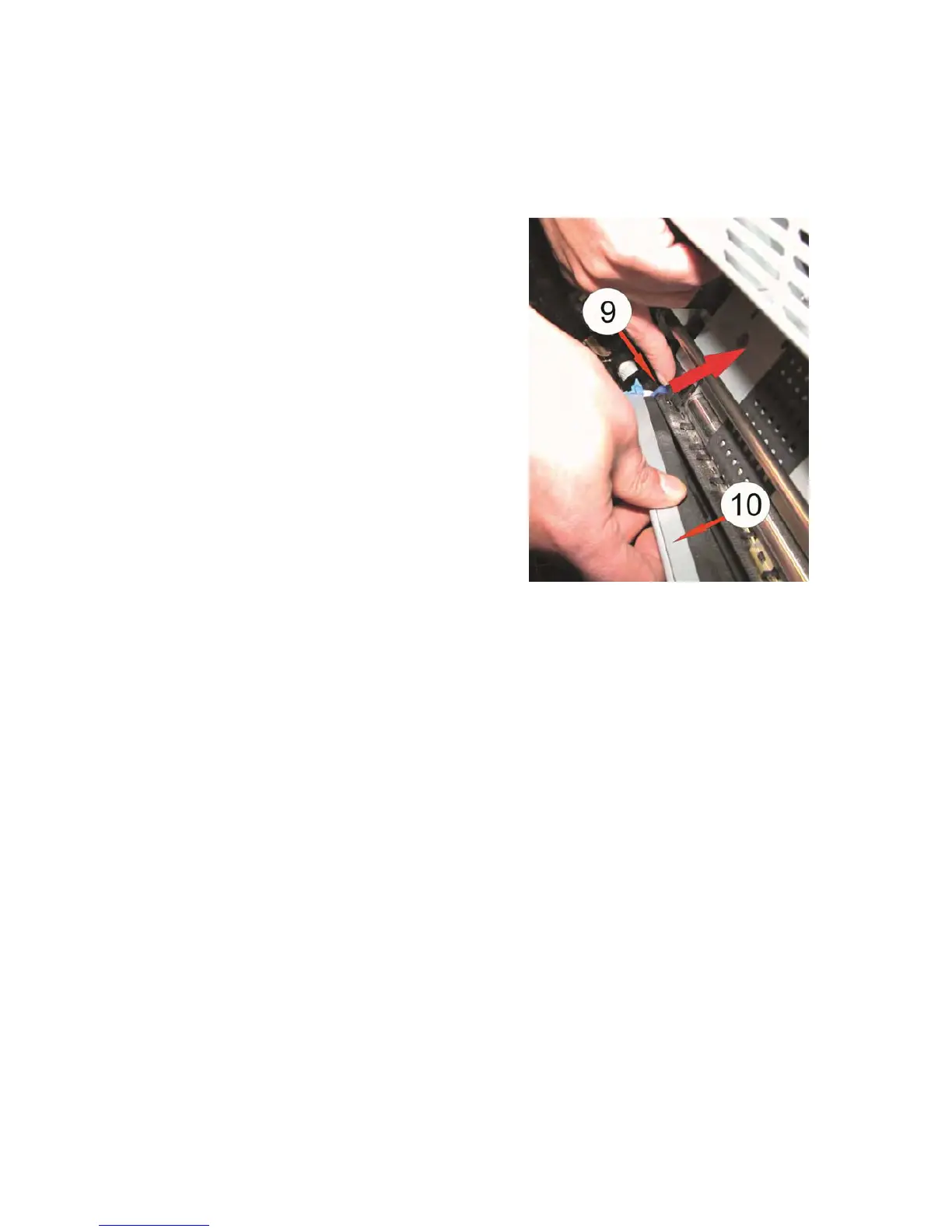
– Install the new TRU by lifting up the blue
lever (9) again and insert the TRU on one
side.
– Use the same procedure for the other side.
– Press the TRU on the silver bar (10) down.
– Install the other disassembled parts in reverse sequence.
– The TRU must via BASIC SETTINGS, CONFIG.- MENU, EXCHANGE TRU and
the parameters NO pushed back into the working position (see 3.4 menu
structure).
Note: Don’t forget to reset the counter of the TRU; otherwise the message is still
appearing EXCHANGE TRU.
Select in the BASIC MENU the point RESET TRU INFO and use YES (see
3.4 Menu Structure – CONFIG.-MENU).



 To Next Page