5-1
5 Maintenance
Preferred Materials
The following materials are recommended for use in the maintenance procedure:
– Lint-free cloth
– Vacuum cleaner
– Pincers
5.1 Preventive Maintenance and Cleaning
The user should clean the paper input area every six month. If you experience paper
feed problems cleaning should be carried out more often.
5.1.1 Cleaning Procedure
– Power the printer OFF
– Remove inserted paper
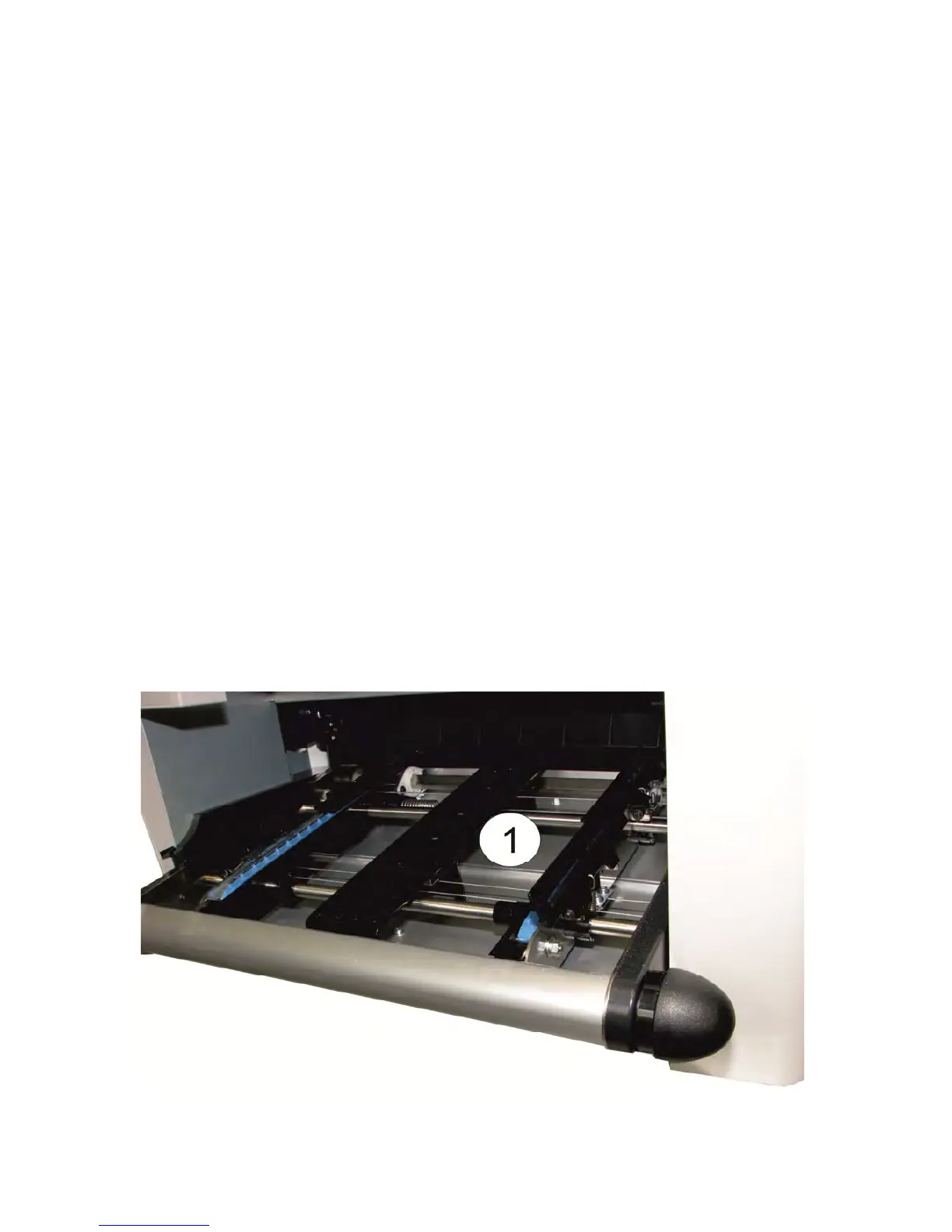
– Thoroughly brush and vacuum all accessible areas to remove any paper flock and
dust of the paper input area (1). With pincers, you can remove any jammed paper
remains.
– Clean the covers and operator panel with a damp, lint-free cloth. Do not use
cleaning solvents or excessive amounts of water.



 To Next Page