Maintenance
5-3
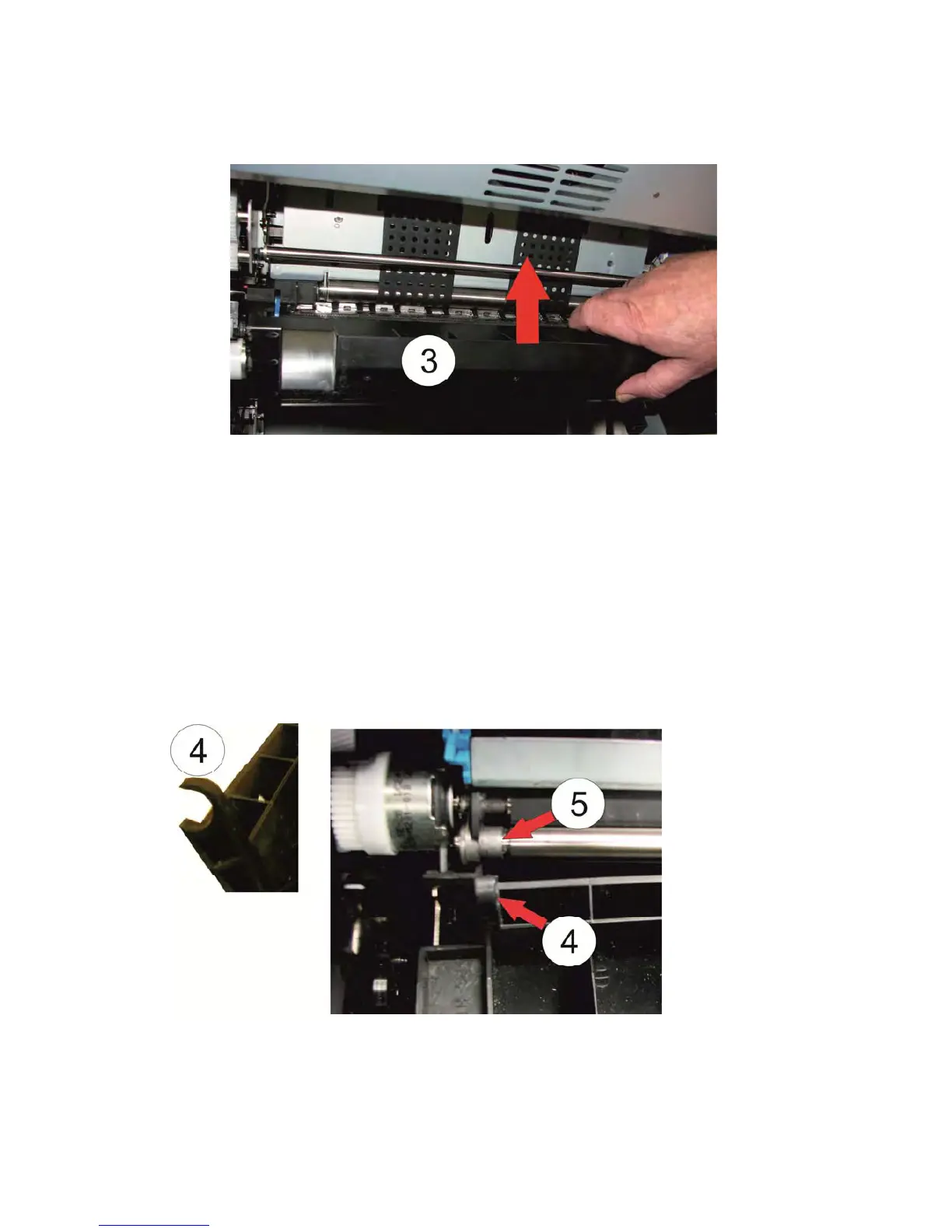
– The Guide Board (3) has be rotated up to 90 degrees, then it is possible to remove
it by pull it up.
– Disconnect the jammed paper.
– Tear off the paper in the upper part of the transportation part.
– Remove all paper from the printer inside.
– Open all tractor covers and remove the paper by pulling out to the front.
– Clean the area below the guide board and the shaft (5).
– Install the guide board (3) in reverse sequence. Press the clamp (4) carefully on
both sides to the shaft (5).
– Press the guide board (3) after insertion all the way down!



 To Next Page