Safety Regulation
III
Power Consumption
Operating power < 800 Watt average; (<1.300 W peak during Warming Up)
Operating current < 110 Watt
Power save ≤ 45 W
Notes: Slots and openings in the printer's housing are provided for ventilation.
Always ensure that these openings are not obstructed.
Also ensure that the cables of the printer do not interfere with the output
paper path.
The intelligent Paper Stacker iPS F44 can only be used in conjunction with the
printer SOLID F44.
Caution: Connector not located in limited Power Source! It is only for connecting the
Paper Stacker (iPS F44).
Use only Psi Interconnection Cable Type 5112-293-11563 to
Connect the Paper Stacker with the Printer SOLID F44
Caution, the chain of the motor to move the paper exit tray up
and own will start automatically or after pushing the key at the
front side of the table.
Caution, the paper exit tray moves up and down automatically
or after pushing the key at the front side of the table. Keep your
feet clear when the paper exit tray moves down. Ensure that the
cables at the rear of the printer do not interfere with the paper
path within the stacker.
The feet of the laser printer SOLID F44 should be positioned into the depressions of
the stacker's table.
Note: Open windows, airing, and also draught disturb the paper flow!
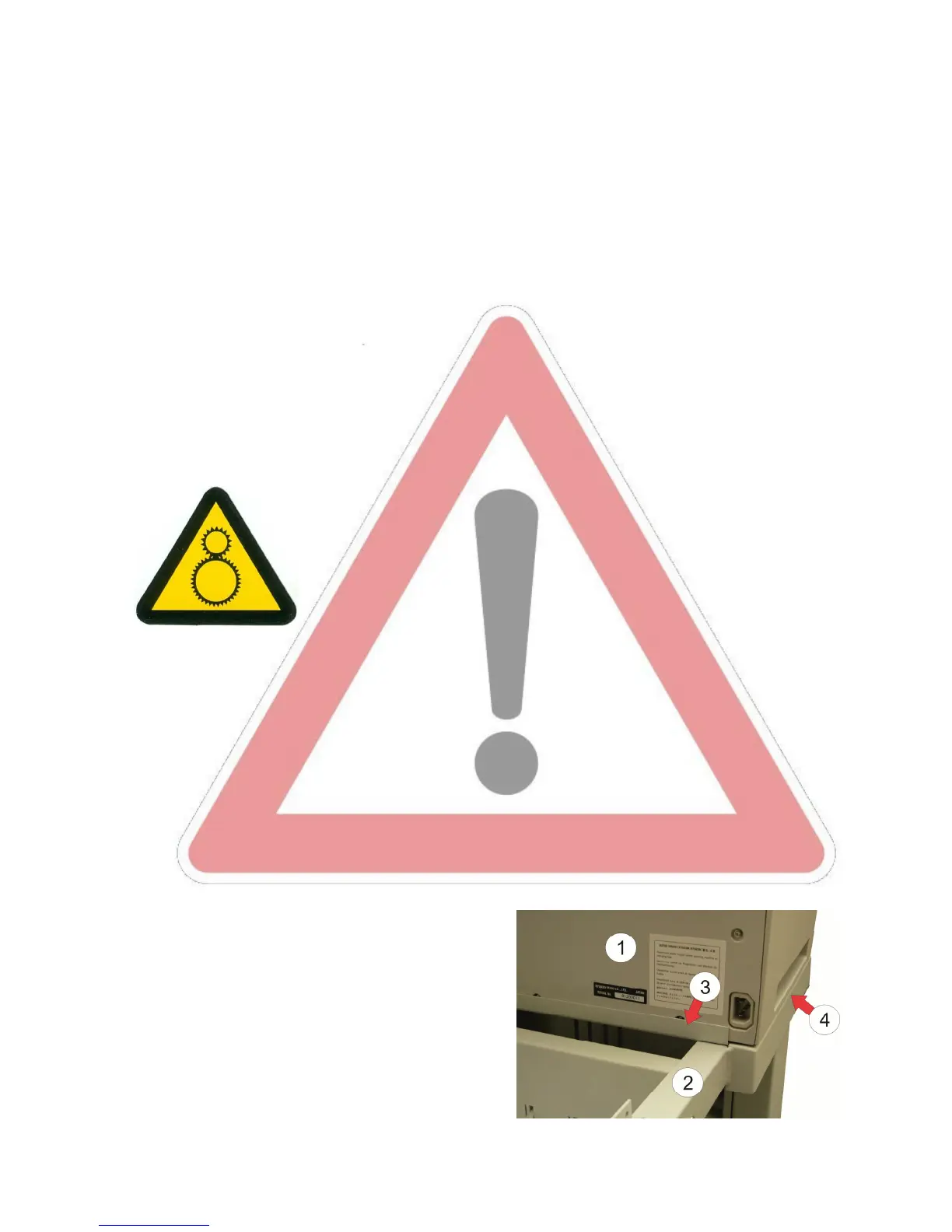
Move the Printer SOLID F44 (1) until to the
edge (3) of the iPS F44 (2). The right and left
side (4) must be flush with the iPS.



 To Next Page