USER MANUAL
AVIOR-2/AVIOR-2 I/O & MIP-2/MIP-2 I/O
106491_C User manual AVIOR-2 MIP-2_En.docx
MIRION TECHNOLOGIES (Canberra)S.A.S, BP249, ZI de Vauzelles, 37602
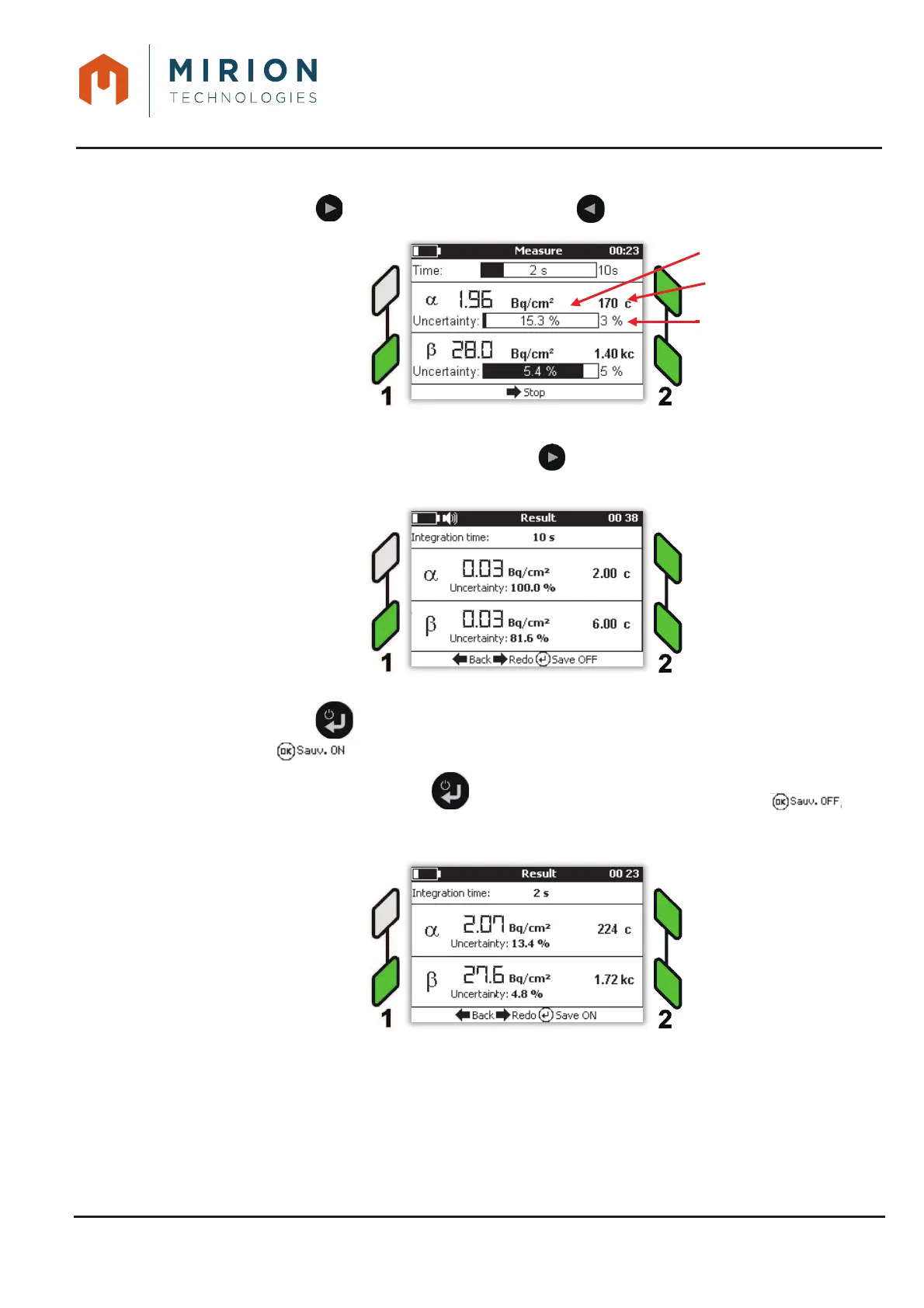
Press the key to start the measurement (or key to return to « Measurement mode »).5.
Wait for the result to be displayed or press the key to stop the measurement and display the 6.
result.
Press the key to save the previous measurement and enter record mode 7.
(display at the bottom of the screen). Refer to § 15 for the record.
Note: A second press on the key returns to the non-recording mode (display at the
bottom of the screen).
The choice on the recording remains active until the exit of the measurement mode.













 To Next Page