7 Functions and settings
94 TAPCON® 230 basic 2117246/02 EN © Maschinenfabrik Reinhausen 2012
7.3.12.2 Setting signaling delay time for V< undervoltage
To prevent the undervoltage relay from always activating as soon as a short-
lived voltage dip occurs, a delay time can be set for this signal. The red "V<"
LED will light up immediately in any case.
Setting range Step size Factory setting
0 s...20 s 0.1 s 10 s
Table 22 Setting range for signaling delay for V< delay time
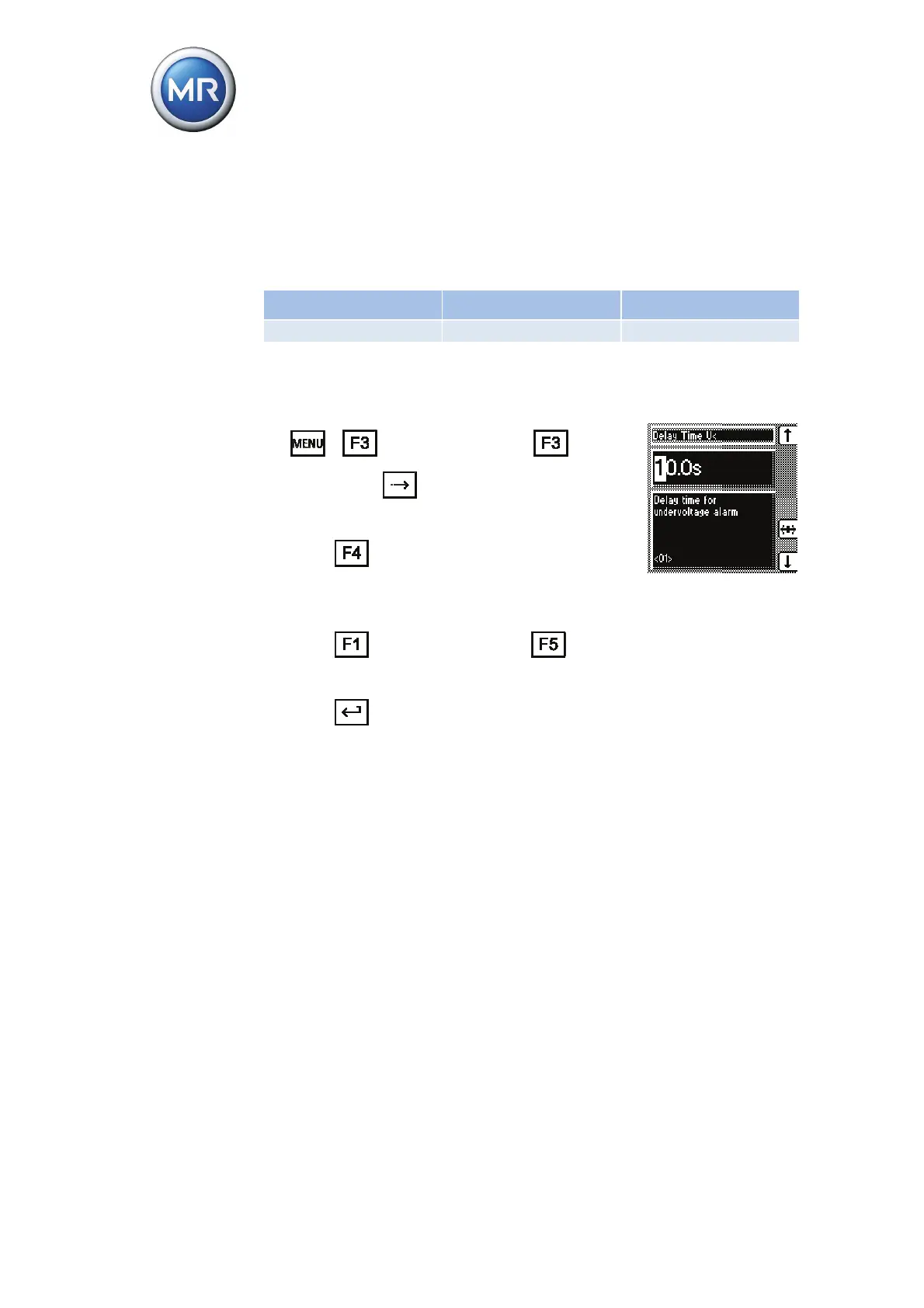
To set the delay time for the V< undervoltage" signal, proceed as follows:
1. > Control Parameters > Limit
Values > 1x
.
<01> V< Delay Time.
2. Press
to highlight a digit.
The digit position you want is highlighted
and the value can be changed.
3. Press
to increase the time or to re-
duce it.
4. Press
.
The delay time for the "V< undervoltage" signal is
set.



 To Next Page