6 Functions and settings
Maschinenfabrik Reinhausen 2014 1012374092/04 EN TAPCON® 260
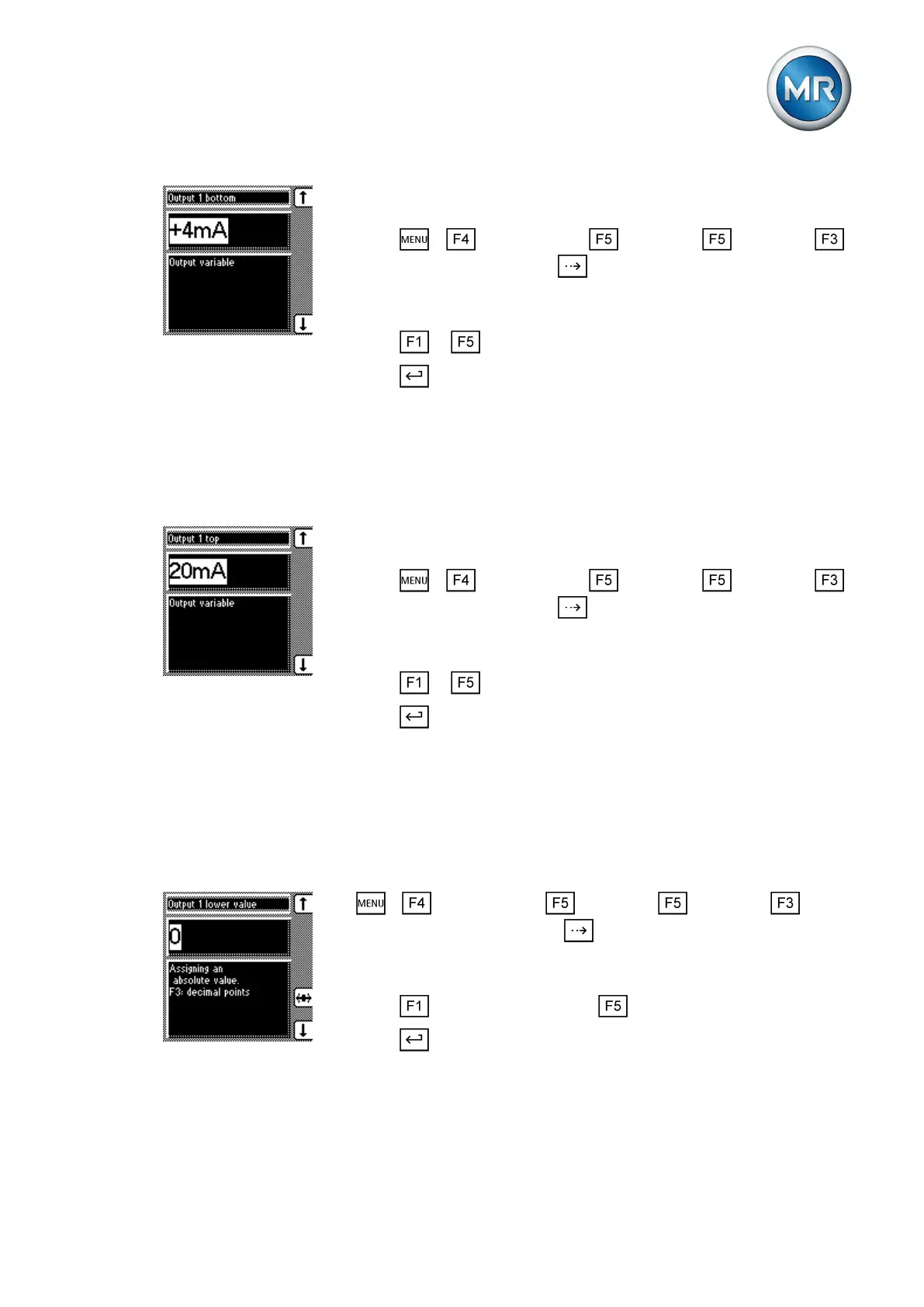
To assign the lower physical parameter to the measuring transducer, pro-
ceed as follows:
1. Press > Configuration > Continue > Continue >
Measuring transducer 1 / 2 > until the desired parameter is dis-
played.
ð Output 1 bottom.
2. Press or until the desired physical parameter is displayed.
3. Press .
ð The desired physical parameter is assigned.
Assigning maximum physical parameter
In this display you can assign a maximum physical parameter to the measur-
ing transducer output.
To assign the upper physical parameter to the measuring transducer, pro-
ceed as follows:
1. Press > Configuration > Continue > Continue >
Measuring transducer 1 / 2 > until the desired parameter is dis-
played.
ð Output 1 top.
2. Press or until the desired physical parameter is displayed.
3. Press .
ð The desired physical parameter is assigned.
Assigning minimum absolute value
In this display you can assign a minimum limit value to the measuring trans-
ducer output as an absolute value.
To assign the minimum absolute value, proceed as follows:
1. > Configuration > Continue > Continue > Meas-
uring transducer 1 / 2 > Press until the desired parameter is dis-
played.
ð Output 1 lower value.
2. Press to increase the value or to reduce it.
3. Press .
ð The minimum absolute value is assigned.
6.13.3
6.13.4



 To Next Page