6 Functions and settings
Maschinenfabrik Reinhausen 201472 2374092/04 ENTAPCON® 260
Setting Function
On Automatic regulation is blocked.
Off Automatic regulation remains active.
Table 14: Behavior
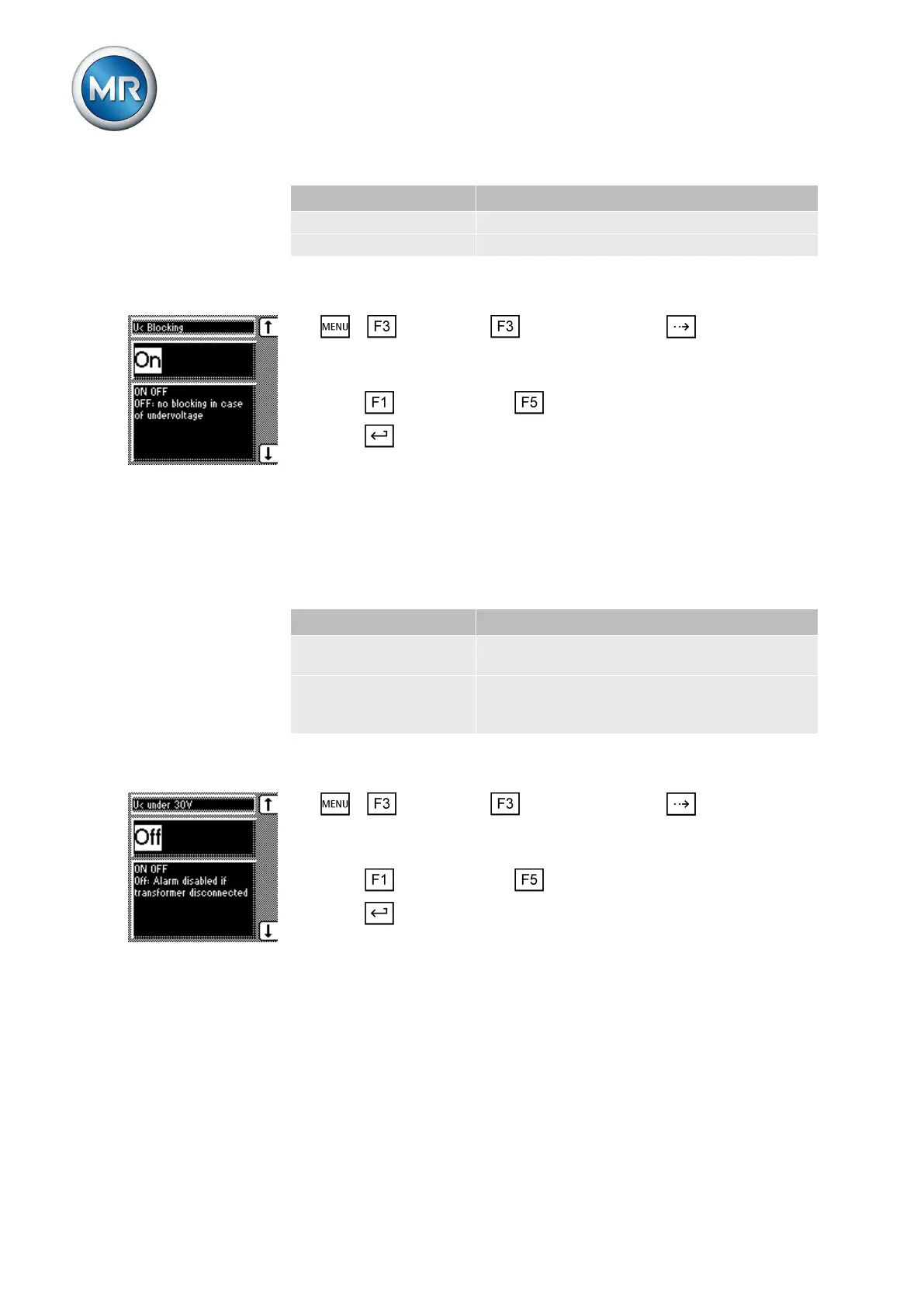
To activate/deactivate the undervoltage blocking, proceed as follows:
1. > Parameter > Limit values > Press until the desired
parameter is displayed.
ð V< blocking.
2. Press for On setting or for Off setting.
3. Press .
ð Undervoltage blocking is activated/deactivated.
Activating/deactivating message for voltages below 30 V
You can use this parameter to set whether the Undervoltage message is to
be suppressed at a measured value of less than 30 V. This setting is used to
ensure that no event message appears when the transformer is switched off.
You can select the following options:
Setting Function
On The Undervoltage message is also displayed
when the measured value is less than 30 V.
Off The Undervoltage message is no longer dis-
played when the measured value is less than
30 V.
Table 15: Response
To activate/deactivate the message, proceed as follows:
1. > Parameter > Limit values > Press until the desired
parameter is displayed.
ð V< also under 30 V.
2. Press for On setting or for Off setting.
3. Press .
ð The message is activated/deactivated.
Setting overvoltage monitoring V>
You can use these parameters to set the limit values for overvoltage moni-
toring. This overvoltage monitoring triggers tap-change operations to return
to the desired operating status. If the operating status can no longer be cor-
rected, a message is triggered by the Function monitoring relay.
6.6.3



 To Next Page