6 Functions and settings
Maschinenfabrik Reinhausen 201474 2374092/04 ENTAPCON® 260
1. > Parameter > Limit values > Press until the desired
parameter is displayed.
2. Press to increase the value or to reduce it.
3. Press .
ð The limit value is set.
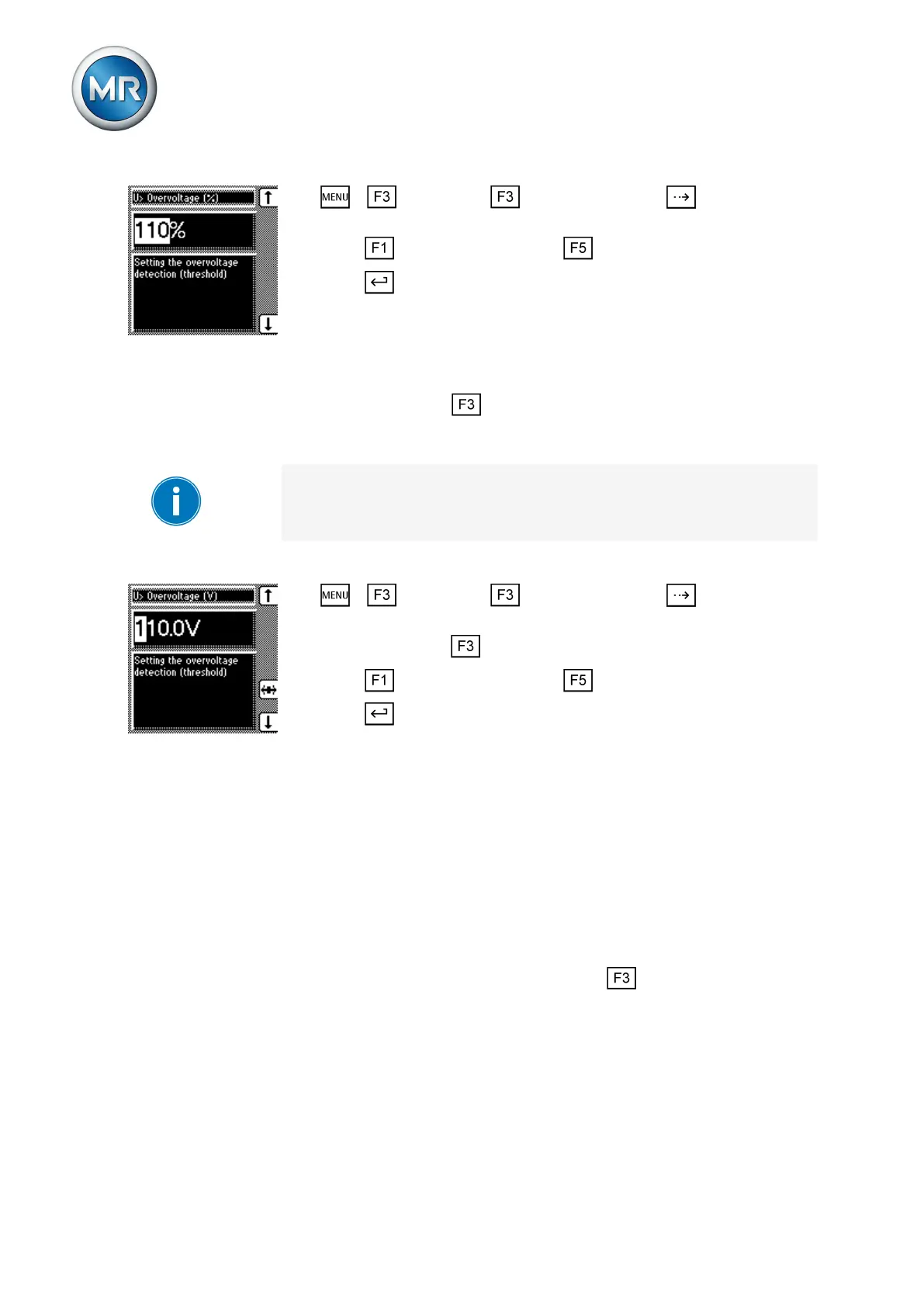
Setting overvoltage V> in V/kV
You can use this parameter to set the limit value as an absolute value in V or
kV units. If you use the key to change the display to kV, this value re-
lates to the primary transformer voltage. If you change the display to V, this
relates to the secondary transformer voltage.
If you want to use the set absolute values as the limit value, go to Absolute
limit values and activate the On selection.
To set the absolute limit value for overvoltage limit V>, proceed as follows:
1. > Parameter > Limit values > Press until the desired
parameter is displayed.
2. If necessary press to select the unit you want, V or kV.
3. Press to increase the value or to reduce it.
4. Press .
ð The limit value is set.
Setting overcurrent monitoring I>
You can use this parameter to set the limit value for overcurrent to prevent
tap-change operations in the event of excess load currents.
If the measured current exceeds the set limit value, the red LED I> and as-
sociated signaling relay activate. The Overcurrent blocking message ap-
pears in the display. The device's output pulses are blocked at the same
time.
You have to enter the limit value as a relative value (%) of the current trans-
former's set nominal current. You can use the key to change the input
from a percentage % to absolute values in amps A. The percentage value
relates to the nominal current. To change the input, the transformer data
[► 84] must be set.
To set the limit value I> overcurrent for overcurrent blocking, proceed as fol-
lows:
6.6.4



 To Next Page