6 Functions and settings
Maschinenfabrik Reinhausen 201496 2374092/04 ENTAPCON® 260
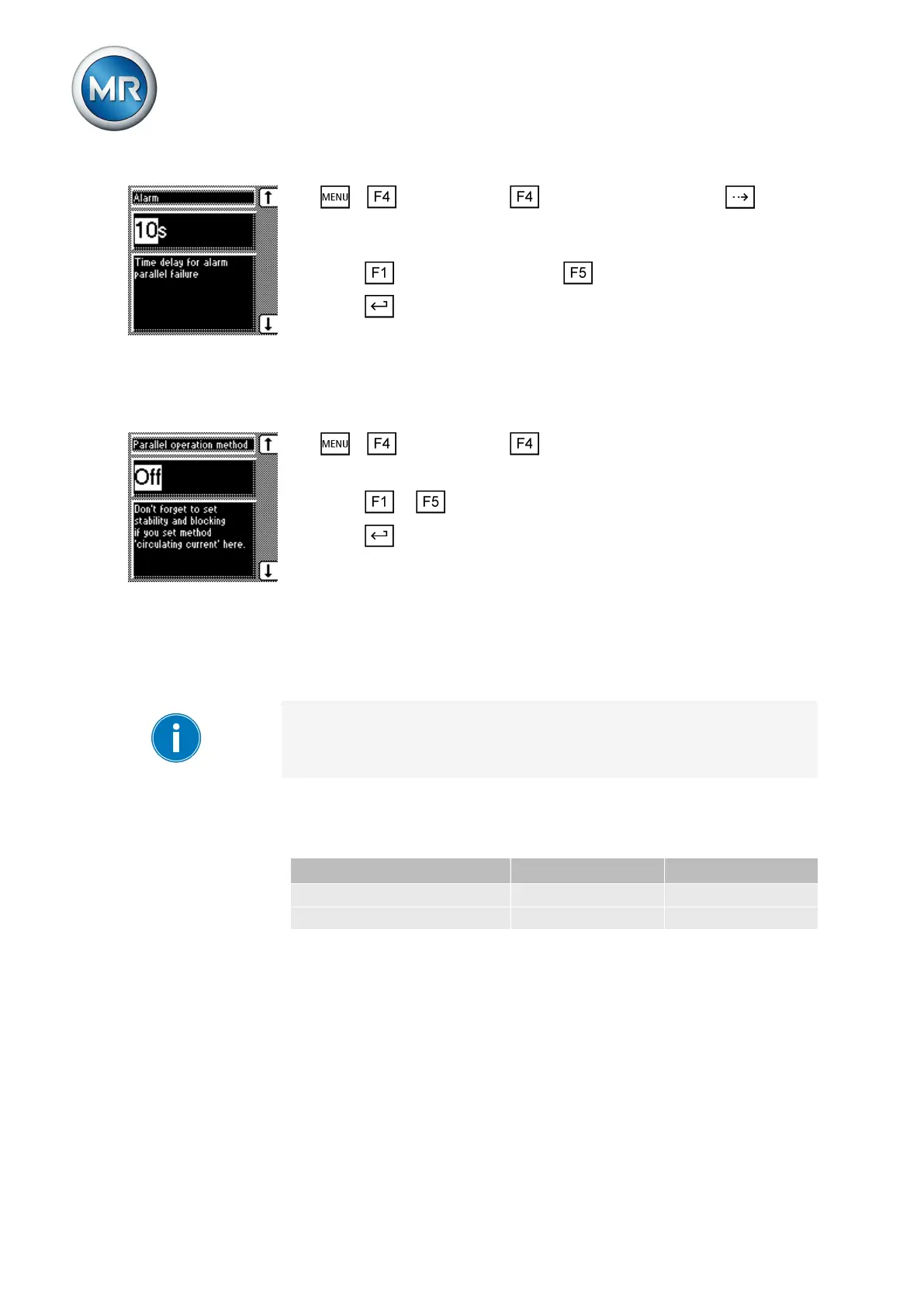
1. > Configuration > Parallel operation > Press until the
desired parameter is displayed.
ð Error message.
2. Press to increase the value or to reduce it.
3. Press .
ð The delay time for the parallel operation error message is set.
Deactivating parallel operation
To deactivate parallel operation, proceed as follows:
1. > Configuration > Parallel operation.
ð Parallel operation method.
2. Press or to deactivate parallel operation with the Off selection.
3. Press .
ð Parallel operation is deactivated.
Analog tap position capture (optional)
For the analog tap position capture, you must assign the lowest tap position
to the analog input for the minimum measured value and the highest tap po-
sition for the maximum measured value.
The device is configured at the factory according to the order. However,
should modifications be necessary, note the following sections.
The analog input card is used to record the tap position of an analog signal
transmitter. Depending on device configuration, you can capture the follow-
ing signals:
AD card AD8 card
Resistor contact series 50...2,000 ohms not possible
Injected current 0/4...20 mA 0/4...20 mA
Table 24: Analog tap position capture
Setting lower limit value
You can use these parameters to set the lower limit value for the tap posi-
tion . To do this, you must set the lower value of the signal range and the
linked lowest tap position.
You can undertake the settings for each input on the analog input card.
6.10.5
6.11
6.11.1



 To Next Page