6 Functions and settings
Maschinenfabrik Reinhausen 2014 1212374092/04 EN TAPCON® 260
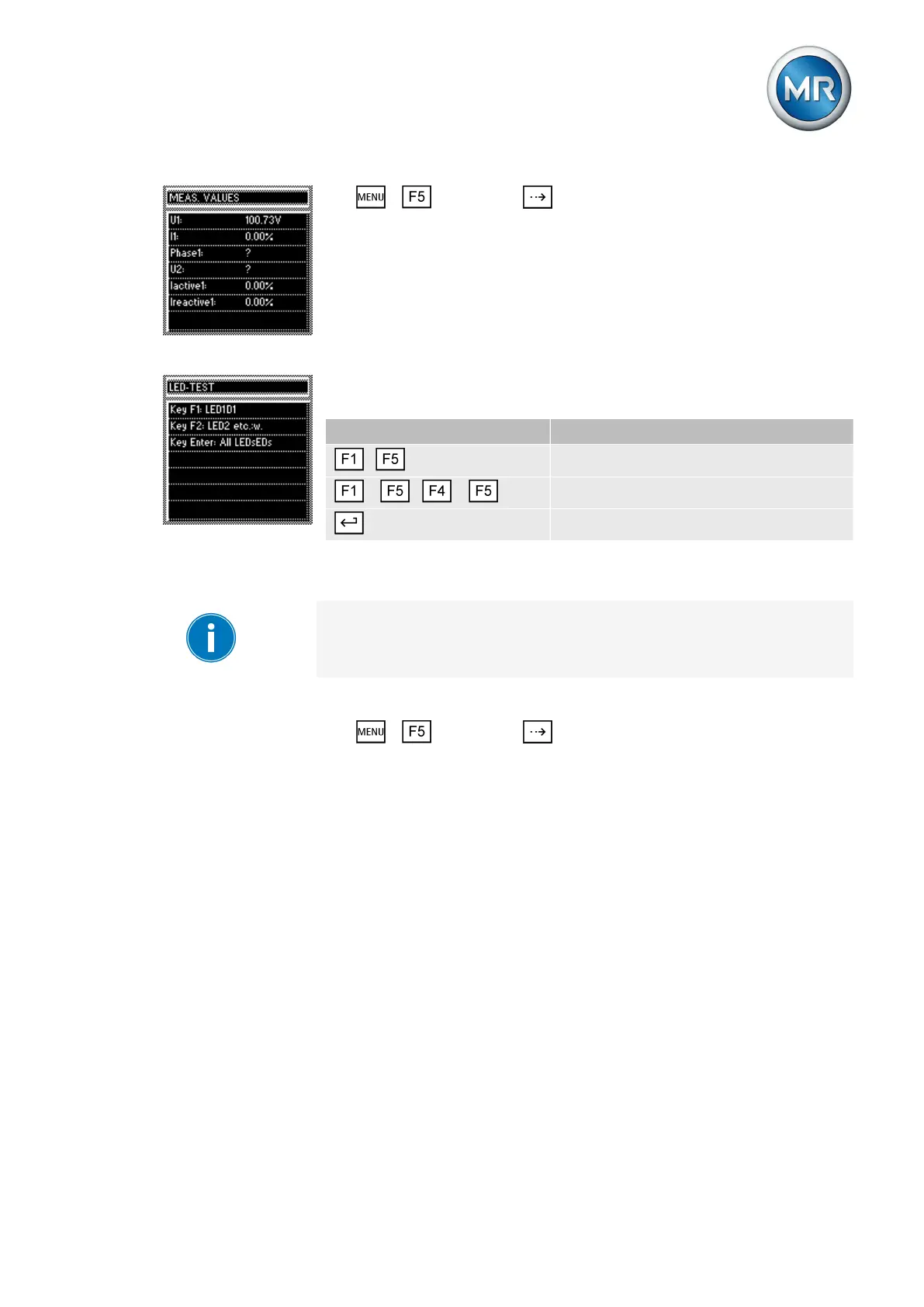
► > Info > Press until the desired measurement parameter
is displayed.
ð Measured values.
Carrying out LED test
You can check whether the LEDs are functioning properly. To do this, press
the relevant function key to illuminate an LED:
Key LED no.
...
LED 1...LED 5
+ ... +
LED 6...LED 9
All LEDs
Table 32: Arrangement of keys for the LED test
This function will only test the functional reliability of the respective LED.
The function of the device linked to the LED is not tested.
To carry out the LED test, proceed as follows:
1. > Info > Press until the desired measurement parameter
is displayed.
ð LED test.
2. To carry out the function test, press any F key for the LED you want to
test.
Displaying input/output status
The status of the respective optocoupler inputs is shown in the INPUT /
OUTPUT-STATUS display. As soon as a continuous signal is present at the
input, it is shown in the display with a 1. 0 indicates no signal at the input.
6.17.3
6.17.4



 To Next Page