6 Functions and settings
Maschinenfabrik Reinhausen 2014 1152374092/04 EN TAPCON® 260
To move the sequence to a precise time, proceed as follows:
1. > Info > Press until the desired display appears.
ð Time plotter.
2. Press until the setting box for the retrace date is highlighted.
ð The setting box is now highlighted and the value can be changed.
3. Press to advance the date by one digit or to move it back one
digit.
ð The retrace date is set. The sequence for the specified day appears in
the display.
Communication interface SID
The following section describes how to configure the communication inter-
face.
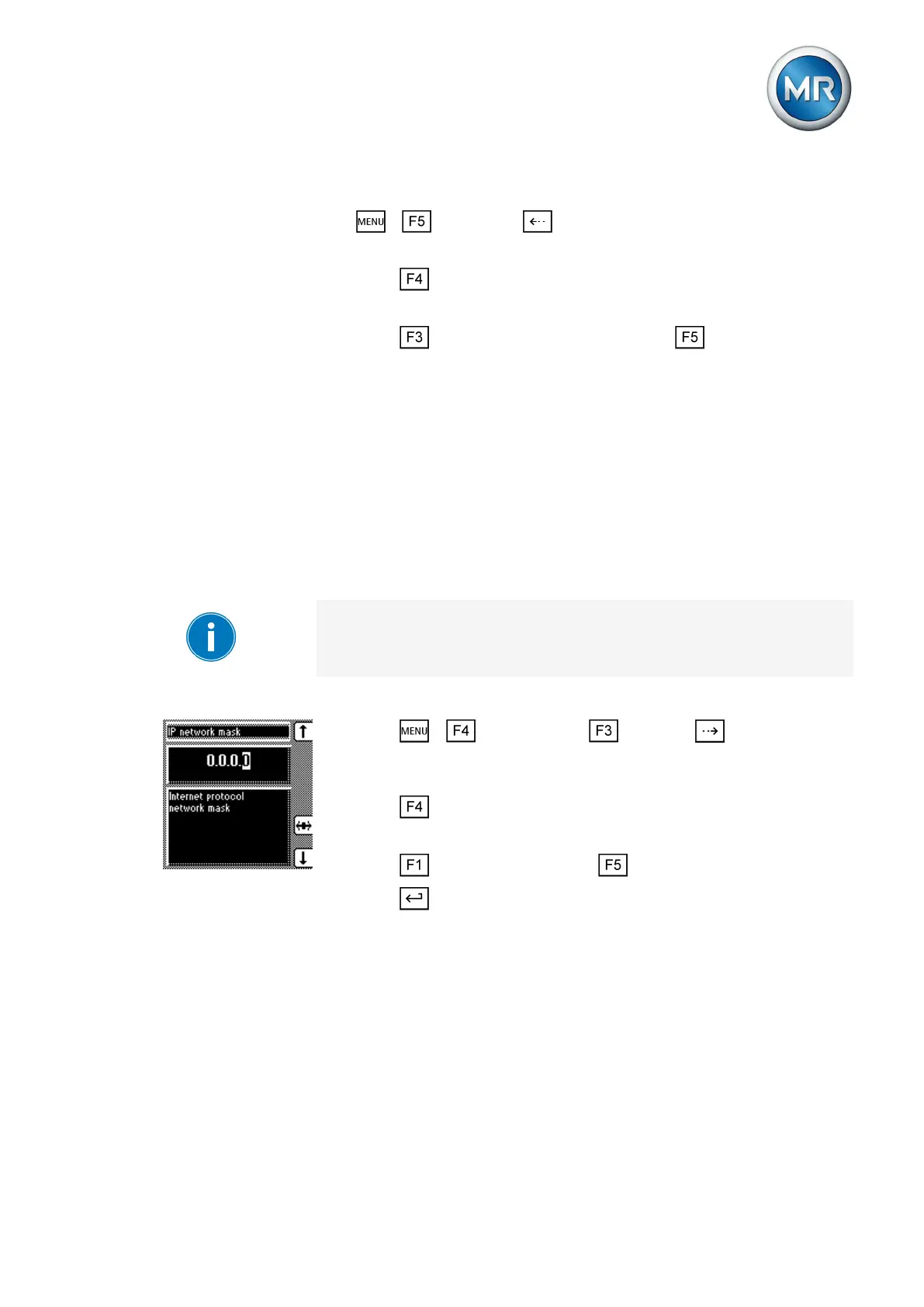
Assigning a network mask
You can use this parameter to set the network mask.
Be sure to enter a valid network mask that is not 0.0.0.0, otherwise it will not
be possible to connect to the device.
To assign a network mask, proceed as follows:
1. Press > Configuration > General > until the desired
parameter is displayed.
ð Network mask.
2. Press in order to highlight the position.
ð The desired position is highlighted and the value can be changed.
3. Press to increase the value or to reduce it.
4. Press .
ð The network mask is assigned.
Assigning network address
You can use this parameter to assign a network address to the device.
To assign a network address, proceed as follows:
6.15
6.15.1
6.15.2



 To Next Page