6 Functions and settings
Maschinenfabrik Reinhausen 201452 2374092/04 ENTAPCON® 260
Functions and settings
This chapter describes all the functions and setting options for the device.
Key lock
The device is equipped with a key lock to prevent unintentional operation.
You can only set or change the parameters when the key lock is deactivated
in manual mode.
Activating key lock
To activate the key lock, proceed as follows:
► Press and at the same time.
ð A confirmation appears in the display for a brief period. The key lock is
activated. Parameters can no longer be entered.
Deactivating key lock
To deactivate the key lock, proceed as follows:
► Press and at the same time.
ð The key lock is deactivated. Parameters can be entered.
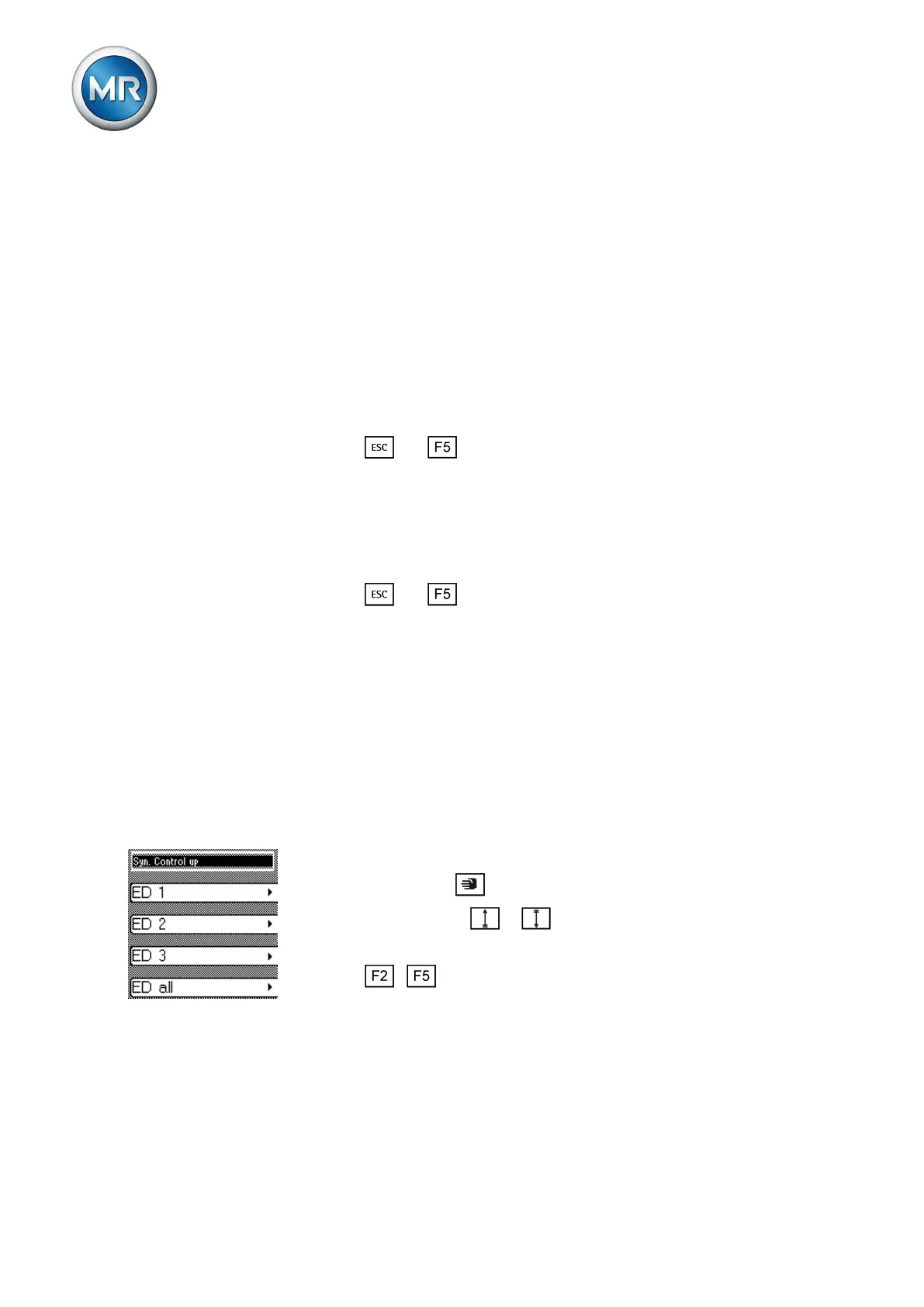
Carrying out tap-change operation manually
In manual mode [► 15] you can manually carry out an on-load tap-changer
tap-change operation. To do this, you can choose whether you want to
switch 1 motor-drive unit individually (ED 1...ED 3) or all 3 motor-drive units
at the same time (ED all).
By switching the motor-drive units individually, you can compare the tap po-
sitions of the on-load tap-changers in the 3 transformers. If the tap positions
are different, the tap difference LED lights up.
To carry out a tap-change operation manually, proceed as follows:
1. If necessary, press to activate manual mode.
2. Press and hold down or .
ð The "Syn. Control up/down" display appears.
3. Press ... as required to select the option you want.
ð The tap-change operation is carried out.
General
You can undertake general settings on the device in the General menu item.
6
6.1
6.2
6.3



 To Next Page