5 Commissioning
Maschinenfabrik Reinhausen 2014 412374092/04 EN TAPCON® 260
Date
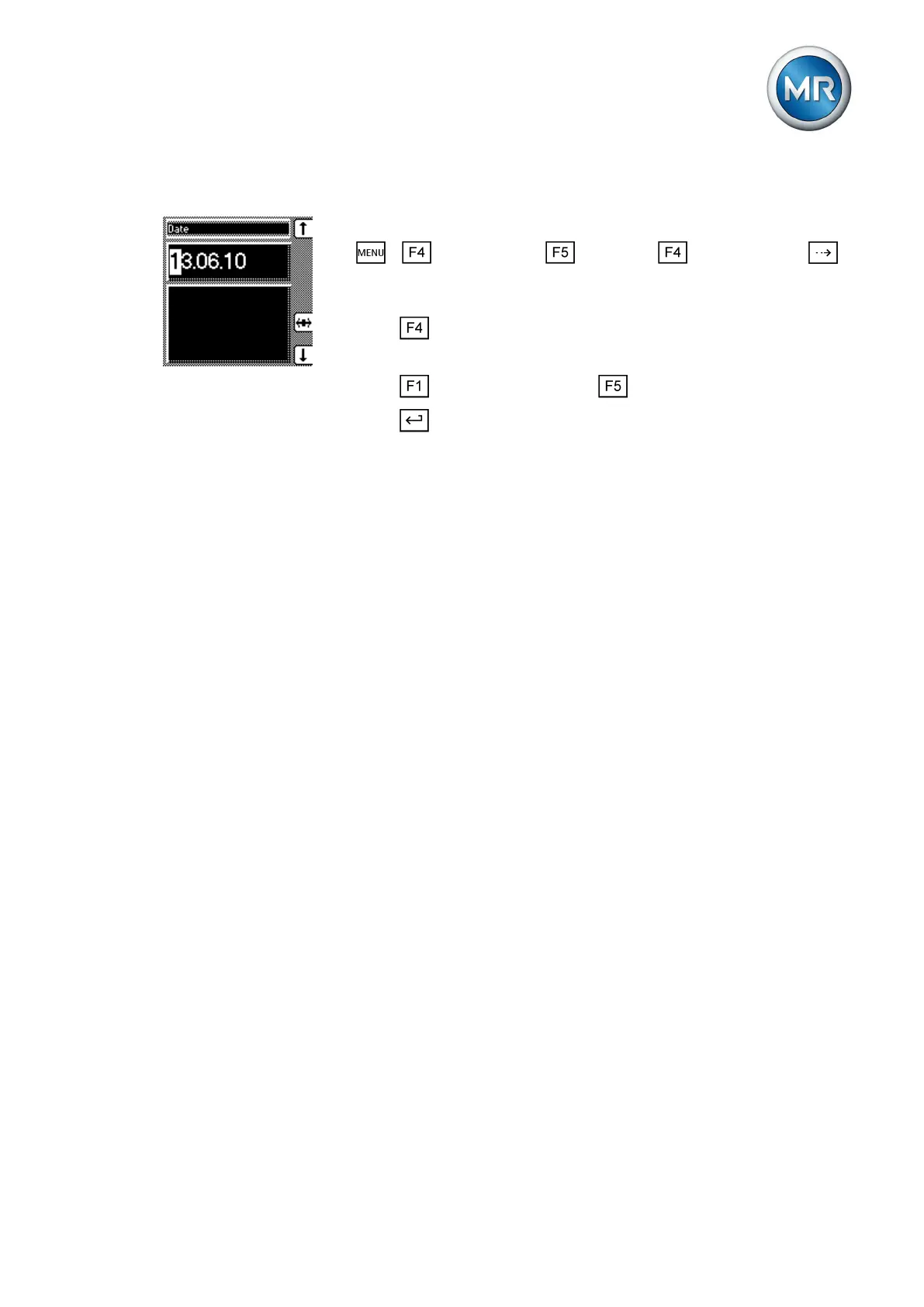
To set the date, proceed as follows:
1. > Configuration > Continue > Memory > Press
until the desired display appears.
ð Date
2. Press to highlight a digit.
ð The desired position is highlighted and the value can be changed.
3. Press to increase the value or to reduce it.
4. Press .
ð The date is set.
Setting further parameters
Set further parameters to commission the device. More detailed information
about each of the parameters can be found in the Functions and settings
[► 52] chapter.
Setting transformer data
Set the transformer data and phase difference of the current transformer and
voltage transformer:
1. Set primary transformer voltage [► 85].
2. Set secondary transformer voltage [► 85].
3. Set primary transformer current [► 86].
4. Select current-transformer connection [► 87].
5. Select transformer circuit [► 87].
Setting NORMset
If you want to commission voltage regulation quickly, you can activate
NORMset mode. If you want to set the parameters yourself, continue with
the sections below.
► Activate NORMset and set the relevant parameters [► 61].
Setting control parameters
Set the following control parameters:
1. Set desired value 1 [► 65].
2. Set the bandwidth [► 66].
3. Set delay time T1 [► 66].
4. Switch all motor-drive units into the same tap position [► 52].
5.2.3



 To Next Page