5 Commissioning
Maschinenfabrik Reinhausen 201440 2374092/04 ENTAPCON® 260
Setting the language
You can use this parameter to set the display language for the device. The
following languages are available:
English Italian
German Portuguese
French Russian
Spanish
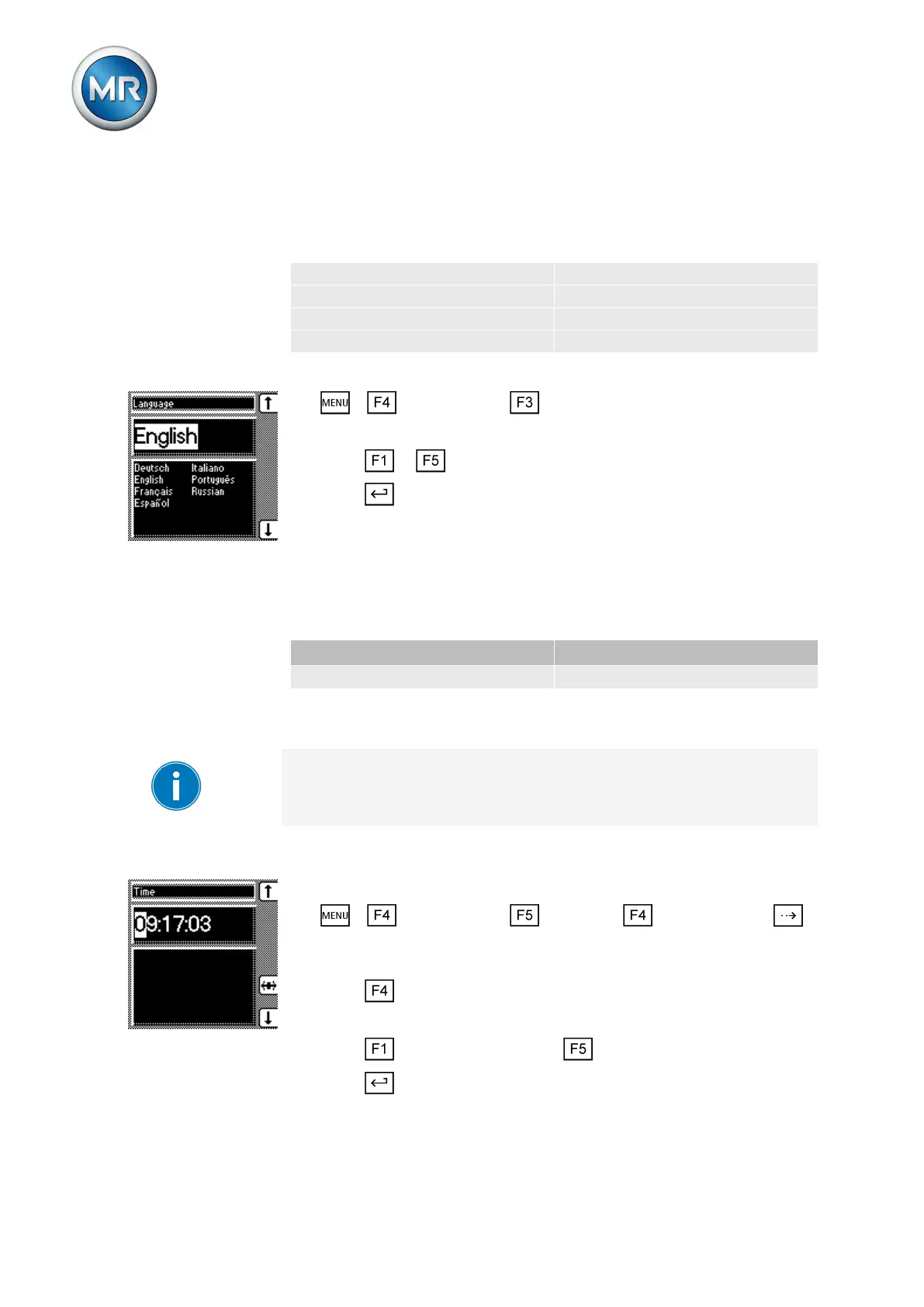
To set the language, proceed as follows:
1. > Configuration > General.
ð Language
2. Press or to select the required language.
3. Press .
ð The language is set.
Setting date and time
You must set the system date and system time on the device. You must set
the date and time in the following formats:
Date Time
DD.MM.YY HH:MM:SS
Table 9: Formats
The time does not switch from daylight saving time to standard time and
back automatically. You have to change the time manually.
Time
To set the time, proceed as follows:
1. > Configuration > Continue > Memory > Press
until the desired display appears.
ð Time
2. Press to highlight a digit.
ð The desired position is highlighted and the value can be changed.
3. Press to increase the value or to reduce it.
4. Press .
ð The time is set.
5.2.1
5.2.2



 To Next Page