6 Functions and settings
Maschinenfabrik Reinhausen 201492 2374092/04 ENTAPCON® 260
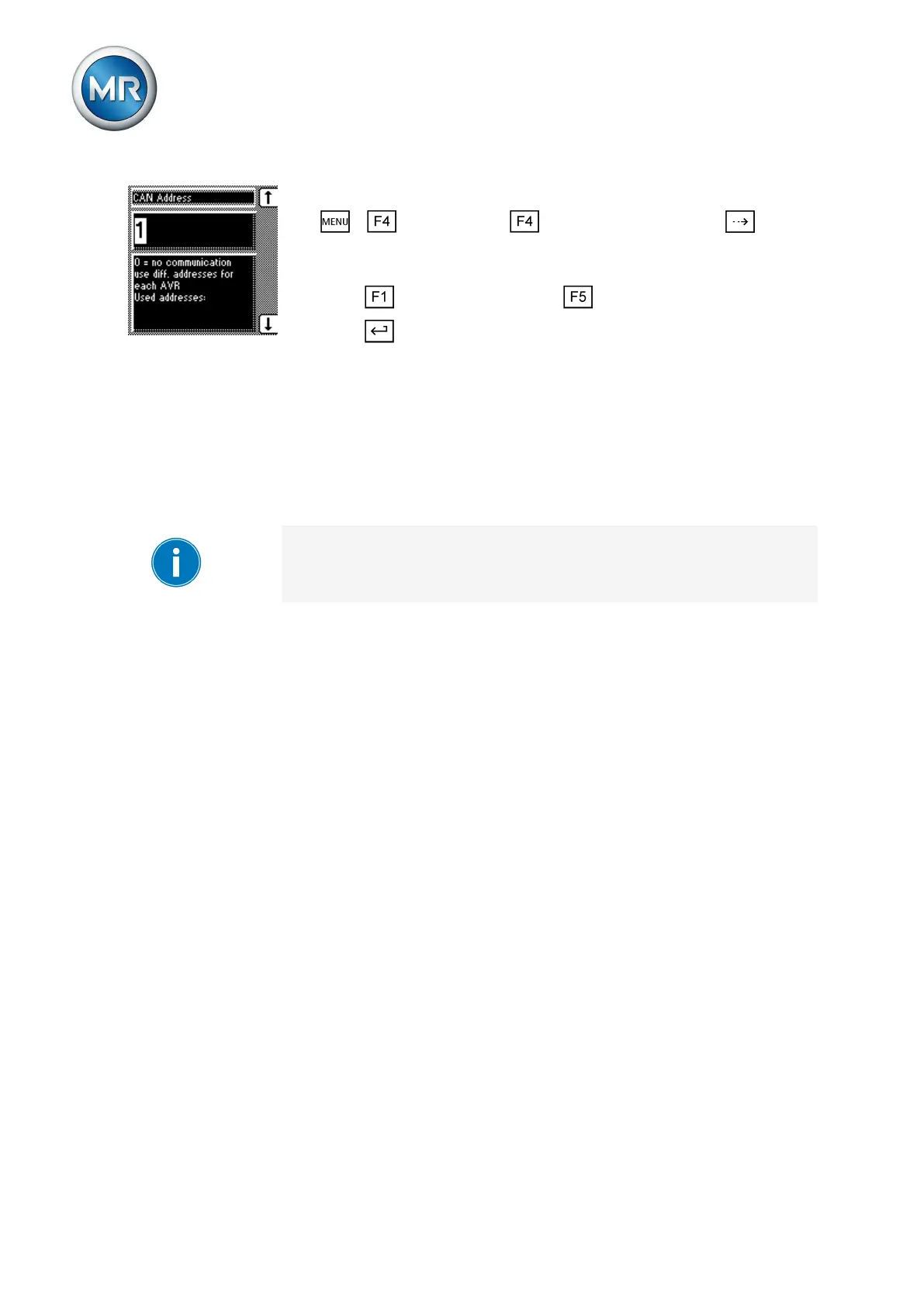
1. > Configuration > Parallel operation > Press until the
desired parameter is displayed.
ð CAN address.
2. Press to increase the value or to reduce it.
3. Press .
ð The CAN bus address is saved.
Selecting parallel operation method
You can use this parameter to select a parallel operation method. Two differ-
ent methods can be assigned to the device.
▪ Circulating reactive current minimization
▪ Tap synchronization (master/follower)
You must select the same parallel operation method for all voltage regula-
tors operating in parallel.
The following sections describe how you can set the parameters for a paral-
lel operation method.
Setting circulating reactive current method
When the circulating reactive current parallel operation method is select-
ed, then parallel operation is carried out using the circulating reactive current
minimization method. The circulating reactive current is calculated from the
transformer currents and their phase angles. A voltage proportional to the
circulating reactive current is added to the independently operating voltage
regulators as a correction for the measurement voltage. This voltage correc-
tion can be reduced or increased using the circulating reactive current sensi-
tivity setting.
The circulating reactive current method is suited to transformers connected
in parallel with a similar nominal output and short-circuit voltage V
K
and to
vector groups with the same and different step voltages. This does not re-
quire any information about the tap position.
To set the circulating reactive current parallel operation method, proceed
as follows:
6.10.2
6.10.2.1



 To Next Page