6 Functions and settings
Maschinenfabrik Reinhausen 2014 1172374092/04 EN TAPCON® 260
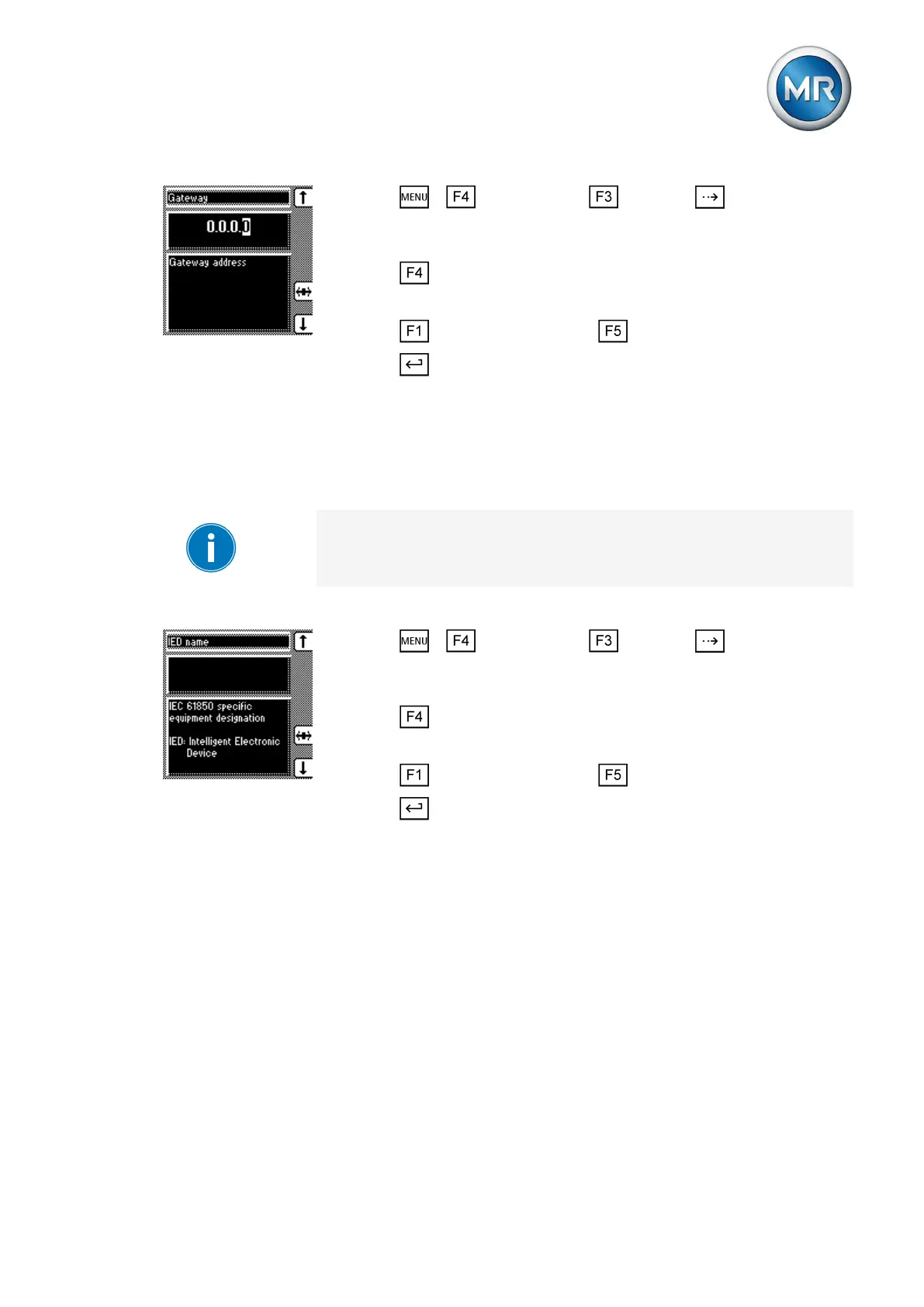
1. Press > Configuration > General > until the desired
parameter is displayed.
ð Gateway.
2. Press in order to highlight the position.
ð The desired position is highlighted and the value can be changed.
3. Press to increase the value or to reduce it.
4. Press .
ð The gateway address is entered.
Entering IED name
You can use this parameter to assign the device an IED name in order for it
to be identified in the IEC 61850 network.
The IED name must start with a letter and may contain no more than 11
characters.
To enter the IED name, proceed as follows:
1. Press > Configuration > General > until the desired
parameter is displayed.
ð IED name.
2. Press in order to highlight the position.
ð The desired position is highlighted and the value can be changed.
3. Press to increase the value or to reduce it.
4. Press .
ð The IED name is entered.
Communication interface CIC2 (optional)
Communication interface CIC2 is optional and is only used for communica-
tion with the TAPCON®-trol software. The following section describes how to
configure the communication interface.
Selecting the communication port
You can use this parameter to select the communication port used for the
CIC card. You can select the following options:
▪ RS232
▪ Ethernet
6.15.5
6.16
6.16.1



 To Next Page