6 Functions and settings
Maschinenfabrik Reinhausen 2014 592374092/04 EN TAPCON® 260
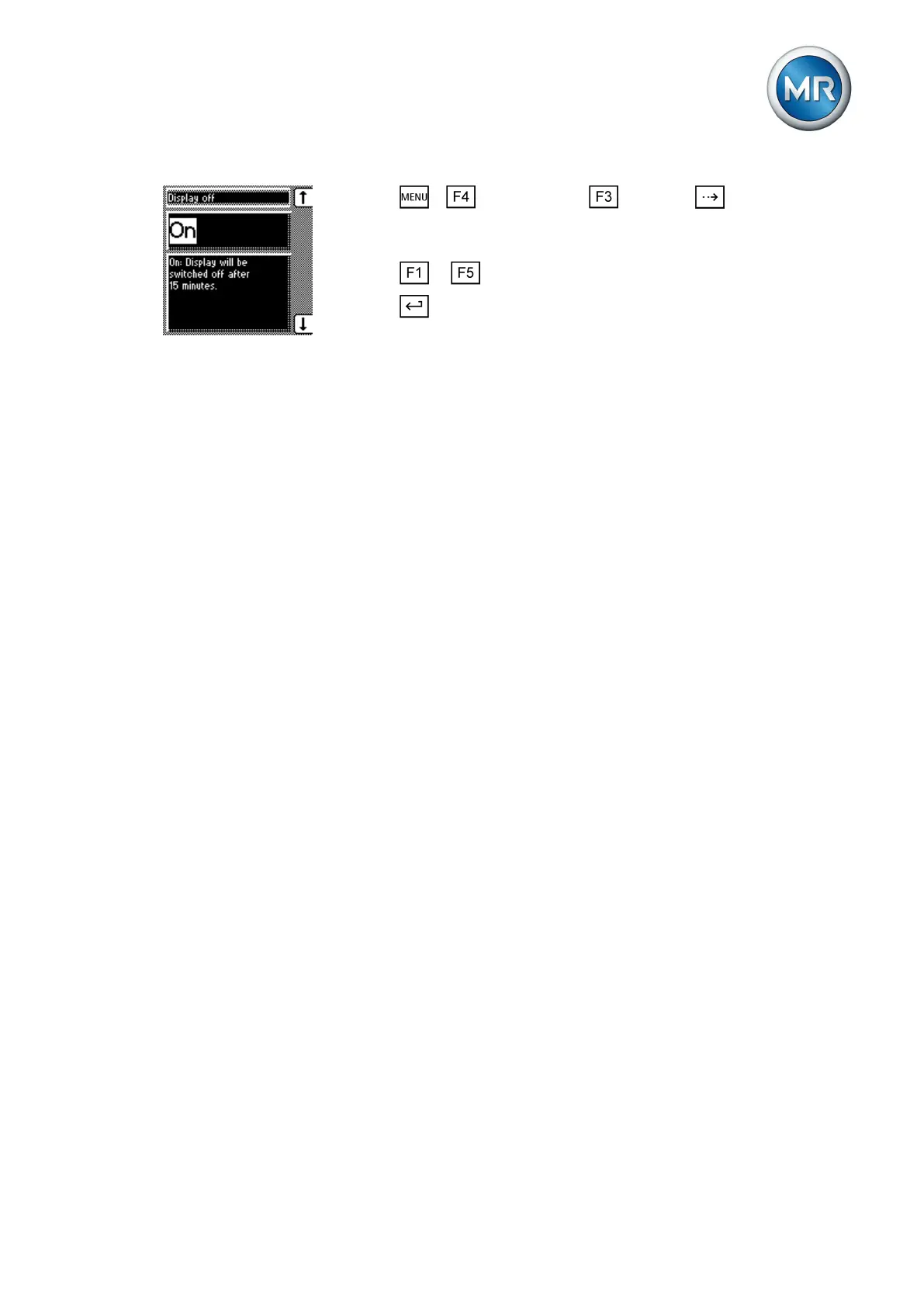
1. Press > Configuration > General > until the desired
parameter is displayed.
ð Display off.
2. Press or to activate/deactivate automatic dimming.
3. Press .
ð Automatic dimming is set.
Setting motor runtime monitoring
You can use this motor runtime parameter to set the motor runtime. The mo-
tor-drive unit's runtime can also be monitored by the device. This function is
used to identify motor-drive unit malfunctions during the tap-change opera-
tion and to trigger any actions needed.
The motor-drive unit issues the Motor-drive unit running signal during the
tap-change operation. This signal is present until the tap-change operation is
complete. The device compares the duration of this signal with the set motor
runtime. If the set motor runtime is exceeded, the device triggers the follow-
ing actions:
1. Motor runtime monitoring message is issued
2. Continuous signal via output relay Motor-drive unit runtime exceeded
(optional)
3. Pulse signal via Trigger motor protective switch output relay (optional)
To use runtime monitoring, you need to correctly wire the corresponding
control input and parameterize to Motor running. The motor runtime must al-
so be set.
If you want to monitor the motor runtime, the device and motor-drive unit
must be connected and parameterized as shown below.
6.3.9
Behavior
Parameterizing control
input
Wiring control input/output
relay



 To Next Page