4 Mounting
Maschinenfabrik Reinhausen 2014 372374092/04 EN TAPCON® 260
Variant 2: The connected devices have different potential
Note that the shielding is less effective with this variant.
If the devices to be connected have different potential, proceed as follows:
► Connect CAN bus cable's shielding to just one device.
Connecting shielding
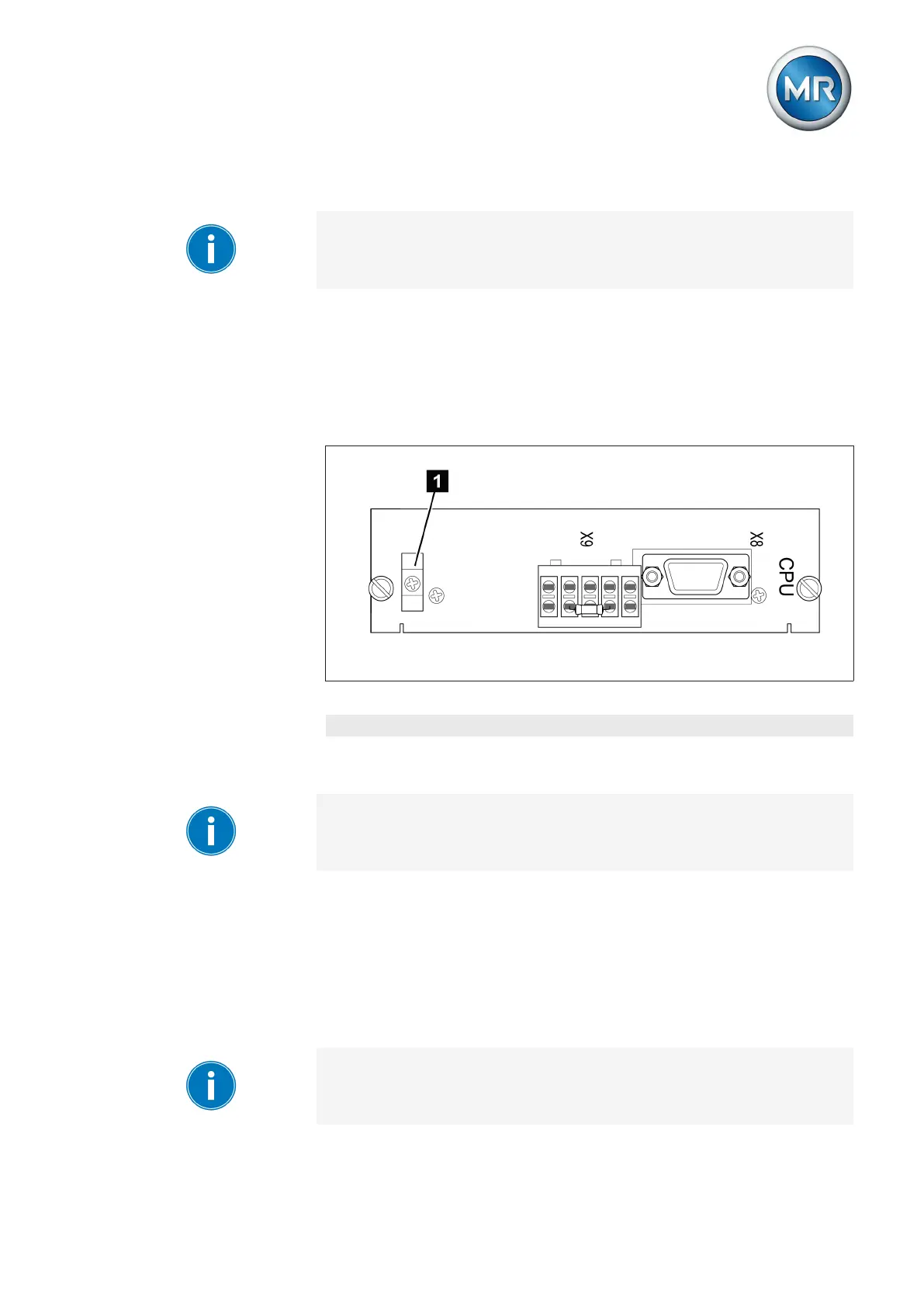
Connect the CAN bus cable's shielding to the intended point on the CPU
card using the cable clips provided:
Figure 27: Securing the shielding
1 Securing the CAN bus cable's shielding
Connecting cables to the system periphery
To obtain a better overview when connecting cables, only use as many
leads as necessary.
To connect cables to the system periphery, proceed as follows:
ü Use only the specified cables for wiring. Note the cable recommendation
[► 31].
► Connect the lines to be wired to the device to the system periphery as
shown in the connection diagrams supplied.
Wiring device
To obtain a better overview when connecting cables, only use as many
leads as necessary.
4.3.4
4.3.5



 To Next Page