6 Functions and settings
Maschinenfabrik Reinhausen 2014 1052374092/04 EN TAPCON® 260
Relative value
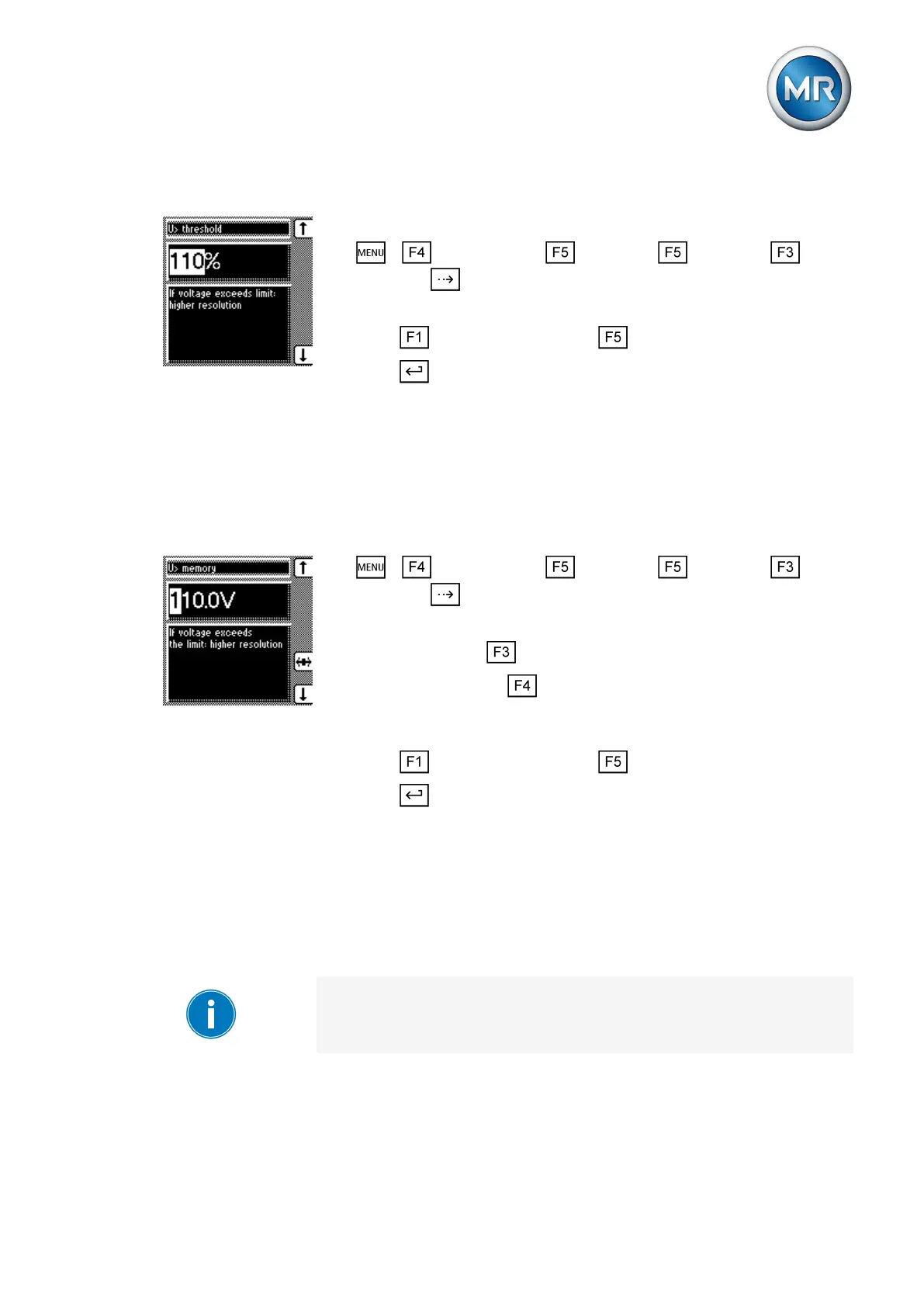
To set the overvoltage threshold, proceed as follows:
1. > Configuration > Continue > Continue > Memo-
ry > Press until the desired parameter is displayed.
ð V> threshold.
2. Press to increase the value or to reduce it.
3. Press .
ð The overvoltage threshold is set.
Absolute value
Entries can be made either in V or kV. If you enter the absolute value in V, it
relates to the secondary transformer voltage. If you enter the absolute value
in KV, it relates to the primary voltage.
To set the overvoltage threshold, proceed as follows:
1. > Configuration > Continue > Continue > Memo-
ry > Press until the desired parameter is displayed.
ð V> memory.
2. If necessary press to select the unit you want, V or kV.
3. If V is selected, press to highlight the decimal place.
ð The decimal place is now highlighted and the value can be
changed.
4. Press to increase the value or to reduce it.
5. Press .
ð The overvoltage threshold is set.
Setting time difference of average value interval
You can use this parameter to set the long-term memory for the device. The
memory is split into the average value memory and event memory. Depend-
ing on the setting, intervals of 1; 2; 4; 10; 20 or 40 seconds are saved in the
average value memory.
When you set the average value interval, the complete memory is cleared
once the change is confirmed.
6.14.3



 To Next Page