6 Functions and settings
Maschinenfabrik Reinhausen 2014 952374092/04 EN TAPCON® 260
Selecting parallel operation control
As an option, the device can be fitted with a plug-in card for parallel opera-
tion with an existing parallel operation control unit when extending existing
systems. You can connect the following parallel operation control units:
▪ SKB 30E
▪ VC 100E-PM/PC
The settings required for parallel control must be undertaken in accordance
with the relevant valid operating instructions of the parallel operation control
unit.
If you do not have a parallel control unit, in the SKB parallel operation dis-
play you must select the Off selection. The possible selections are described
in more detail in the table below.
Selection Function
On Parallel operation control with existing parallel control
unit
Off Parallel operation control via CAN bus
Table 23: Settings for SKB parallel operation
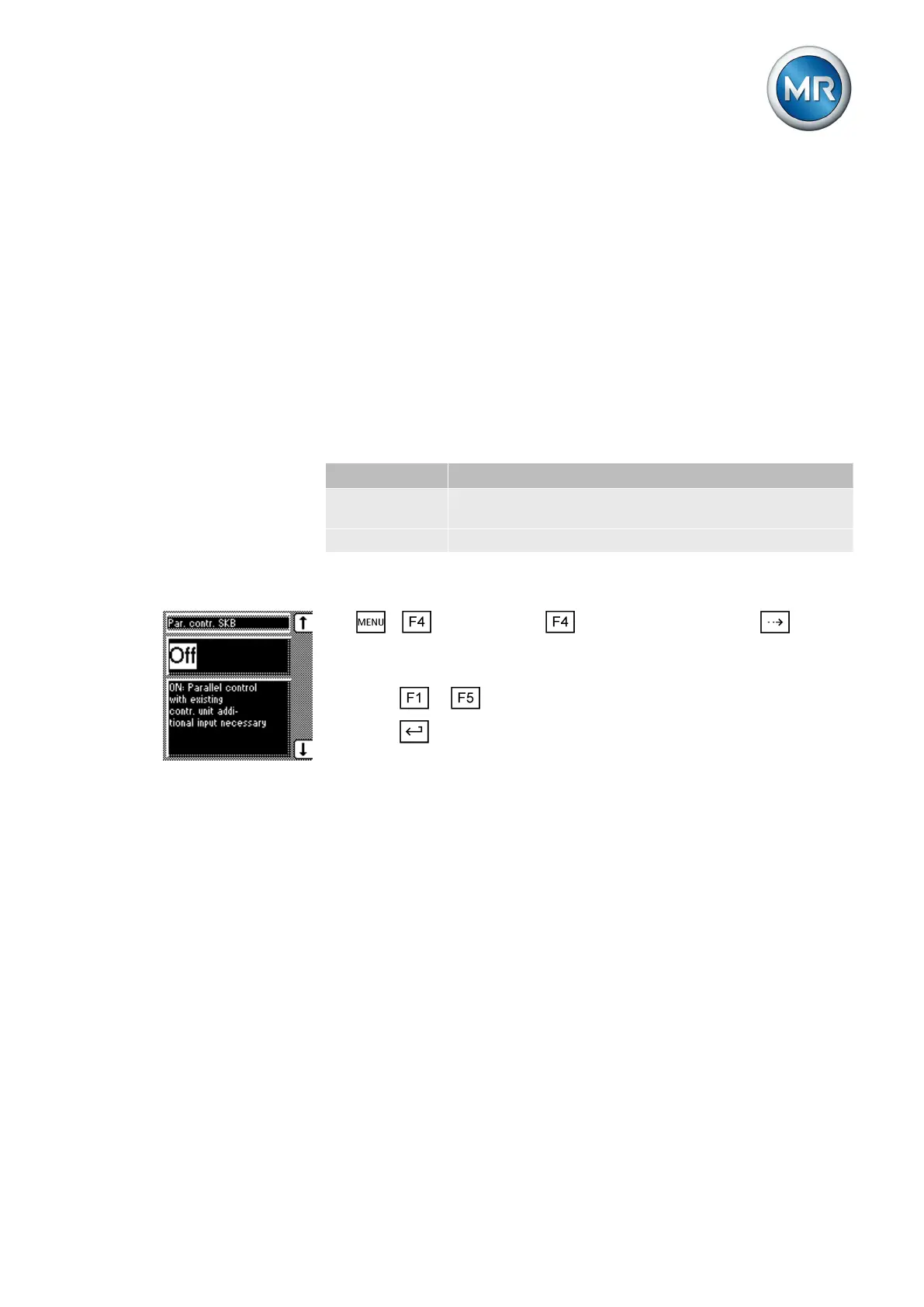
To select the type of parallel operation control, proceed as follows:
1. > Configuration > Parallel operation > Press until the
desired parameter is displayed.
ð SKB parallel operation.
2. Press or to set the option you want.
3. Press .
ð The type of parallel control is set.
Setting delay time for parallel operation error messages
You can use this parameter to set the delay time for a parallel operation er-
ror message so that brief fault messages are not received if the motor-drive
units involved in the parallel operation have different runtimes. Once the set
delay time has elapsed, the event is issued at the output relay. Automatic
regulation is blocked and the on-load tap-changers can only be adjusted in
manual mode.
To set the delay time for the parallel operation error message, proceed as
follows:
6.10.3
6.10.4



 To Next Page