6 Functions and settings
Maschinenfabrik Reinhausen 201494 2374092/04 ENTAPCON® 260
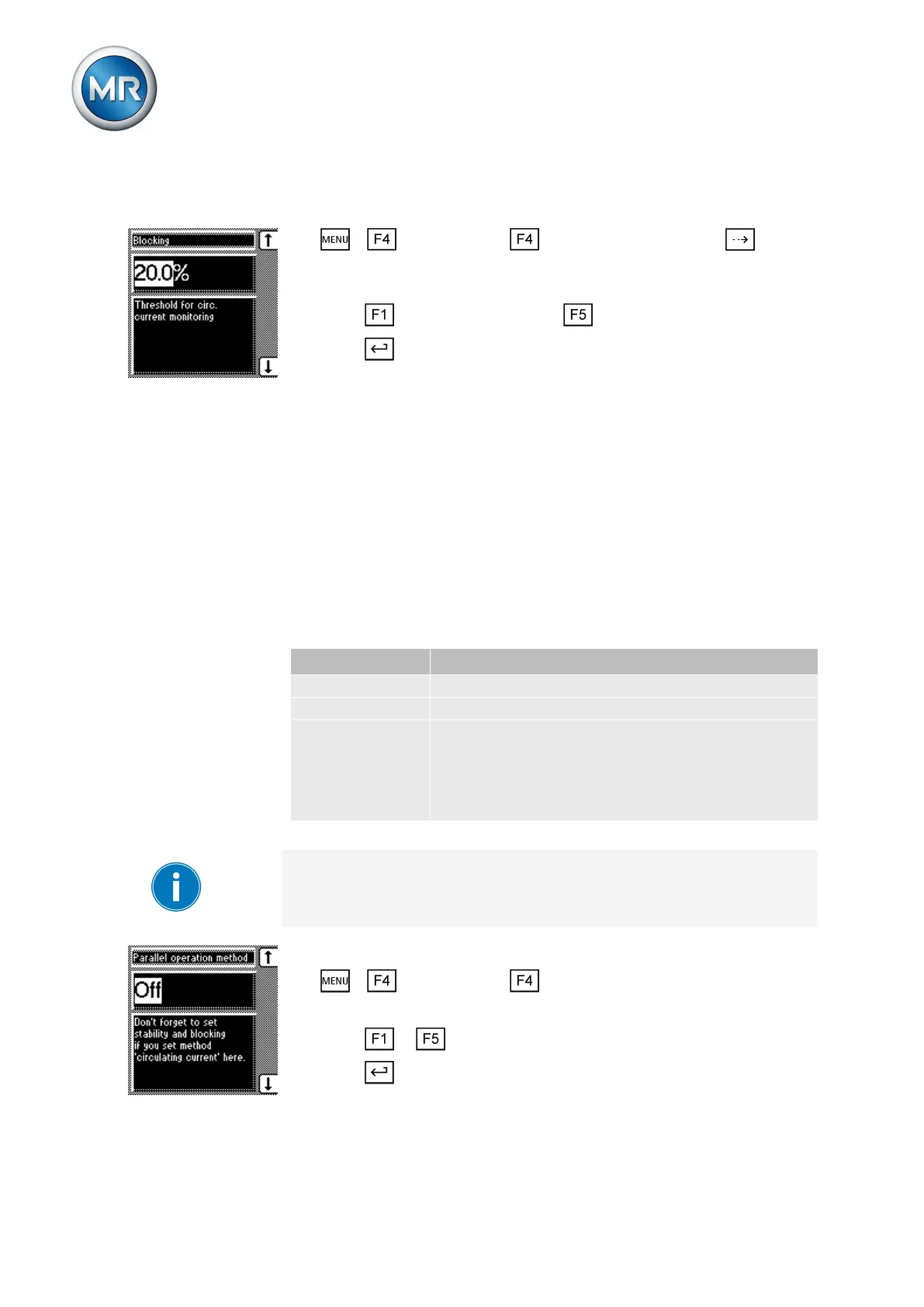
To set the blocking limit for the maximum permitted circulating reactive cur-
rent, proceed as follows:
1. > Configuration > Parallel operation > Press until the
desired parameter is displayed.
ð Blocking.
2. Press to increase the value or to reduce it.
3. Press .
ð The blocking limit for the maximum permitted circulating reactive current
is set.
Setting tap synchronization
With the tap synchronization method, you need to designate one voltage
regulator as the master and all others as followers. The master handles volt-
age regulation and transmits its latest tap positions to all followers via the
CAN bus. The followers compare the tap position received with their own tap
position. If the set permissible tap difference between the tap position re-
ceived and their own position is exceeded, the followers switch to the tap po-
sition received from the master. This ensures that the transformers operating
in parallel are always in the same tap position.
For the tap synchronization method, you can select the following options:
Option Description
Master The voltage regulator is designated as the master.
Follower The voltage regulator is designated as the follower.
Sync.auto Automatic assignment of master or follower.
If no master is detected, the voltage regulator with the
lowest CAN bus address is automatically designated
as the master. All other voltage regulators are desig-
nated as followers.
Table 22: Tap synchronization method
In parallel operation, an individual CAN bus address must be assigned to
each voltage regulator. Up to 16 CAN participants are supported.
Proceed as follows to set the tap synchronization method:
1. > Configuration > Parallel operation.
ð Parallel operation method.
2. Press or to select the option you want.
3. Press .
ð The tap synchronization method is selected.
6.10.2.2



 To Next Page