6 Functions and settings
Maschinenfabrik Reinhausen 2014116 2374092/04 ENTAPCON® 260
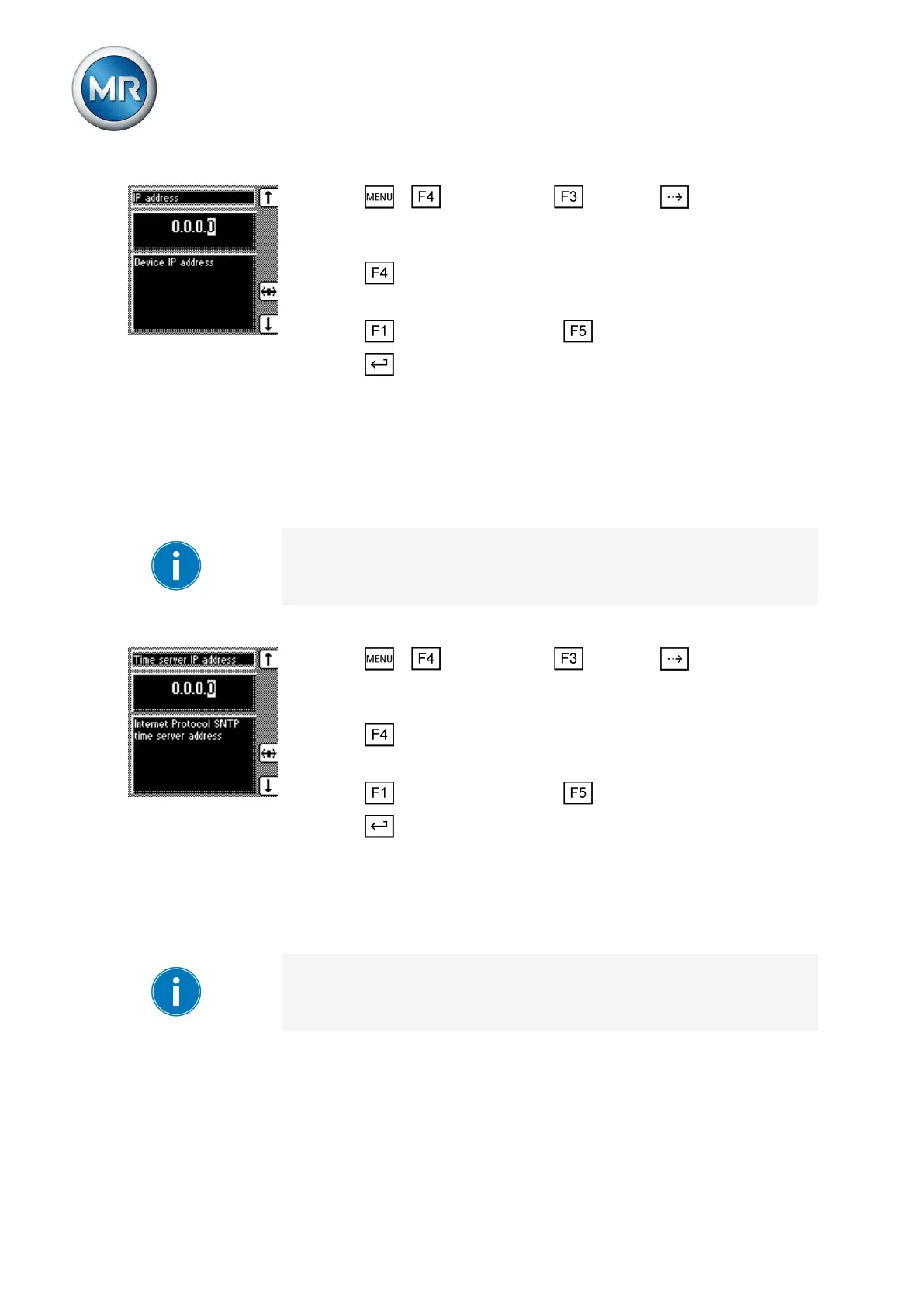
1. Press > Configuration > General > until the desired
parameter is displayed.
ð Network address.
2. Press in order to highlight the position.
ð The desired position is highlighted and the value can be changed.
3. Press to increase the value or to reduce it.
4. Press .
ð The network address is assigned.
Entering the time server address
This parameter lets you enter the IP address of a SNTP time server. If you
are using a time server, the device uses the time of the time server as the
system time.
Be sure to enter a valid time server address that is not 0.0.0.0, otherwise it
will not be possible to connect to the device.
To enter the time server address of the SNTP server, proceed as follows:
1. Press > Configuration > General > until the desired
parameter is displayed.
ð Time server address.
2. Press in order to highlight the position.
ð The desired position is highlighted and the value can be changed.
3. Press to increase the value or to reduce it.
4. Press .
ð The time server IP address is entered.
Entering gateway
You can use this parameter to set the gateway's IP address.
If you set the value to 0.0.0.0, no gateway is used.
To enter the gateway address, proceed as follows:
6.15.3
6.15.4



 To Next Page