6 Functions and settings
Maschinenfabrik Reinhausen 201482 2374092/04 ENTAPCON® 260
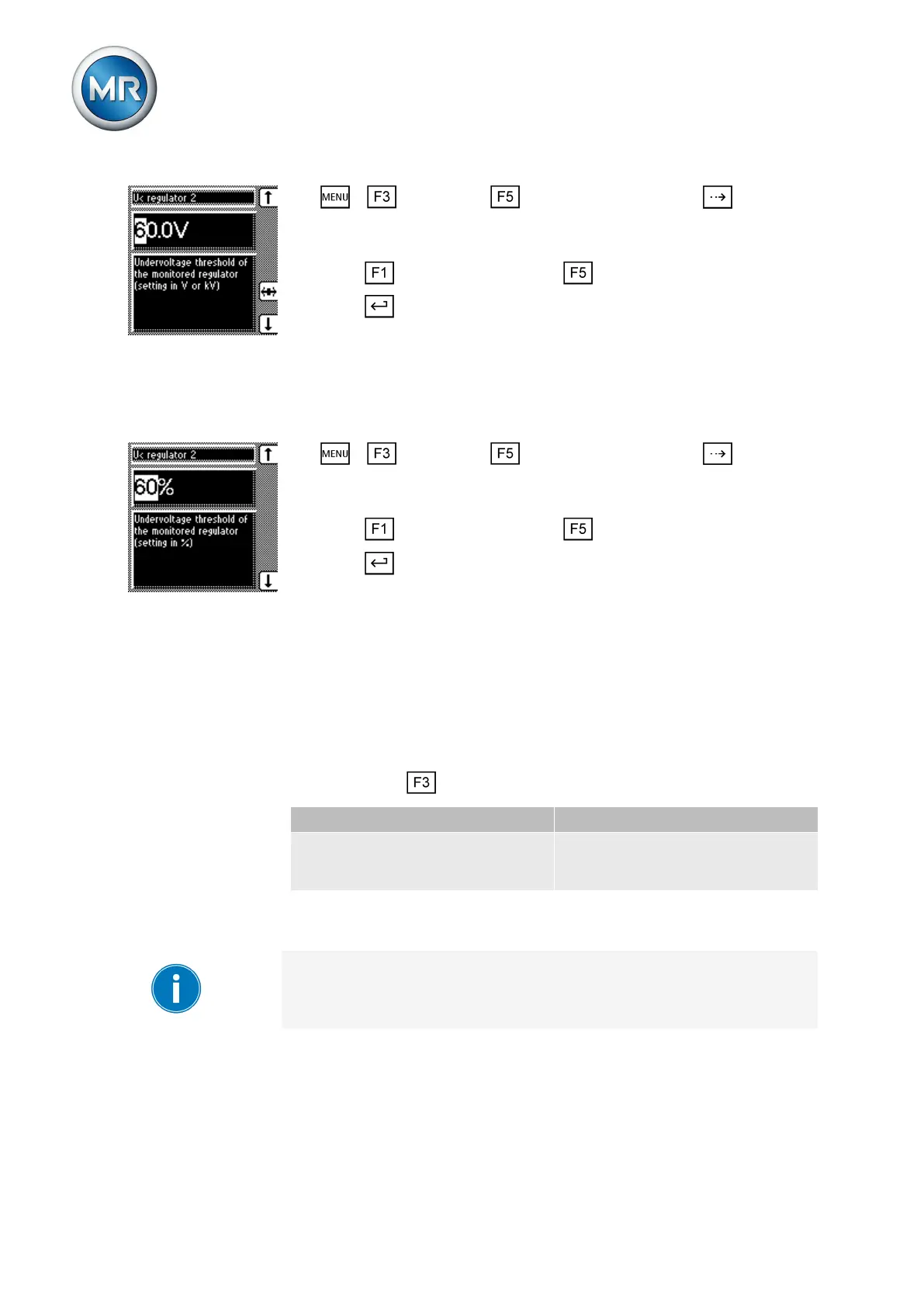
1. > Parameter > Cross-monitoring > Press until the de-
sired parameter is displayed.
ð V< regulator 2.
2. Press to increase the value or to reduce it.
3. Press .
ð The undervoltage limit value is set as an absolute value.
Setting relative value
To set the undervoltage limit value of the voltage regulator to be monitored,
proceed as follows:
1. > Parameter > Cross-monitoring > Press until the de-
sired parameter is displayed.
ð V< regulator 2.
2. Press to increase the value or to reduce it.
3. Press .
ð The undervoltage limit value is set as a relative value.
Setting overvoltage limit value V> for regulator 2
You can use this parameter to set the overvoltage limit value V> of the de-
vice to be monitored. You can set the undervoltage limit value V< as an ab-
solute value (V or kV).
Setting absolute value
You can use the key to change the display to the following units:
Volts (V) Kilovolts (kV)
This value relates to the secondary
voltage of the system's voltage
transformer.
This value relates to the primary
voltage of the system's voltage
transformer.
Table 18: Units available
If you want to change the display from V to kV, you have to set the trans-
former data of the device to be monitored.
To set the overvoltage limit value of the voltage regulator to be monitored,
proceed as follows:
6.8.3



 To Next Page