6 Functions and settings
Maschinenfabrik Reinhausen 2014 812374092/04 EN TAPCON® 260
Volts (V) Kilovolts (kV)
This value relates to the secondary
voltage of the system's voltage
transformer.
This value relates to the primary
voltage of the system's voltage
transformer.
Table 16: Units available
If you want to change the display from V to kV, you have to set the trans-
former data of the device to be monitored.
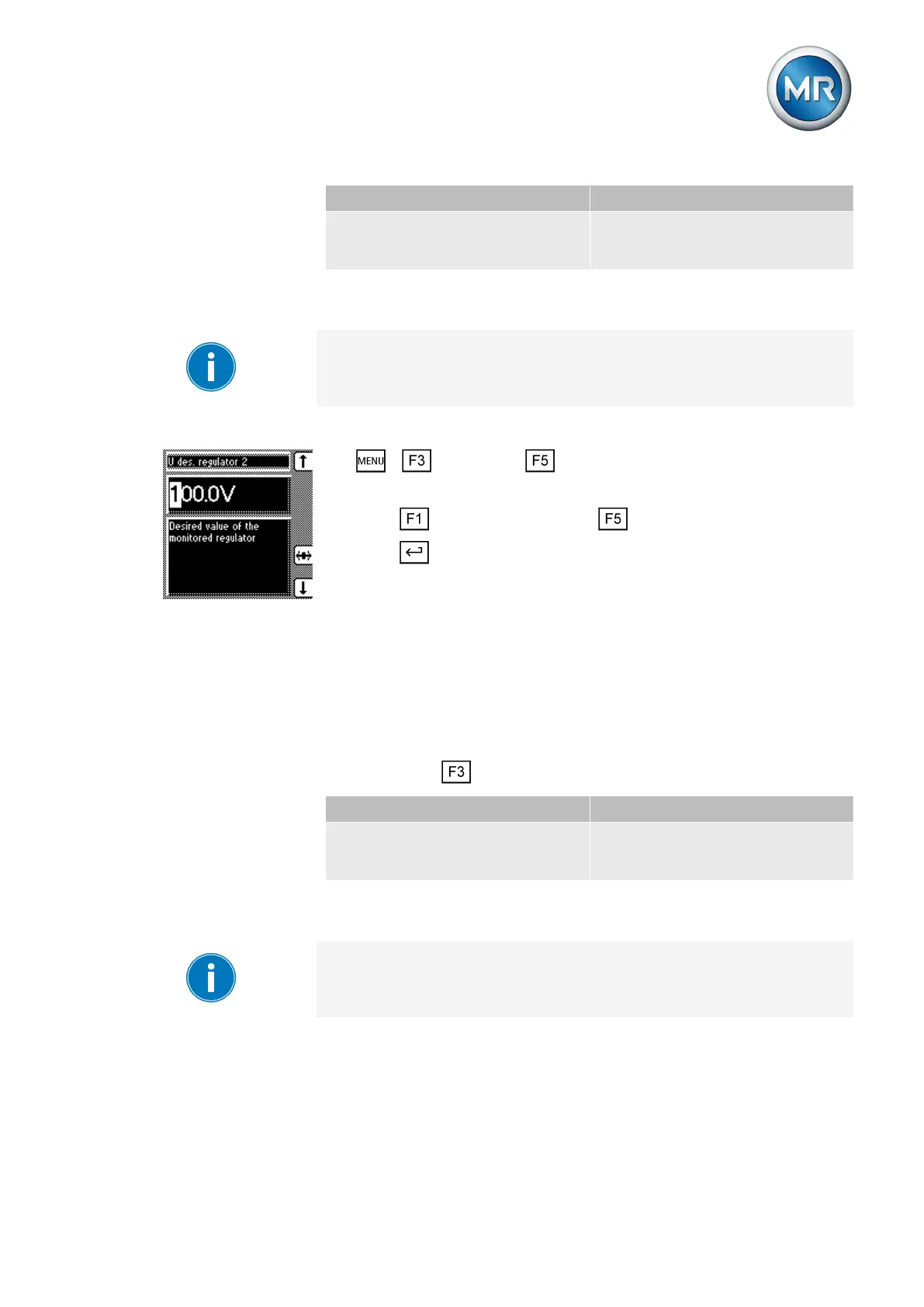
To enter the desired value of the device to be monitored, proceed as follows:
1. > Parameter > Cross-monitoring.
ð V
des.
regulator 2.
2. Press to increase the value or to reduce it.
3. Press .
ð The desired value of the device to be monitored is set.
Setting undervoltage limit value V< for regulator 2
You can use this parameter to set the undervoltage limit value V< of the de-
vice to be monitored. You can set the undervoltage limit value V< as an ab-
solute value (V or kV).
Setting absolute value
You can use the key to change the display to the following units:
Volts (V) Kilovolts (kV)
This value relates to the secondary
voltage of the system's voltage
transformer.
This value relates to the primary
voltage of the system's voltage
transformer.
Table 17: Units available
If you want to change the display from V to kV, you have to set the trans-
former data of the device to be monitored.
To set the undervoltage limit value of the voltage regulator to be monitored,
proceed as follows:
6.8.2



 To Next Page