6 Functions and settings
Maschinenfabrik Reinhausen 2014 872374092/04 EN TAPCON® 260
3. Press to increase the value or to reduce it.
4. Press .
ð The primary transformer current is set.
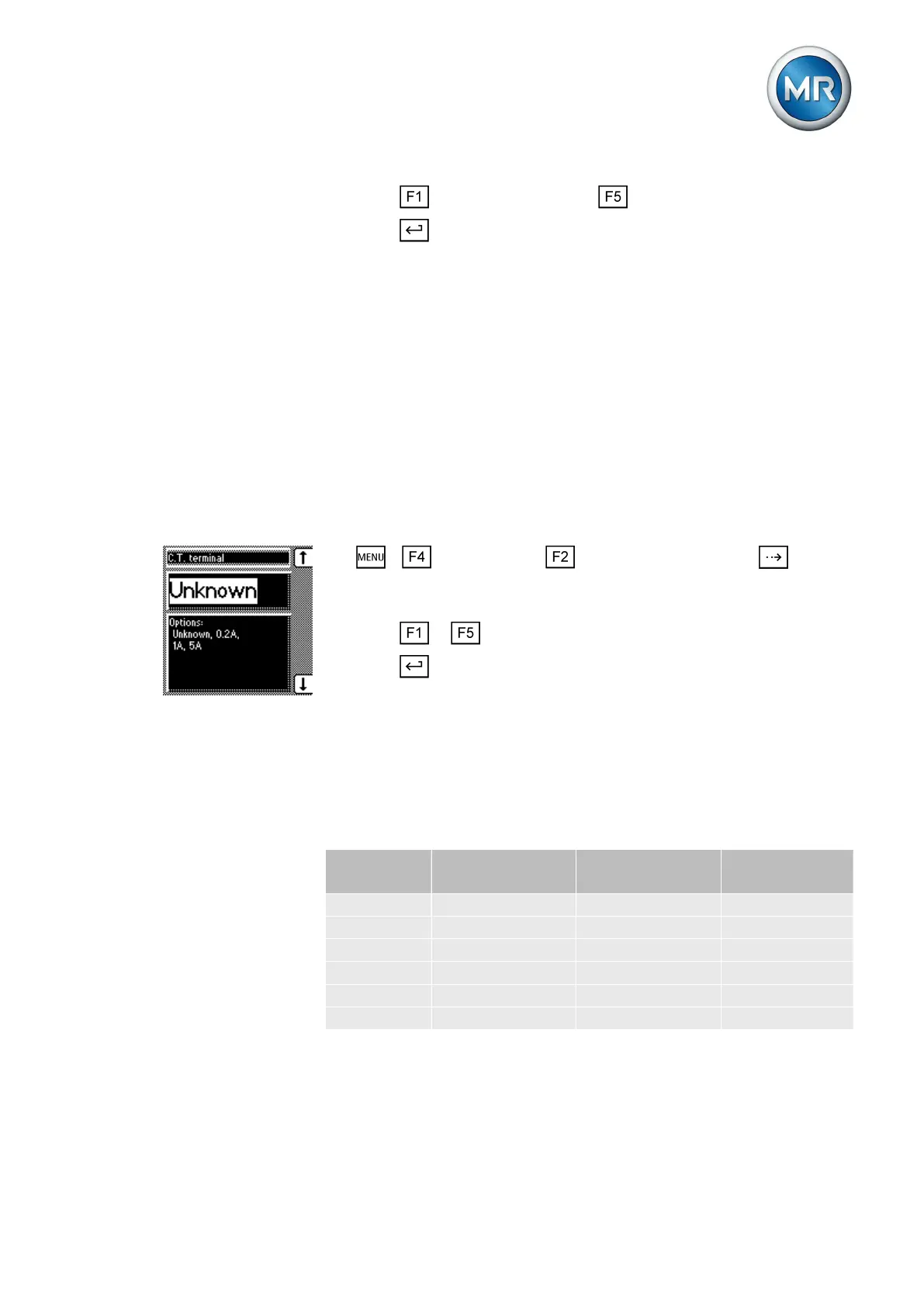
Setting the current transformer connection
This parameter can be used to set the current transformer connection. This
setting is needed for the device to display the correct secondary current in
the info screen.
If you select the "Unknown" option, the percentage of current (with reference
to the current transformer connection used) is displayed in the info screen.
▪ 0.2 A
▪ 1 A
▪ 5 A
To set the current transformer connection, proceed as follows:
1. > Configuration > Transformer data > Press until the
desired parameter is displayed.
ð Current transformer connection.
2. Press or to select the required connection terminal.
3. Press .
ð The current transformer connection is set.
Setting the phase difference for the current transformer/voltage
transformer
You can use this parameter to set the phase difference of the current trans-
former and voltage transformer. You can set the common transformer cir-
cuits as follows:
Tap-change
operation
Setting Measurement
method
Phase differ-
ence
A 0 1PH 1 phase 0°
B 0 3PHN 3 phase 0°
C 0 3PH 3 phase 0°
D 90 3PH 3 phase 90°
E 30 3PH 3 phase 30°
F -30 3PH 3 phase -30°
Table 21: Set values for transformer circuit
Note the following sample circuits to select the correct transformer circuit.
6.9.4
6.9.5



 To Next Page