6 Functions and settings
Maschinenfabrik Reinhausen 201456 2374092/04 ENTAPCON® 260
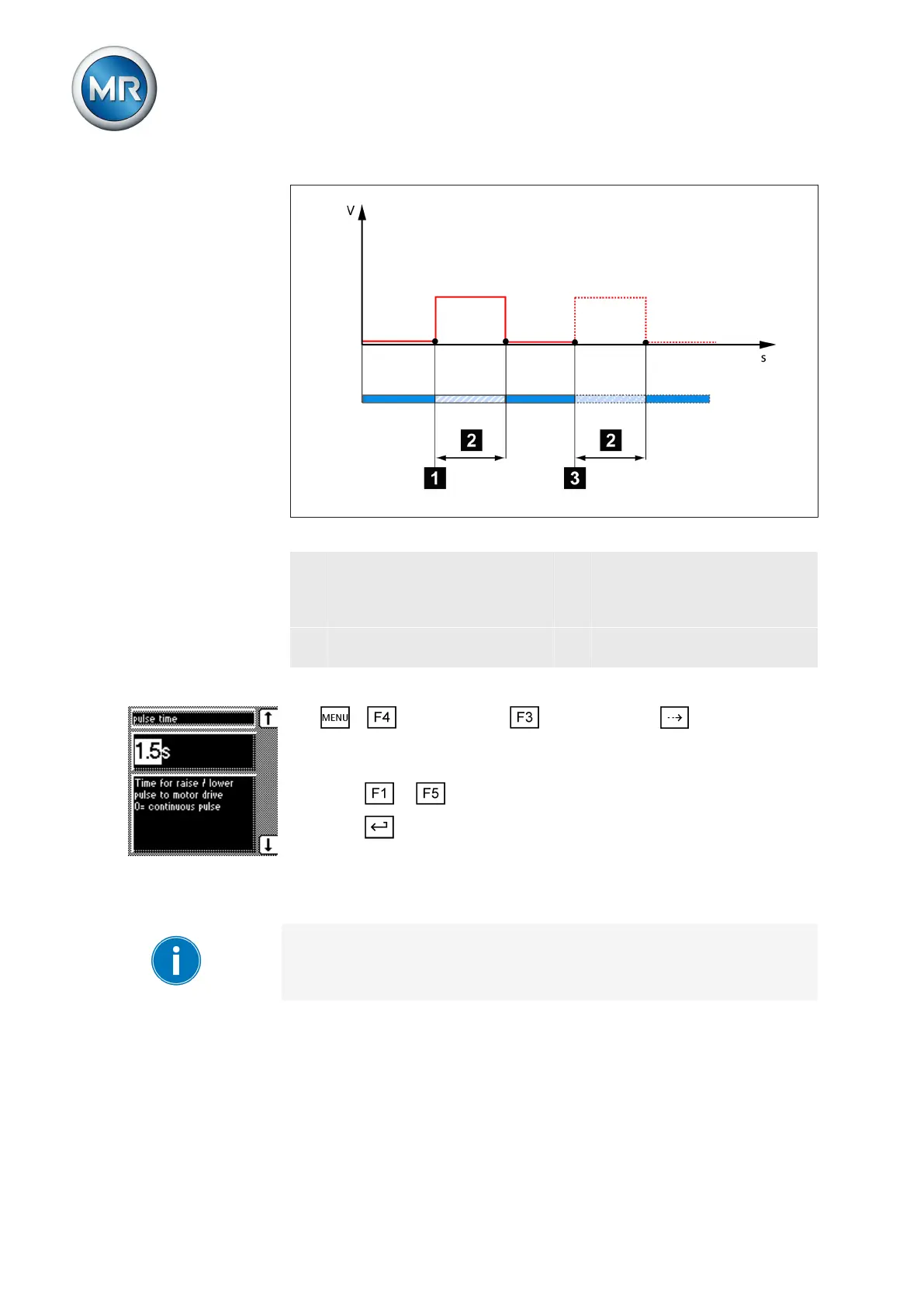
Figure 37: Switching pulse in rapid return control mode
1 Start of first raise switching
pulse/lower switching pulse
3 Earliest time for the next raise
switching pulse/lower switch-
ing pulse (for example
1.5 seconds)
2 Set switching pulse time (for
example 1.5 seconds)
To set the pulse duration, proceed as follows:
1. > Configuration > General > Press until the desired
parameter is displayed.
ð R/L pulse duration.
2. Press or to select the pulse duration you want.
3. Press .
ð The R/L pulse duration is now set.
Configuring control inputs IO1-X1:33/31
Depending on your device configuration, the following parameters can be
used by MR for special functions. In this case, these parameters are pre-as-
signed. You may not be able to view or freely assign these parameters.
You can use this parameter to assign functions to the freely configurable
control inputs. You can assign the following functions:
6.3.6



 To Next Page